Notes & process.
A place for observations,
experiments and practical 3D notes.
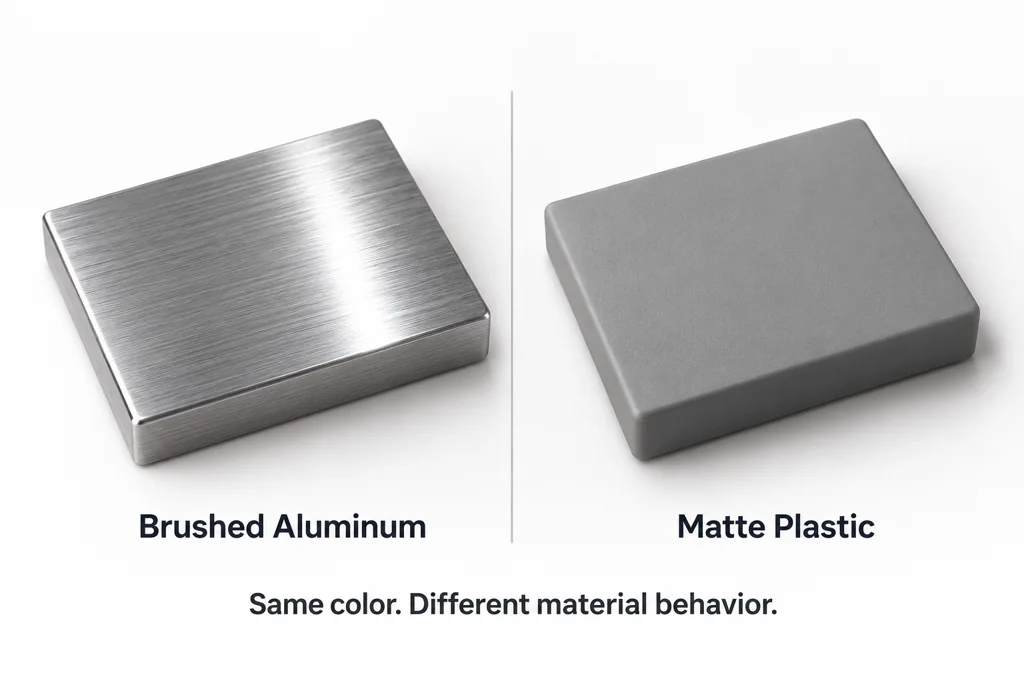
Convert OBJ to GLB without losing material intent
Convert OBJ and MTL assets to GLB by checking texture paths, material roles, UVs, scale, and PBR results in the target viewer.
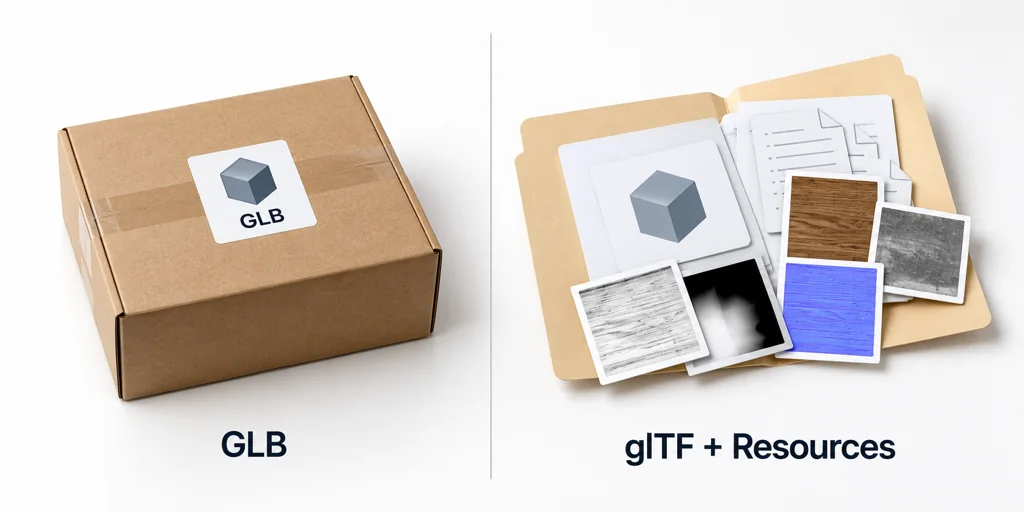
GLB viewer vs glTF viewer: review the asset package before you share it
Compare GLB and glTF review workflows and check packaging, resources, materials, scene structure, and target-viewer behavior before sharing.

3D product animation for e-commerce: decide what the motion needs to explain
Decide when 3D product animation helps an e-commerce page, define the customer question it answers, and set clear delivery checks.
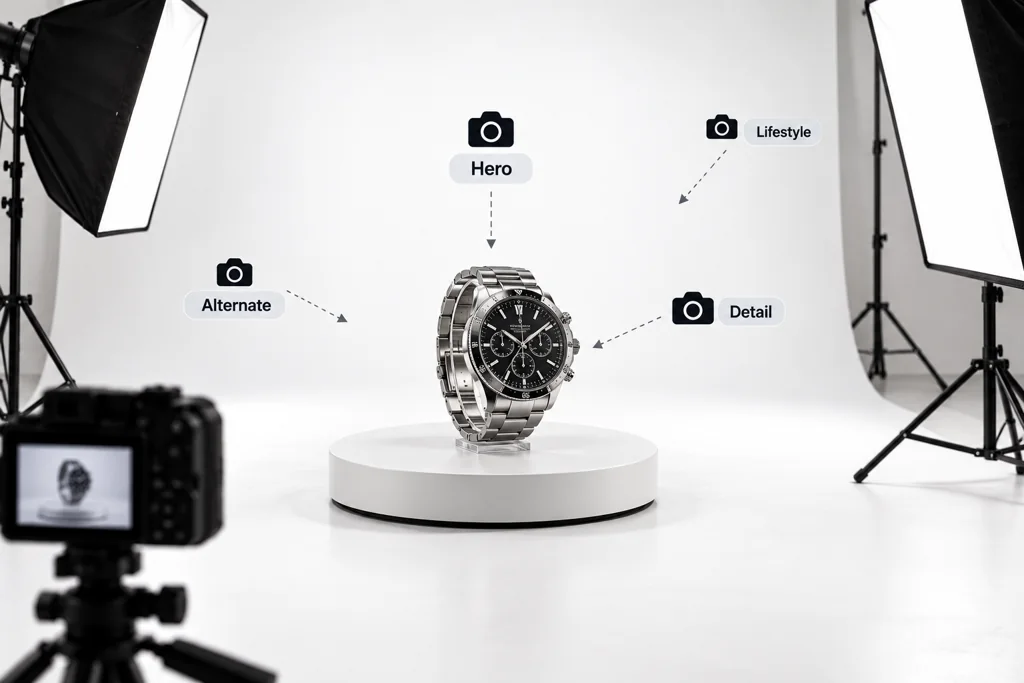
3D product image shot lists for e-commerce: define the views before rendering
Build a 3D product image shot list that defines the purpose, crop, product state, and approval rule for every e-commerce view.
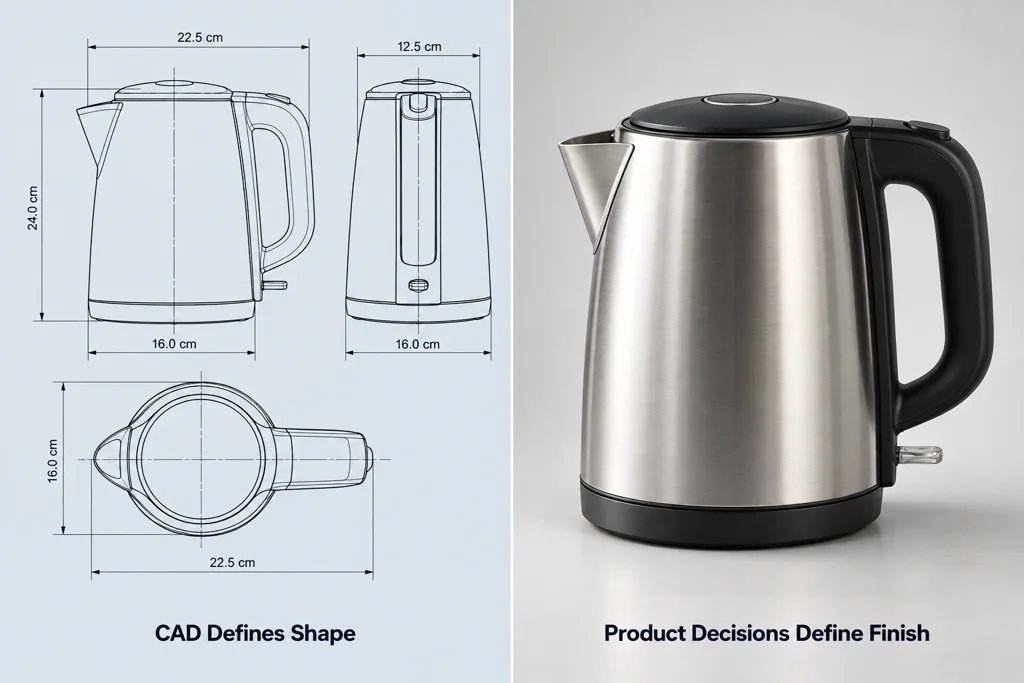
CAD data handoff for product visualization: decide what the render team needs before export
Prepare a CAD data handoff for product visualization: decide what the render team needs before export by defining product state, dimensions, materials, movable parts, labels, and reference authority.
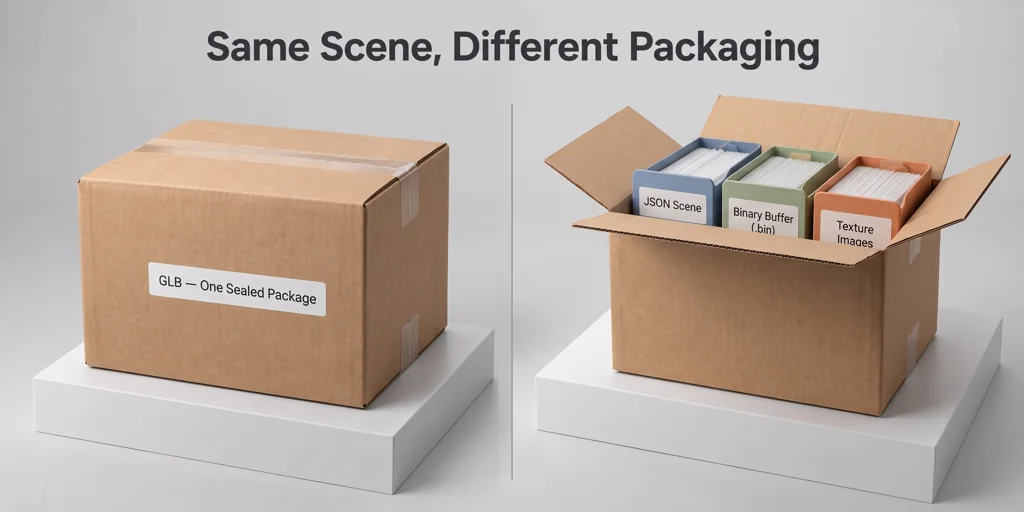
GLB vs glTF: choose the web delivery format that fits the handoff
Compare GLB and glTF packaging for web 3D delivery, including portability, resource inspection, caching, and target-viewer checks.
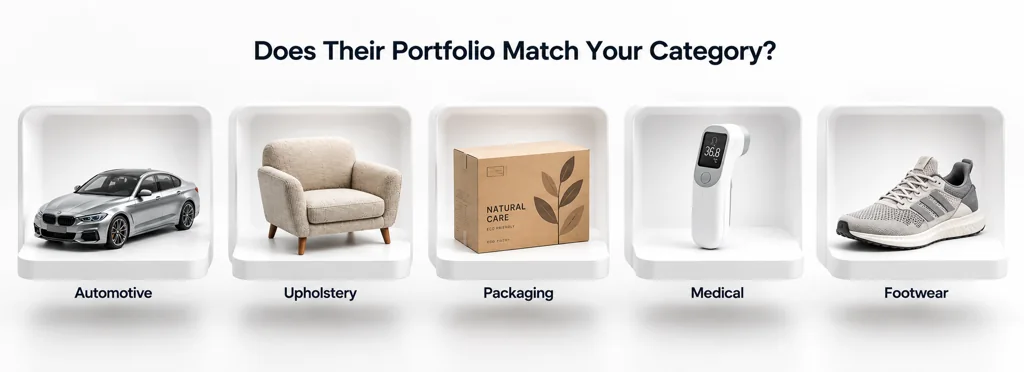
How to evaluate a 3D product rendering service before you start production
Evaluate a 3D product rendering service through source-data requirements, material review, revision process, deliverables, and reuse across channels.
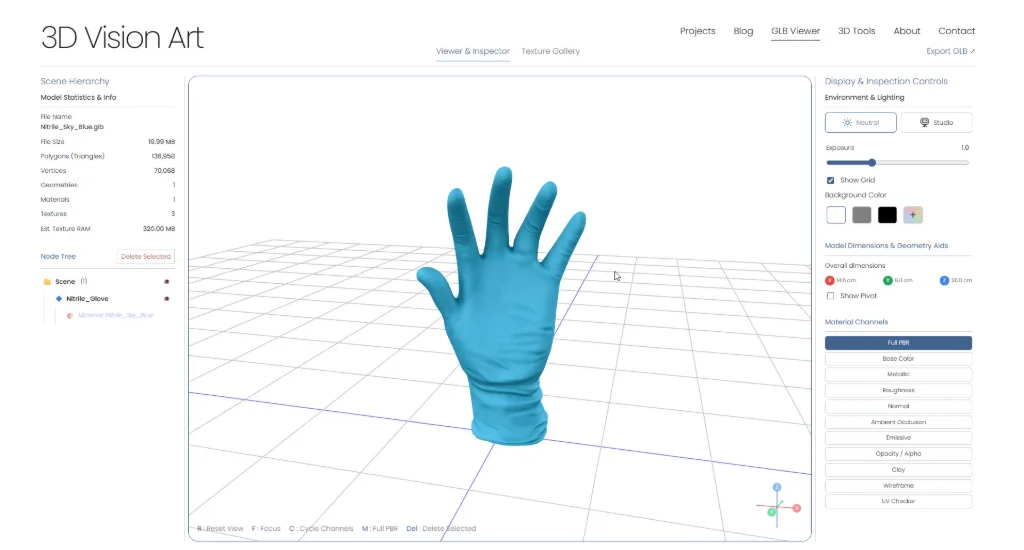
How to open a GLB file online: checks to make before you share it
Use an online GLB viewer as a practical review step, then check materials, scale, scene structure, and validation before sharing the asset.
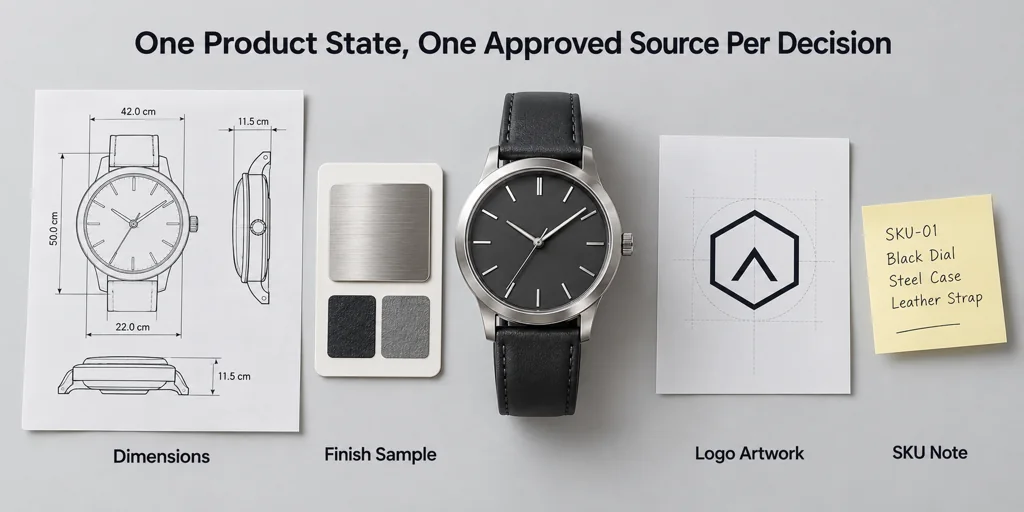
How to write a 3D product rendering brief that a production team can use
Create a clear 3D product rendering brief with source assets, required views, material references, deliverables, and approval criteria.
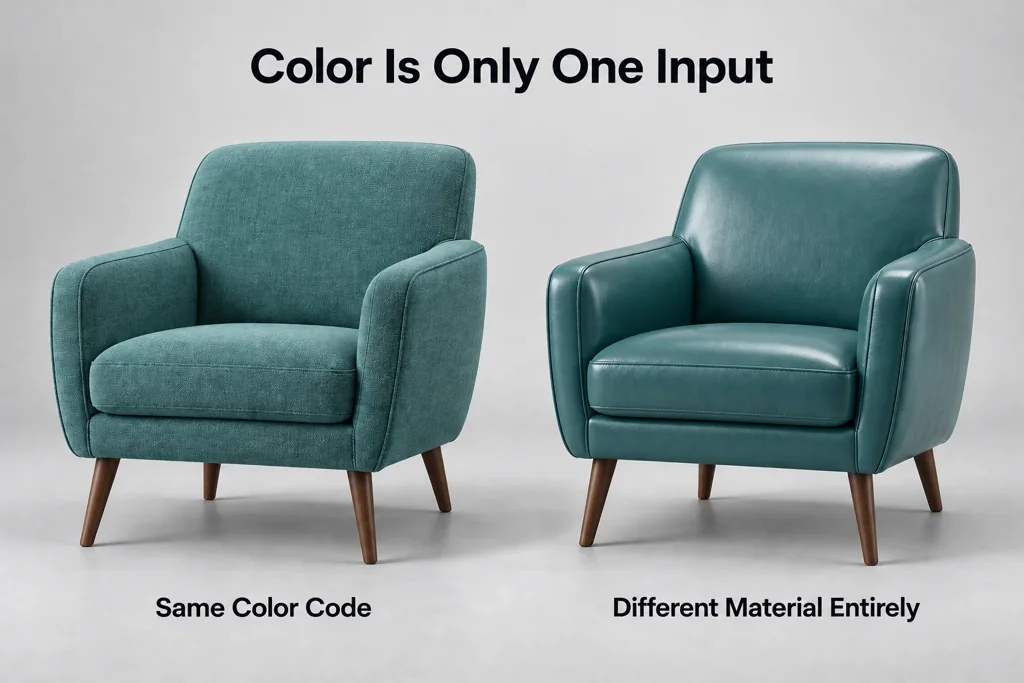
Product material reference packs: give a 3D artist evidence beyond a color code
Build a useful product material reference pack with physical samples, controlled photos, finish notes, texture scale, and clear source authority.
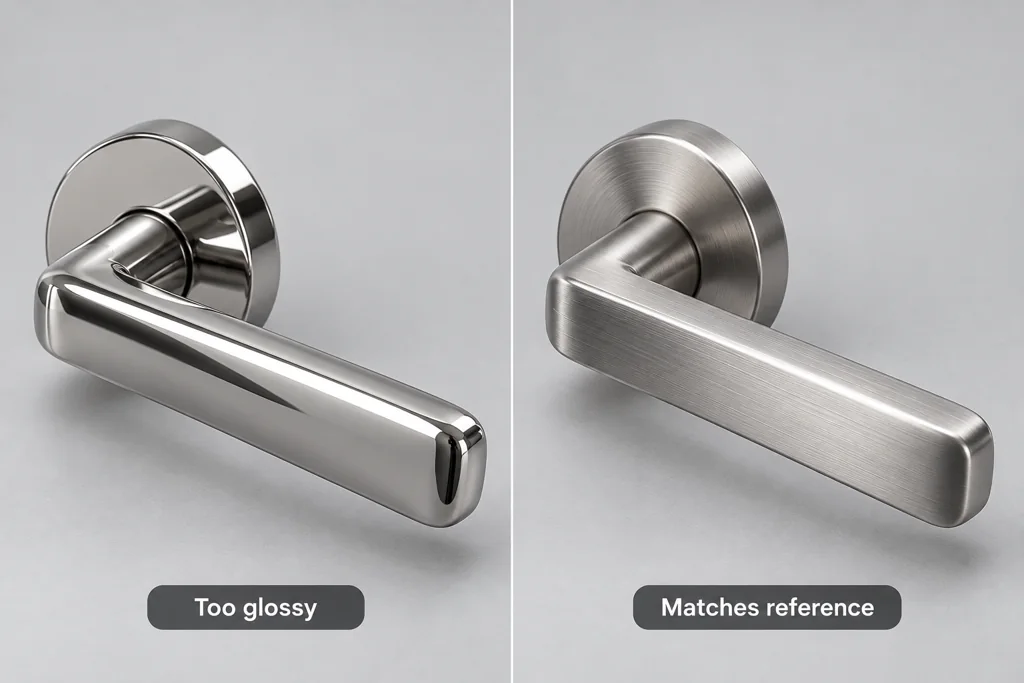
Product render feedback that 3D artists can act on
Give specific product-render feedback by separating product accuracy, material response, camera composition, and output requirements.
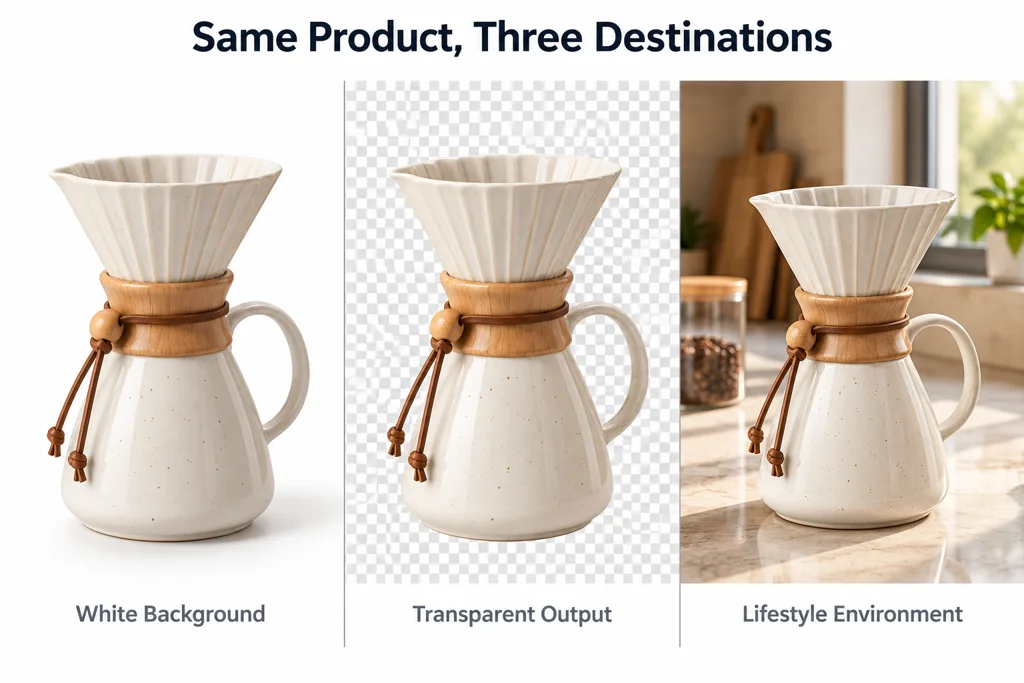
Product rendering backgrounds for e-commerce: choose white, transparent, or an environment
Choose white, transparent, or contextual backgrounds for product renders based on the page, marketplace rules, material readability, and reuse needs.