A color value is only one material input
A material can share a base color with another product and still look completely different. Coating gloss, roughness variation, metal response, weave, grain direction, scratches, and clear layers all change what customers see.
The core glTF material workflow uses base color, metallic, and roughness as separate properties. Use that distinction when you describe a product sample. State which part controls color, which part controls reflection, and which part controls surface detail.
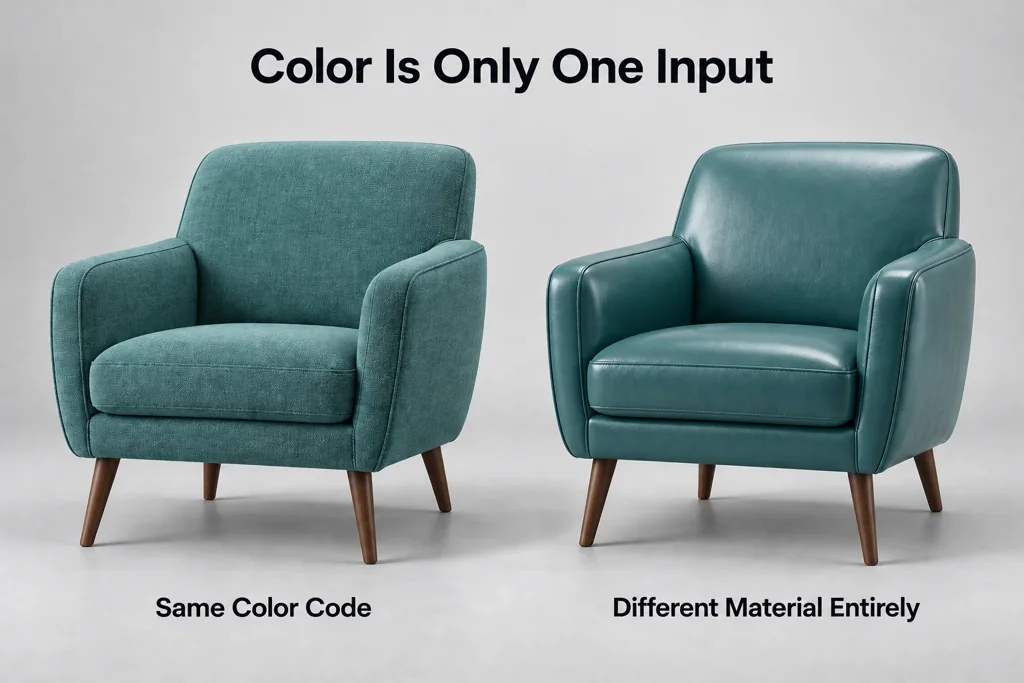
Collect references under useful conditions
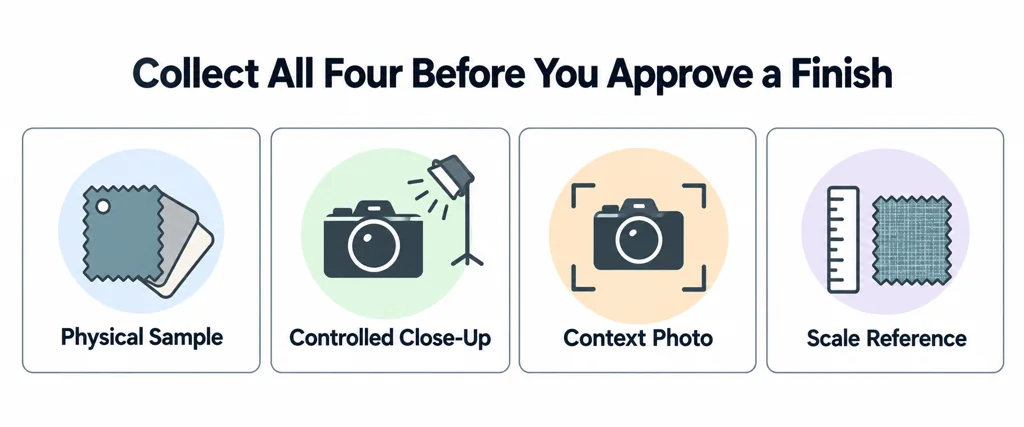
Include a physical sample when possible. Add close photographs under controlled light, a wide photograph that shows the product context, and notes about what the photo cannot represent. A phone photo taken in mixed light may help with texture pattern but not with exact color approval.
Record scale. A wood grain or fabric weave can look convincing at one scale and wrong at another. Include a ruler, known measurement, or product area reference when the texture repeat matters.
Label material boundaries
Map each reference to a named product part. A housing, handle, coating, decal, fabric panel, and internal part may all need separate material rules. If a finish changes by SKU, record the product code and the approved default.
This naming also helps a glTF exporter map material assignments and helps a viewer team debug a mismatched variant later.
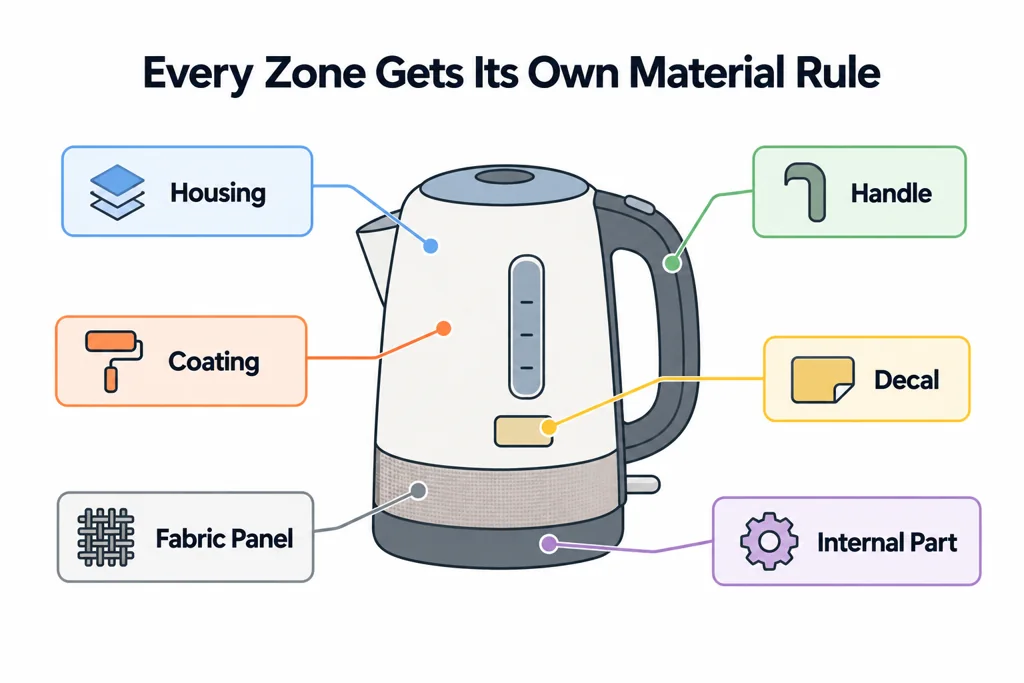
Make the reference pack usable without another meeting
Include a material ID, the part it belongs to, the relevant SKU, sample or photo source, physical pattern scale, direction, and the person who can approve it. For an ambiguous photograph, state what it can control. It may establish weave direction while remaining unsuitable for exact color judgment.
Keep a wide view and a detail view under documented lighting. A ruler or known dimension helps the artist avoid a believable but oversized grain pattern. Keep marks and decals separate from the underlying coating when they require different source authority.
For reflective finishes, include more than one useful lighting angle where possible. One highlight does not uniquely determine roughness or distinguish metal from coated plastic. Identify unresolved surface properties instead of forcing a color code to stand in for the complete material.
Review under the destination environment
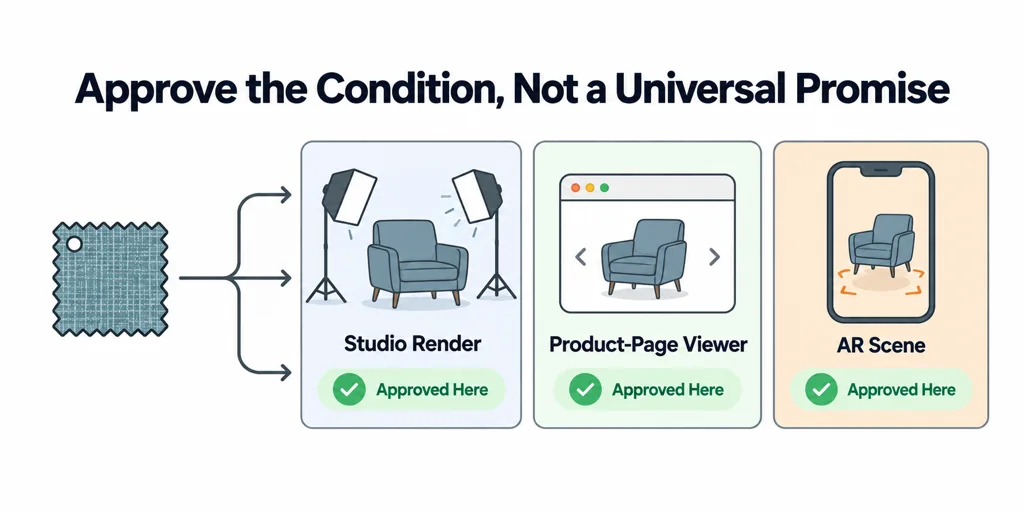
Approve the material under lighting that resembles its final use. A studio render, a product-page viewer, and an AR scene may have different environments. Record the approved condition rather than promising that one texture will look identical everywhere.
A useful reference pack gives an artist evidence to interpret. It does not force an image file to carry every material decision.