Notes & process.
A place for observations,
experiments and practical 3D notes.
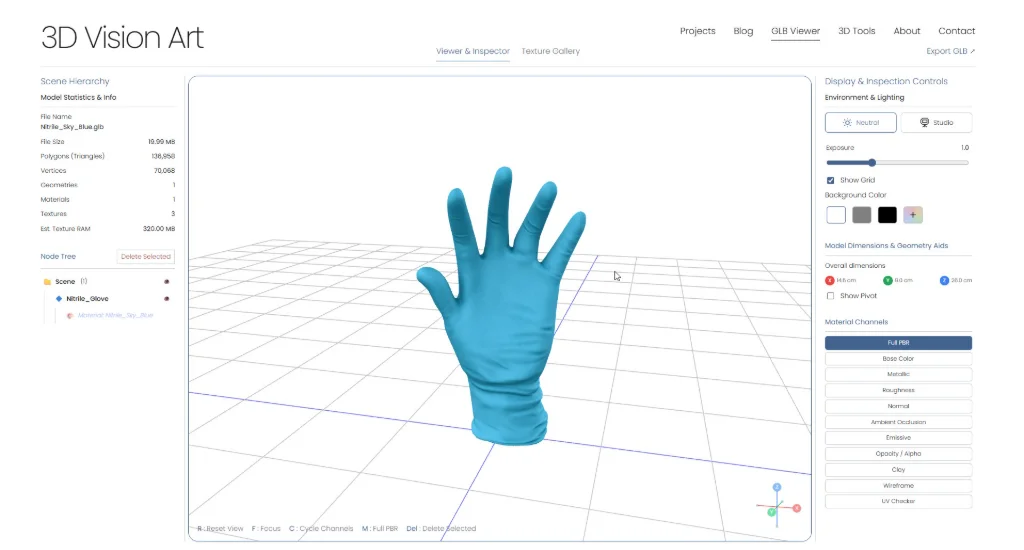
GLB Studio Pro: a workspace for reviewing 3D assets
Why I built GLB Studio Pro, and how its viewer, texture tools, and converter support the checks between a finished model and delivery.

Building a protein surface with Voxel Remesh in Blender
A process note from a medical visualization project: shaping an organic outer surface with overlapping objects, Voxel Remesh, and sculpting.
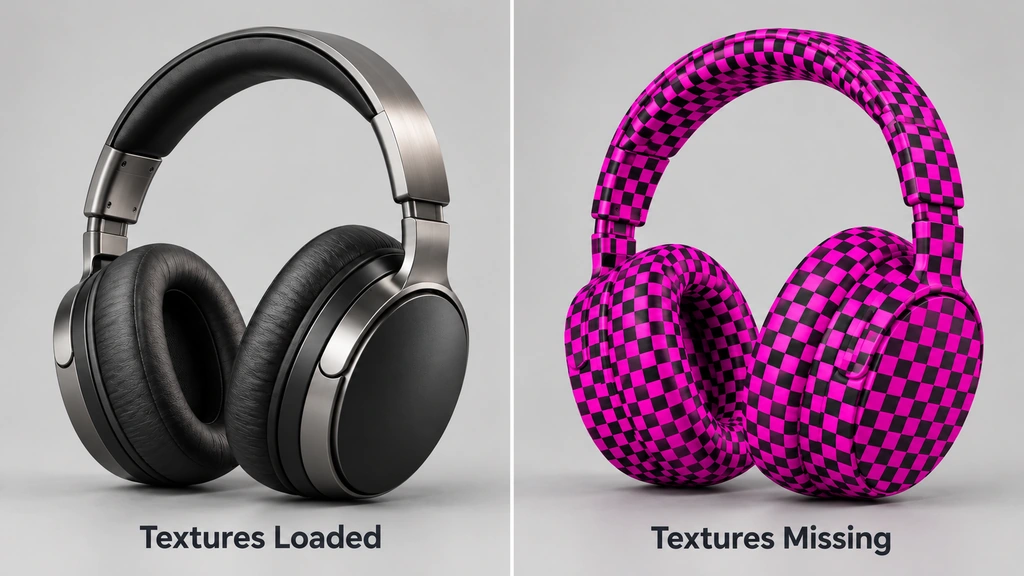
When textures disappear: checking a Blender GLB export
A practical sequence for checking image connections, packaging and material interpretation when a Blender export looks wrong.
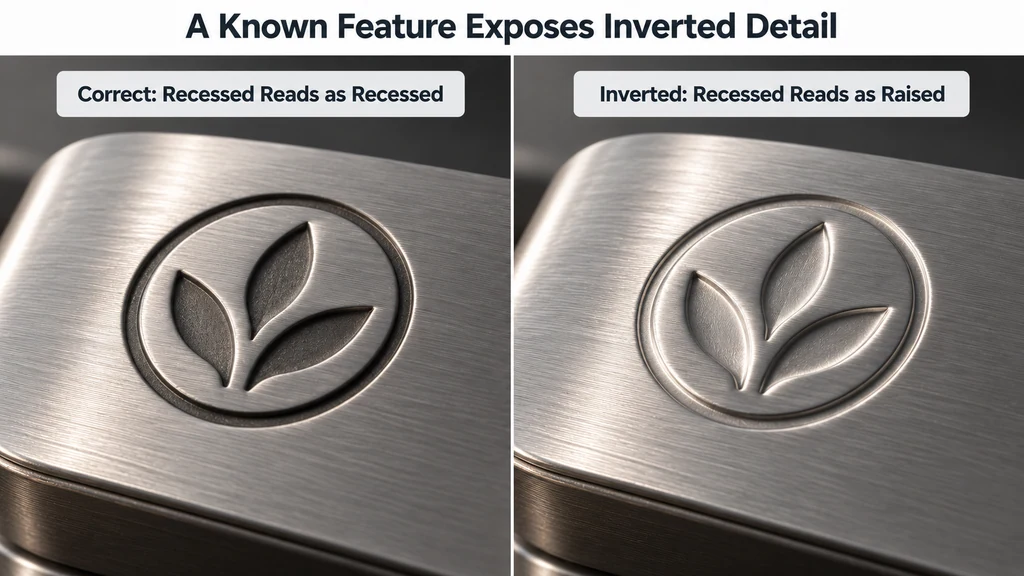
Is it the mesh or the map? Tracking down shading seams
A controlled way to separate geometry, UV and normal-map problems before changing texture channels.
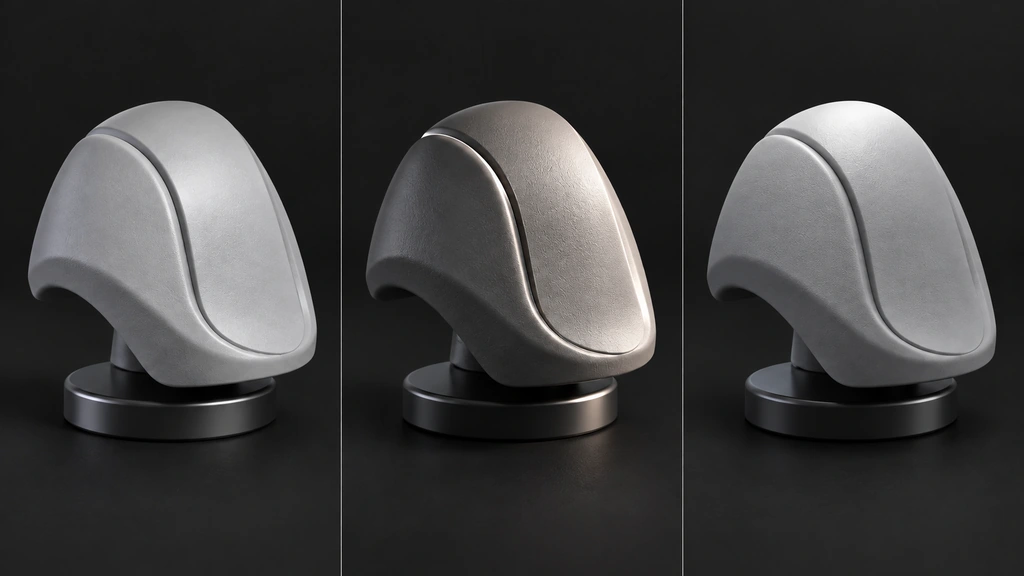
From detailed surfaces to a dependable PBR bake
Preparing the receiving mesh, checking baked normals and roughness, and reviewing the exported material.
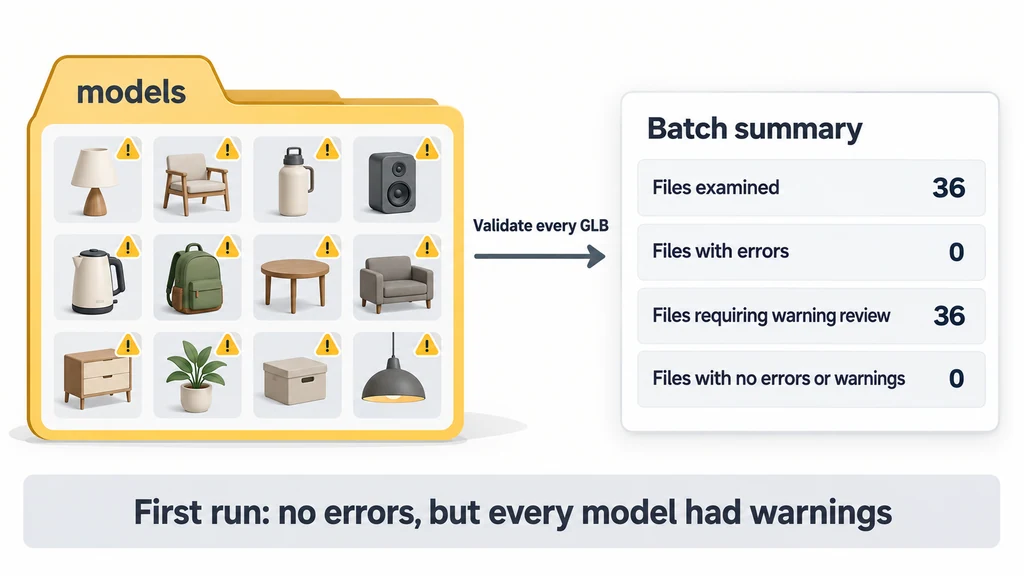
Batch-check GLB files with glTF Validator: a 36-model walkthrough
When you deliver a folder of product models, opening a few files leaves the rest unchecked. In this walkthrough, we will produce a report for every GLB and a spreadsheet summary of the whole batch. I ran the procedure on 36 models, then repeated it with one additional file containing a deliberate error.
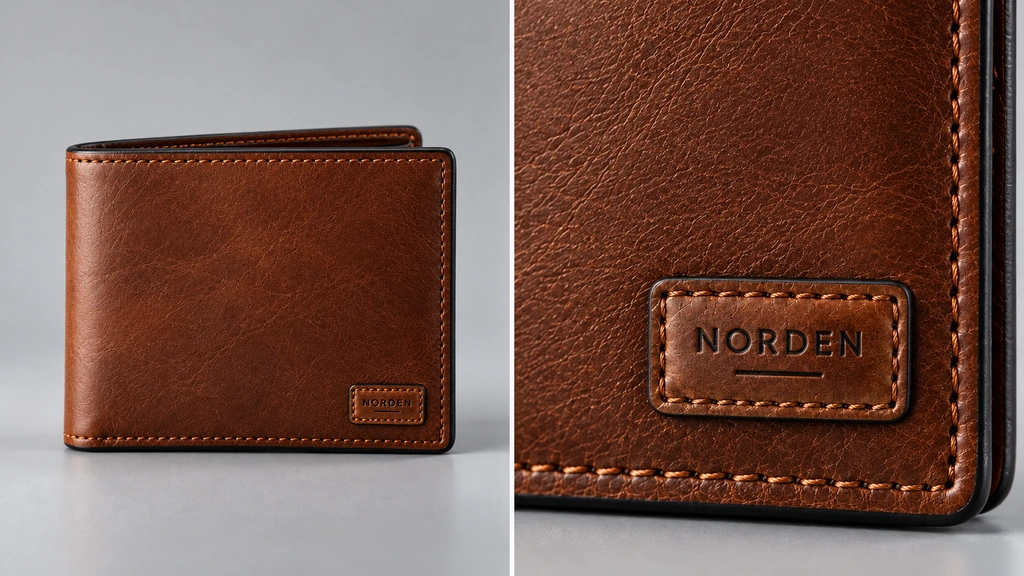
Does this asset need 4K? Let the camera decide
Choosing texture sizes around visible detail, UV coverage and the closest useful view.
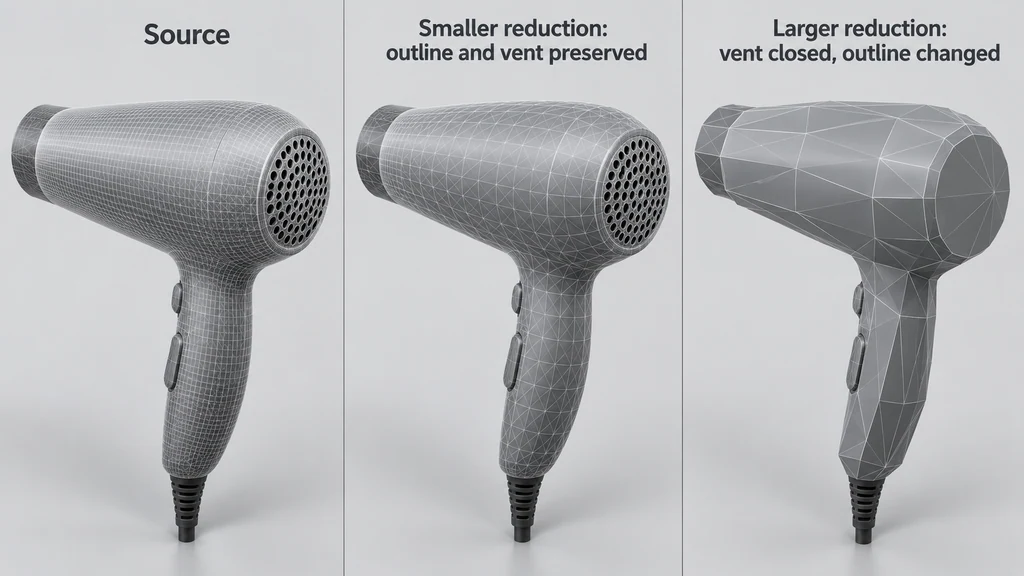
Fewer triangles, the same product: reviewing mesh reduction
Protecting outlines, openings and component boundaries while reducing a real-time asset.
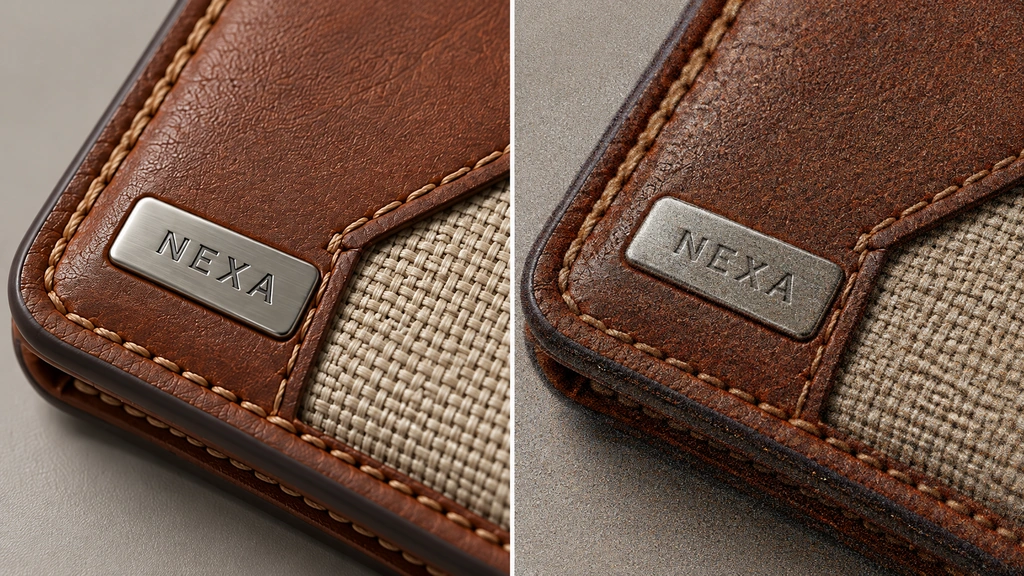
A cleaner render should still keep the detail
Checking whether denoising preserves fine lettering, surface grain and moving highlights.

Build the details your close-up will reveal
Deciding when a seam, bevel or opening needs geometry and when a material treatment is enough.
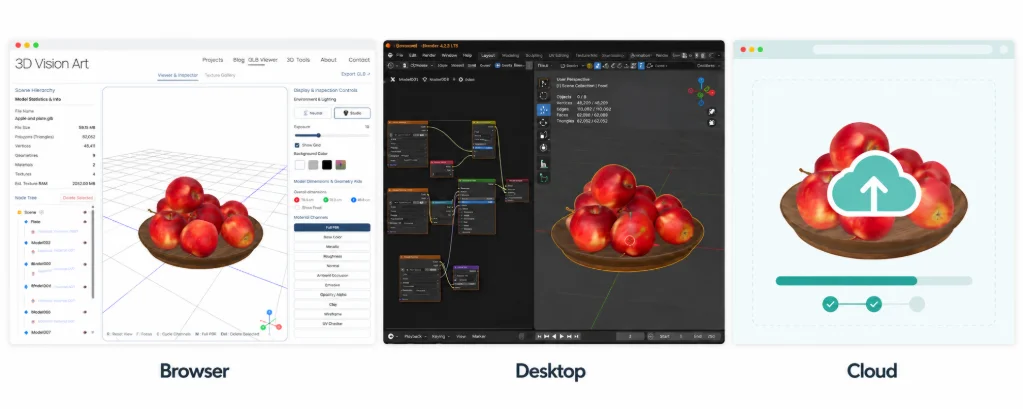
Choose a 3D model converter: browser, desktop, or cloud
Choose a browser, desktop, or cloud 3D converter by comparing file sensitivity, source compatibility, repeatability, validation, and delivery requirements.
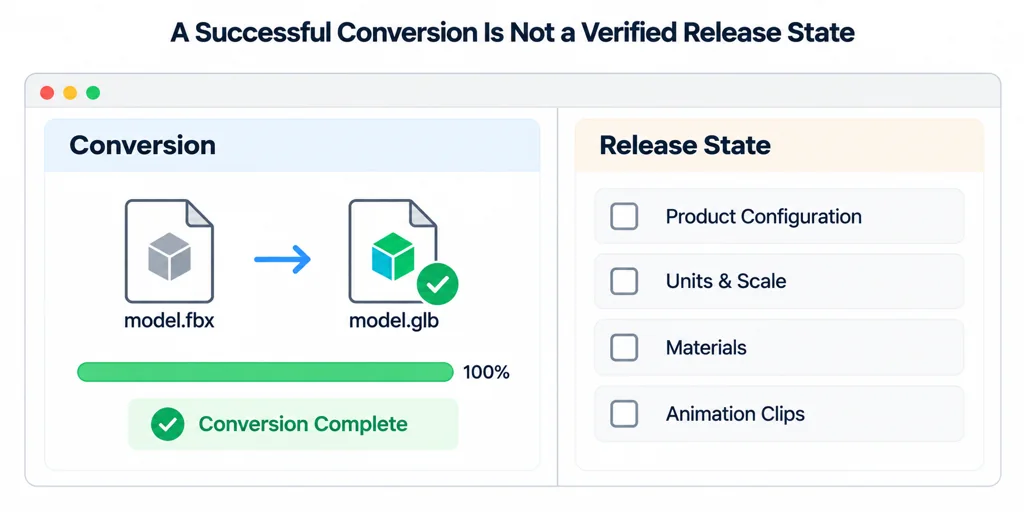
Convert FBX to GLB for web delivery: preserve the product decisions you need to review
Convert an FBX asset to GLB for web delivery by checking scene scale, materials, animation, textures, and the result in the target viewer.