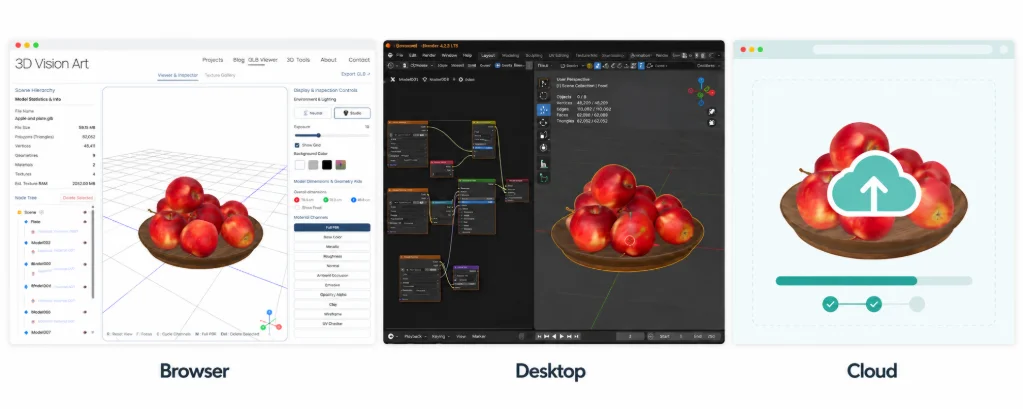
Start with the conversion job
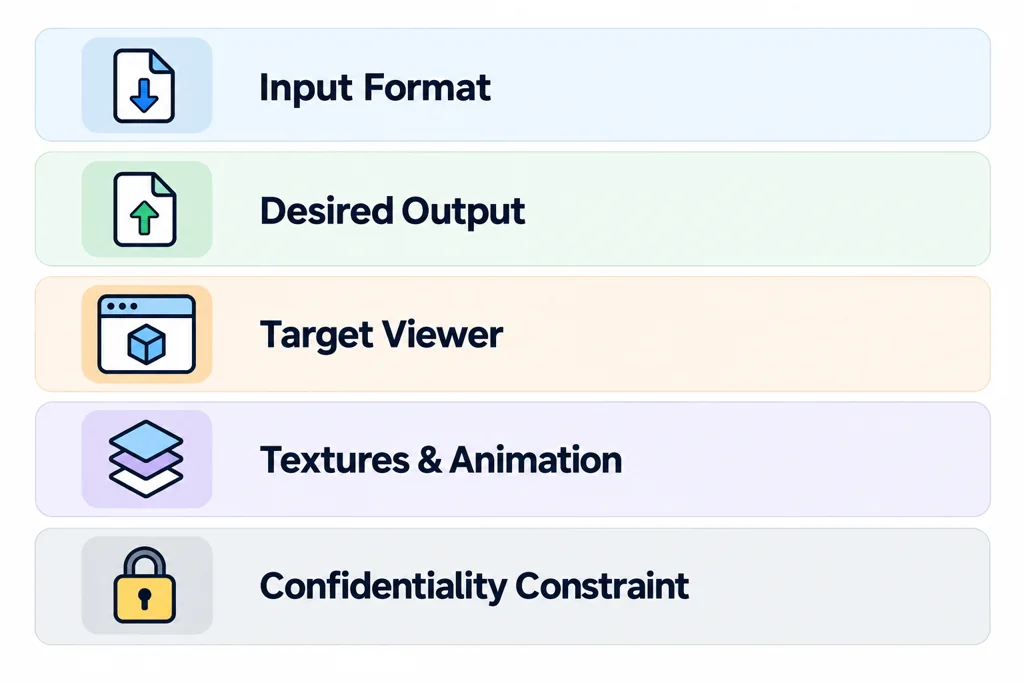
Define the input format, the desired output, and the target viewer. A one-off preview has different needs from a repeatable production conversion. List the source files, expected textures, animation, materials, scale requirements, and any confidentiality constraint before selecting a tool.
Use a browser workflow when local handling fits the job
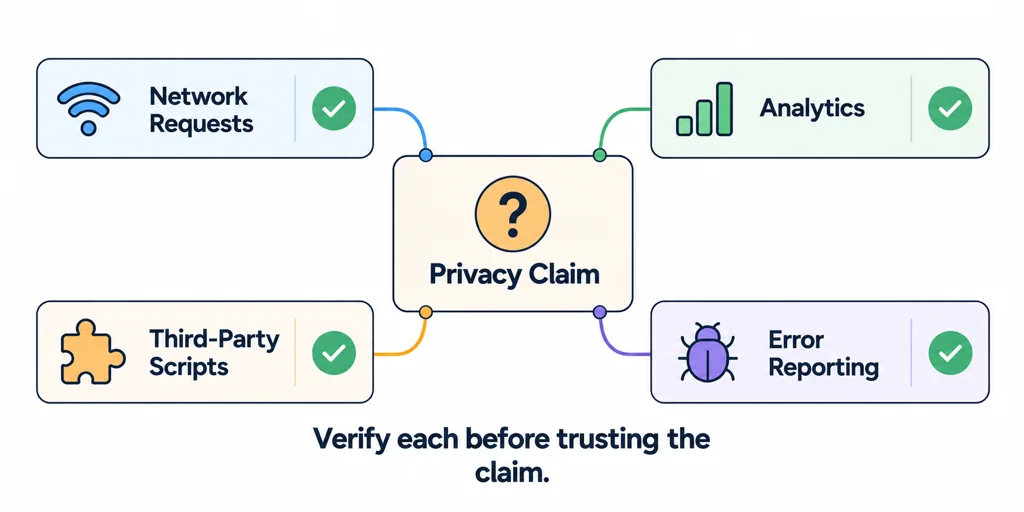
A browser-based workflow can suit an inspection or conversion task when the product supports the source and output formats, the file fits the device budget, and the team can validate the exported result. Inspect the deployed workflow before making a privacy claim. Network requests, analytics, third-party scripts, and error reporting matter as much as the file picker.
Use a desktop workflow when you need authoring control
A desktop DCC can be the better choice when conversion requires repair, retopology, UV work, shader reconstruction, or animation cleanup. It gives the artist access to the scene, but it does not remove the need for a target-viewer test. Keep the source scene and record export settings so the conversion can be repeated.
Use a cloud workflow only with a clear data decision
A cloud converter may help with collaboration or a supported format path. Before uploading, confirm retention, access control, region, contract terms, and the exact source files that leave the team. Do not use a general claim such as “secure” as a substitute for those checks.
Compare environments against one representative asset
| Requirement | Browser | Desktop | Cloud |
|---|---|---|---|
| Data handling | Verify local versus remote stages and dependencies. | Review local tools and any connected services. | Review provider access, storage, and retention. |
| Geometry or UV repair | Depends on the implemented tools. | Often offers direct authoring controls. | Depends on the service's supported operations. |
| Heavy or complex input | Limited by format support and device resources. | Depends on application and workstation capabilities. | Depends on service limits and conversion support. |
| Repeatability | Record application version and settings. | Preserve scene, scripts, and export settings. | Retain job settings, service version where available, and outputs. |
No environment is automatically private, accurate, or fast for every input. Test an asset with the project's important hierarchy, material, and animation features before selecting the workflow.
If the test needs extensive shader reconstruction or topology repair, the conversion job includes authoring work. If it is a repeated approved conversion, automation may be appropriate. Keep that distinction visible when comparing a free preview with a complete production deliverable.
End with a delivery test
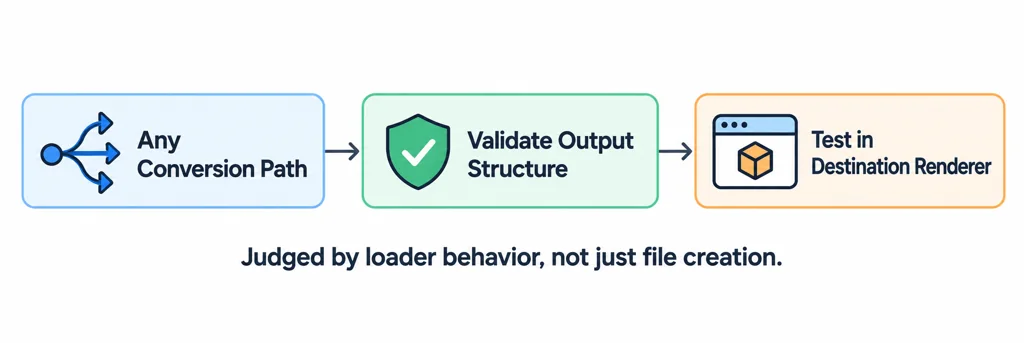
Whichever path you choose, validate the output structure and inspect it in the destination renderer. glTF is designed as a runtime delivery format, so a GLB result must be judged by the behavior of the target loader, materials, scene structure, and product state, not only by whether a converter created a file.