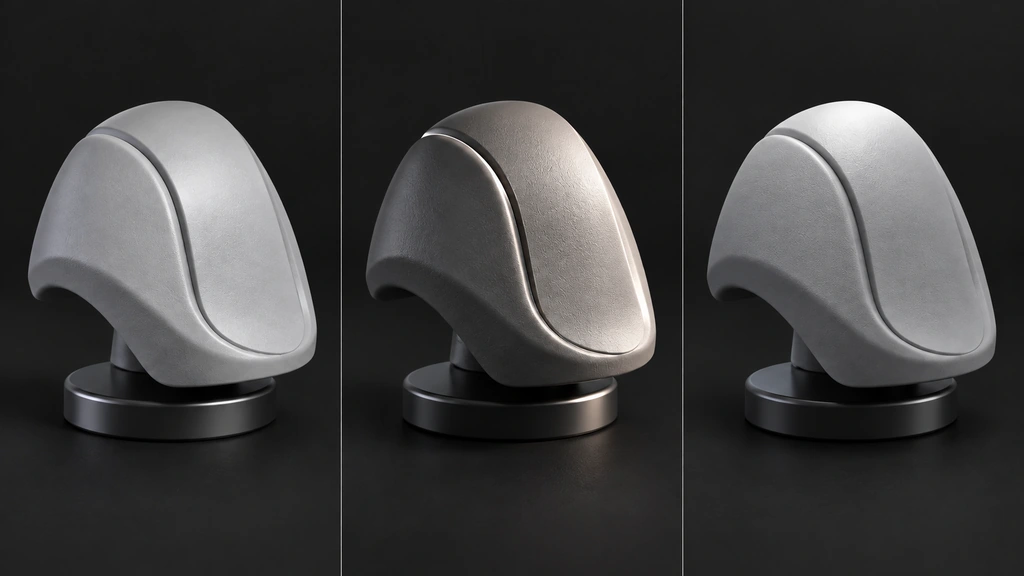
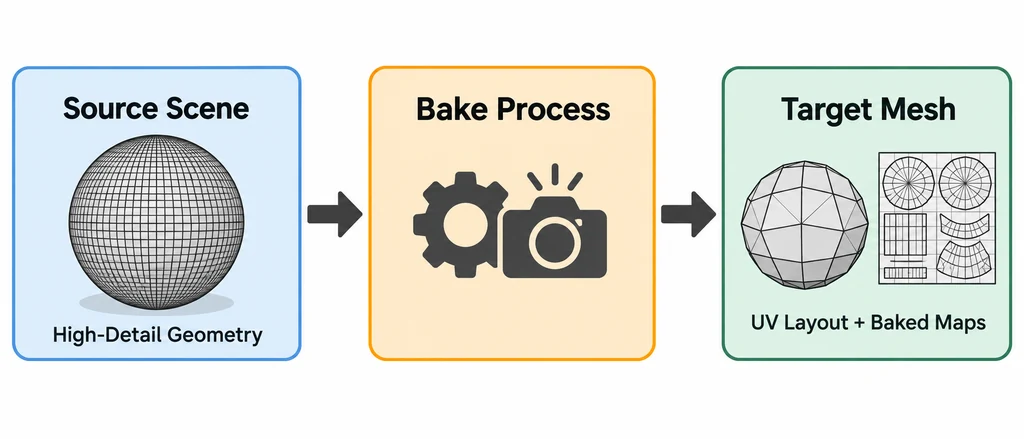
A bake transfers selected surface information to a mesh and its UV layout. At 3D Vision Art, this is a useful way to explain the handoff between detailed authoring work and an asset prepared for real-time viewing. The important question is whether the resulting maps still describe the intended surface.
Prepare the receiving mesh
Set the target topology, UV layout and shading before baking. Check overlapping UVs where unique surface information is needed, and identify the material boundaries that must survive the transfer. Keep the high-detail source and receiving mesh distinguishable.
Choose the bake types the destination material actually needs. A normal bake, ambient occlusion and a combined lighting result have different purposes. Baked lighting should not accidentally become part of a base-color map intended for dynamic lighting.
Keep the maps identifiable
Name each image by its material and role. Record the target UV set, image resolution and relevant bake settings. If the target mesh or UVs change, review whether the existing maps remain valid before reusing them.
For projection problems, inspect the cage or ray settings where the selected bake method uses them. Fix intersections and missed regions before judging the final material.
Trace a failed bake back to its inputs
On a delivery copy, confirm the receiving UV map, the active destination image, and the intended source objects before starting the bake. Keep nearby parts separate or isolate their projection when rays could hit the wrong component.
| Symptom | Check first |
|---|---|
| Missing or dark patches | Ray reach, cage intersections, and source visibility. |
| A neighboring part appears in the map | Projection hitting unintended geometry. |
| Seams after export | Final UVs, triangulation, vertex normals, and tangent interpretation. |
| Lighting remains fixed when the object turns | Direct or indirect lighting may have entered a material map. |
For an albedo-style result in a dynamically lit viewer, transfer surface color without the studio's direct or indirect illumination. Keep AO, roughness, and normal data distinct from a combined beauty image. The exact bake controls depend on the Blender version and the source shader. Record them instead of assuming that one preset handles every graph.
A normal bake depends on the receiving mesh. Finalize the relevant topology and shading before approval, and repeat the bake when those changes invalidate it. Keep the source, cage if used, settings, and output images together so a later correction can be reproduced.
Review normals and roughness separately
Move a broad light across the surface to expose normal-map seams and projection errors. A normal map can change the appearance of a surface, but it cannot repair a missing opening or an incorrect silhouette.
Then inspect roughness with readable reflections. Flat lighting can hide the difference between a carefully authored finish and an unsuitable map. Keep the environment fixed when comparing versions.
Finish with an export check
Place the maps in their intended material inputs and open the exported asset in the destination viewer. Review color interpretation, texture orientation, material response and visible seams.
If compression or resizing is part of delivery, repeat the review after that operation. The bake preview is one checkpoint. The exported asset is the one that needs to hold up in use.