The viewer is not the review contract
A viewer answers whether a renderer can open the asset. It does not automatically confirm that the correct resources, product state, or export settings were used. Start by recording the asset version, product configuration, target page, and viewer that will receive the release.
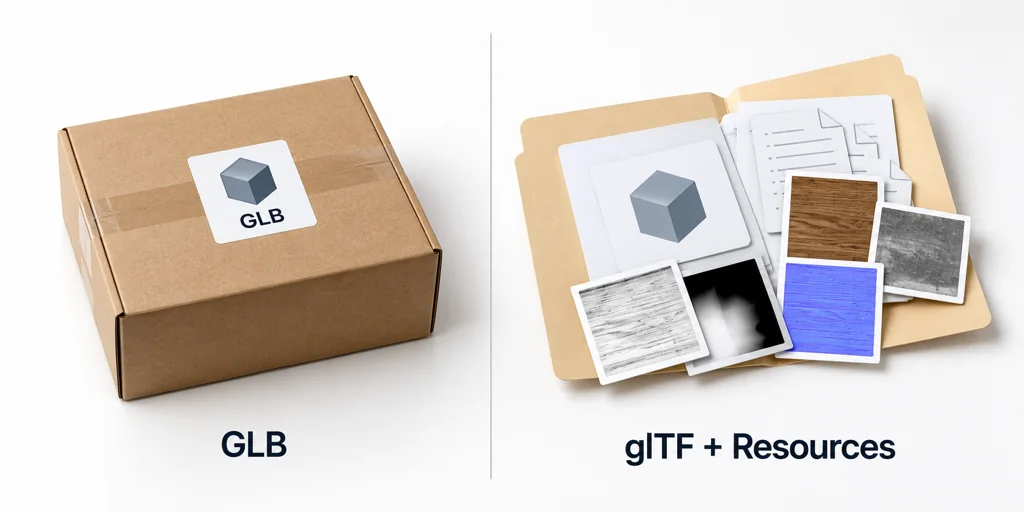
Review a GLB as one package
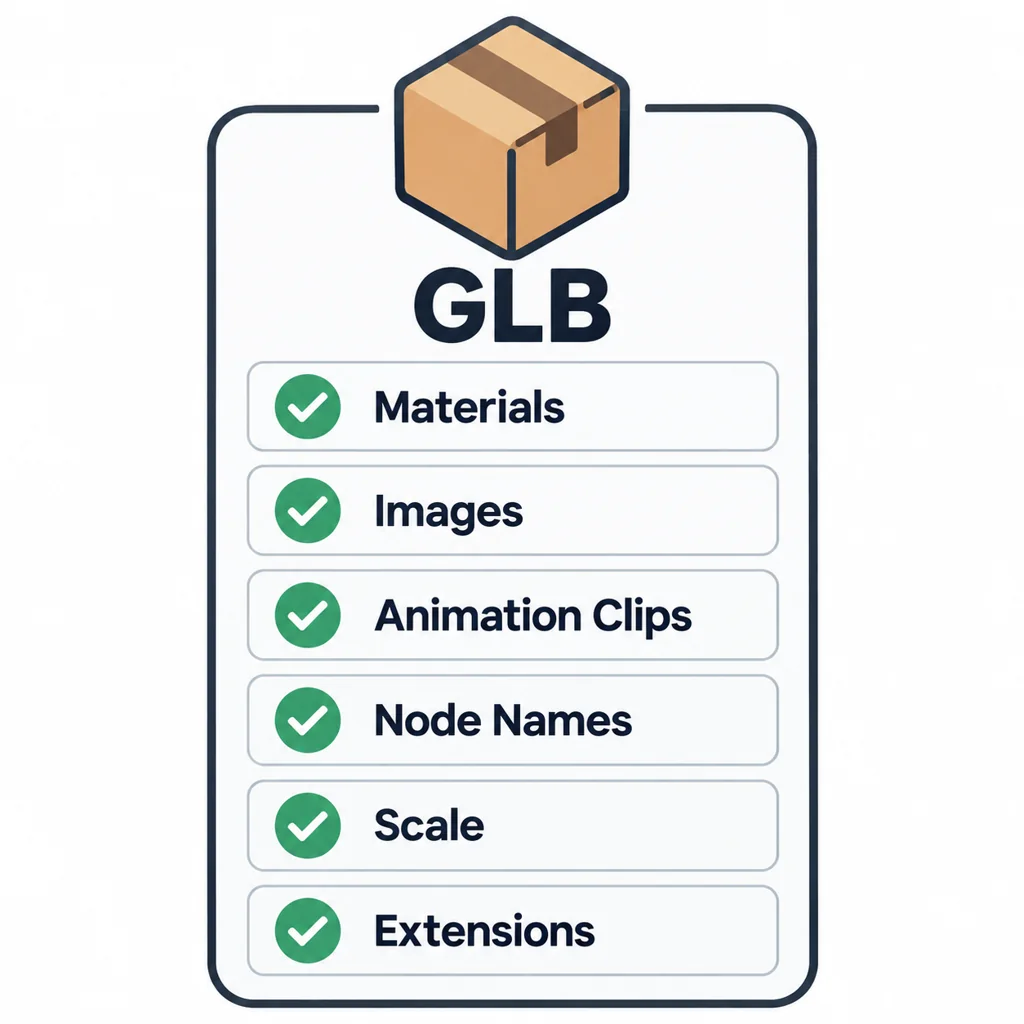
A GLB can place JSON scene data and binary resources in a single container. That makes a handoff easier to move, but it can hide the individual texture and buffer decisions from a quick folder inspection. Check the reported materials, images, animation clips, node names, scale, and extensions before approving the file.
Review a separate glTF as a resource set
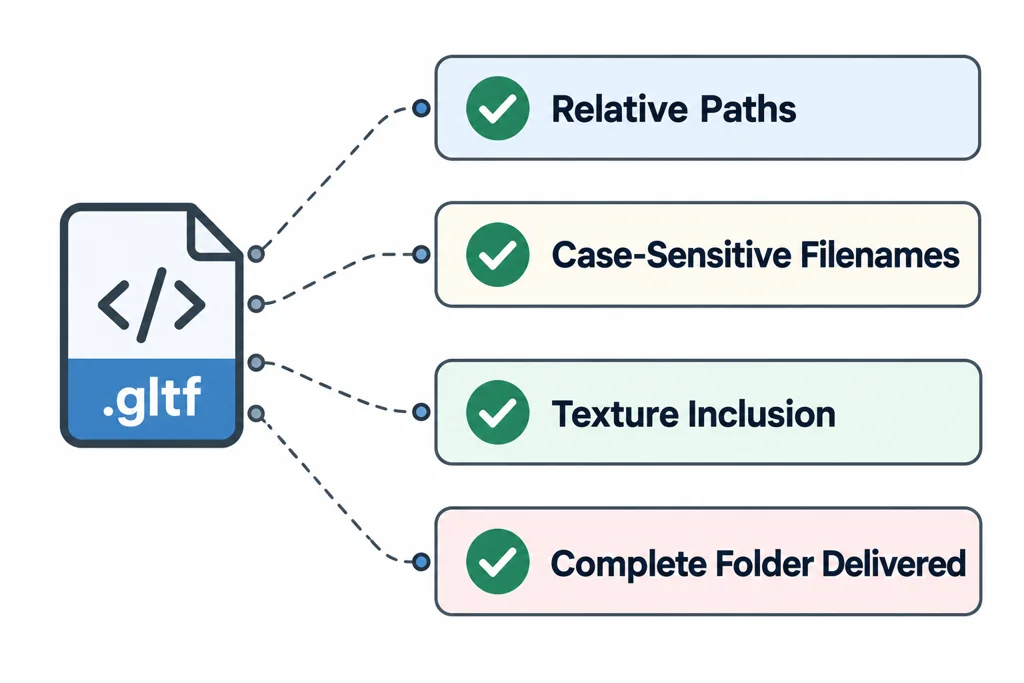
A .gltf file can refer to external buffers and images. Review the JSON file and every referenced resource together. Confirm relative paths, case-sensitive filename behavior on the delivery server, texture inclusion, and whether the recipient receives the complete folder. A viewer that opens from a local directory may not expose a missing deployment resource.
Compare the same asset in the target path
Use the same camera, environment, and material settings when comparing a GLB and a separate glTF export. Then test the format in the actual loader or storefront component. Three.js documents GLTFLoader for glTF assets, but loader support does not replace validation of a required extension or product-specific visual review.
Compare packaging under the same renderer
| Check | GLB | Separate glTF resource set |
|---|---|---|
| Resources | Inspect embedded data and any external references still present. | Resolve every referenced buffer and image. |
| Transfer | One container can simplify a handoff. | Keep the folder structure and case-correct paths. |
| Local review | Select the actual release file. | Use a supported folder loader or local server with the complete package. |
| Rendering | Check materials, extensions, scale, and behavior. | Apply the same checks under the same viewer configuration. |
The filename extension does not define a different shading engine. GLTFLoader can handle both packaging forms, while individual viewer products can still differ in configuration and supported features.
Opening a glTF JSON file through a file URL or dropping only that file may leave its external resources inaccessible. Use the application's documented package-selection path. Do not disable browser security to hide an incomplete handoff, and do not describe GLB as guaranteed self-contained without inspecting its URIs.
Share a small release record
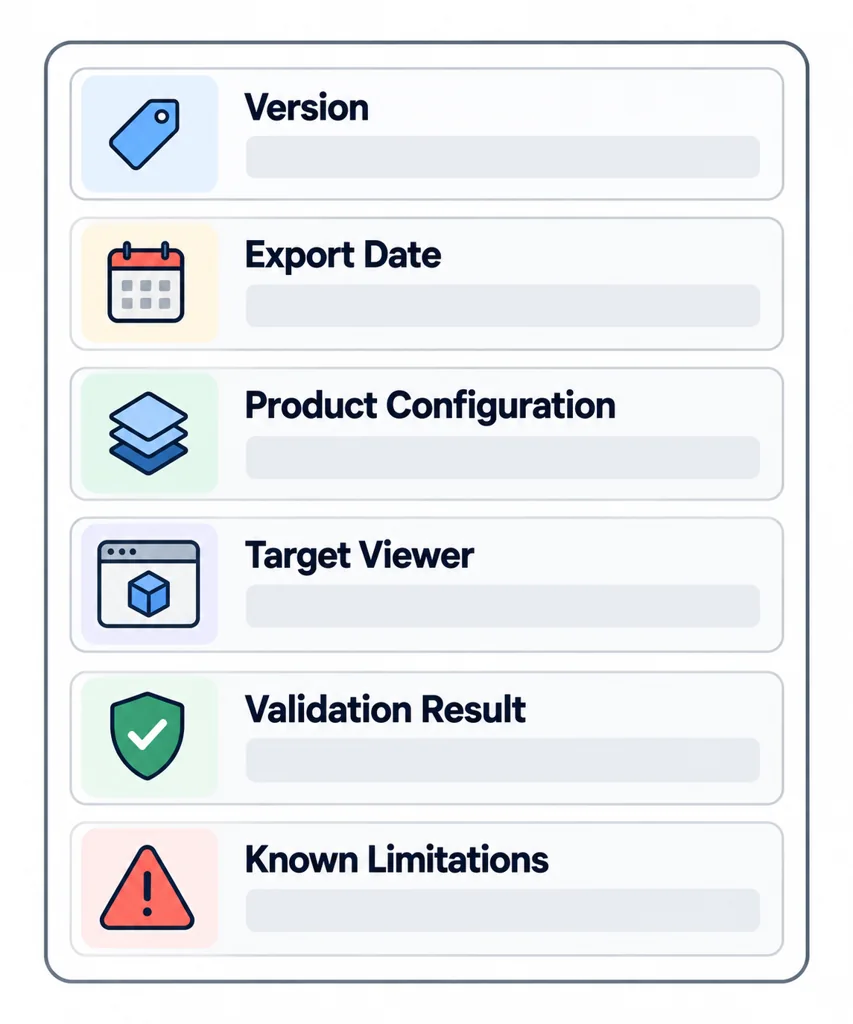
Send the file or folder with its version, export date, product configuration, target viewer, validation result, and known limitations. This turns “it opened on my computer” into a handoff another person can repeat.