Motion needs a customer question
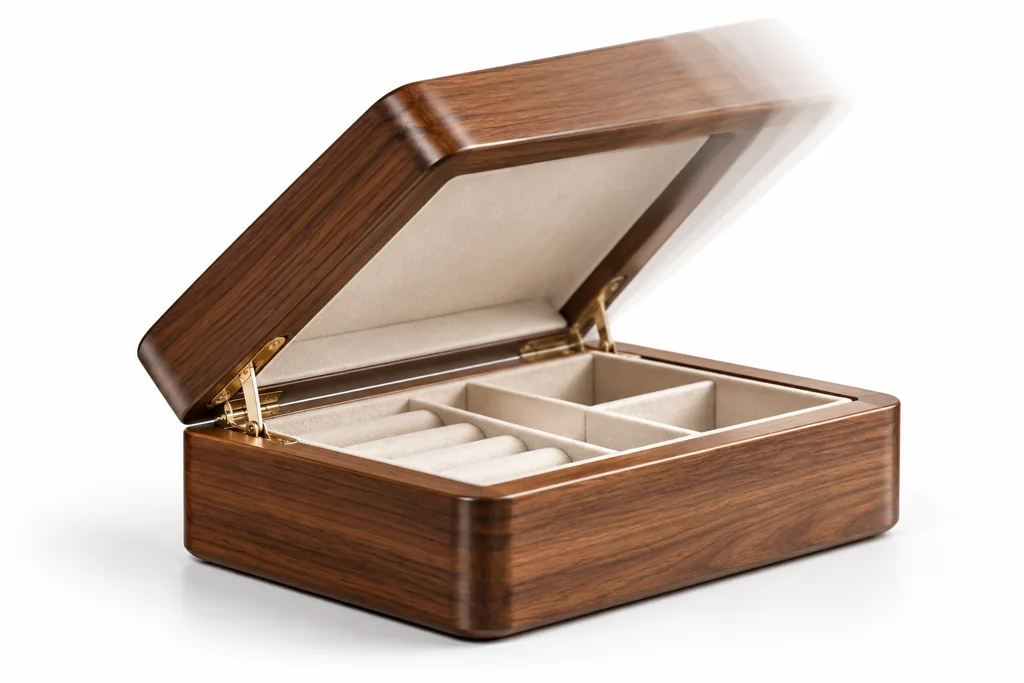
Use animation when a still image cannot explain a state change. It can show a lid opening, a fold, a cable route, a configuration change, or a mechanism. A slow spin can help a viewer inspect form, but it does not explain every product.
Write the question before you plan the timeline. “How does the hinge open?” is clear. “Make it feel premium” is not a production instruction.
Pick one action per clip
Keep a customer-facing clip small and named by its outcome. A product page can have a short open-lid clip and a separate show-finish transition. A single long animation that tries to present every feature is hard to control and hard to reuse.
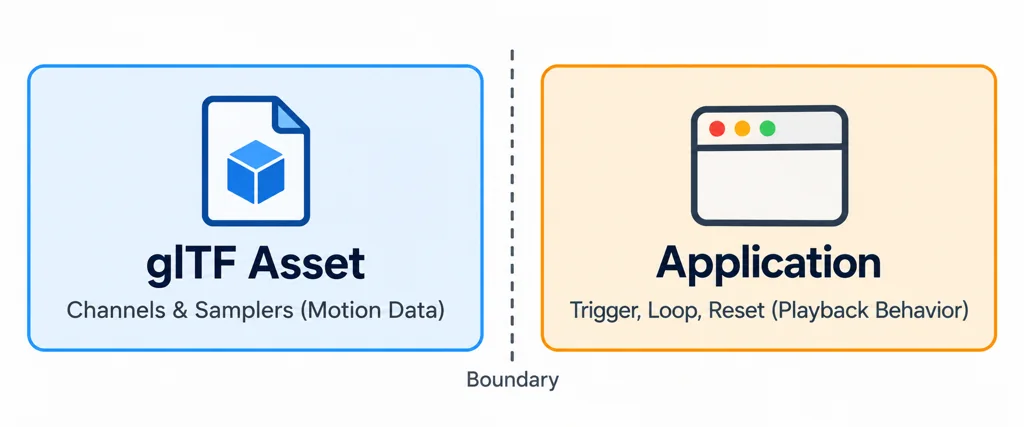
The glTF format stores animation data as channels and samplers, while the application decides when to play, loop, or reset it. That boundary matters. The asset team owns the motion data. The product team must define the trigger and the state that follows playback.
Plan the fallback
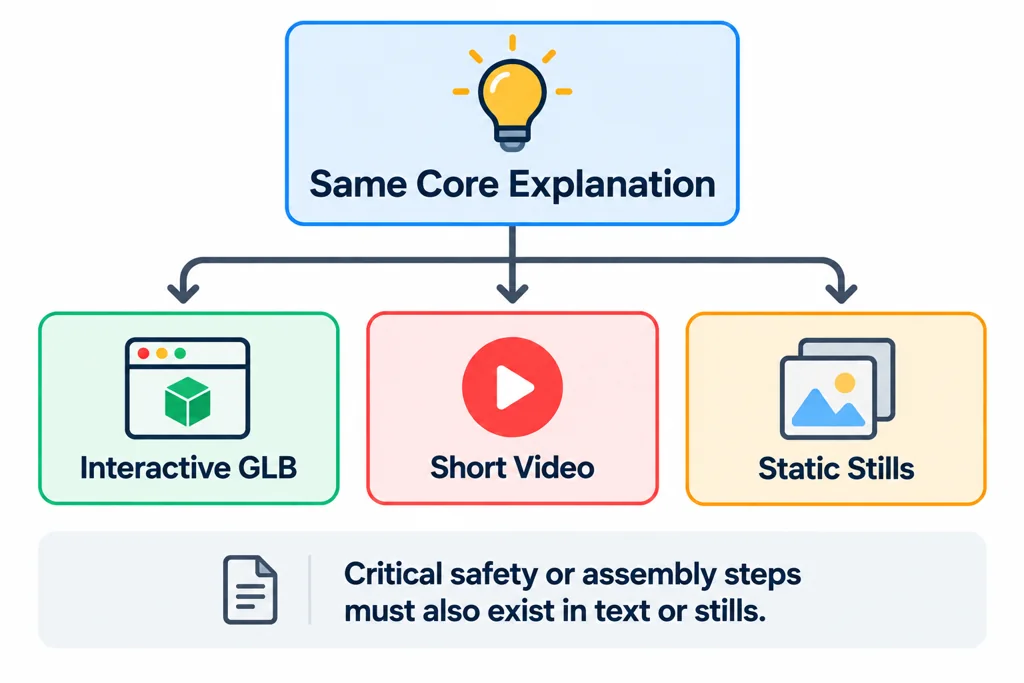
Not every destination supports the same animation behavior. A product page may use an interactive GLB, a short video, or static stills depending on performance, platform, and page purpose. Define a fallback that preserves the core explanation.
If the animation demonstrates an essential safety or assembly step, provide the same instruction in text or still frames. Do not place critical information only in motion that some visitors may not see.
Write the interaction contract alongside the clip
For an illustrative lid-opening sequence, record the clip name, closed state, open state, trigger, interruption rule, and reset action. The file supplies motion values; the application decides whether a second click reverses playback, restarts it, or does nothing.
Keep a user-triggered mechanism demonstration distinct from decorative autoplay. A reduced-motion path can show labeled closed and open states when a sweeping transition is unnecessary. Essential assembly or safety information needs an approved static or textual alternative.
Choose a prerecorded sequence when the explanation depends on controlled timing and camera work. Choose an interactive asset when the visitor needs to control the state or inspect the product. Neither format automatically improves conversion; evaluate the actual page and the customer question it serves.
Review the start and end states
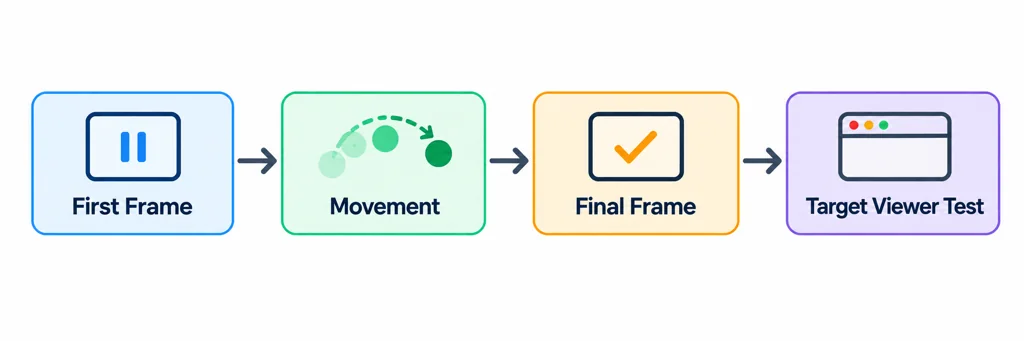
Approve the first frame, the movement, and the final frame separately. Check the pivot, camera, timing, and reset behavior. Then test the interaction in the target viewer, not only in the DCC timeline.
A useful product animation answers one question without making the visitor wait for the answer.