Open the intended release file
Use the exact GLB that the page or client will receive. Do not review an earlier source export and assume that the release file matches it. Record the filename, export date, and the product configuration it represents.
After the viewer opens the asset, wait for all textures to load. Then compare the model against the approved product state. A file that opens is only the first check.
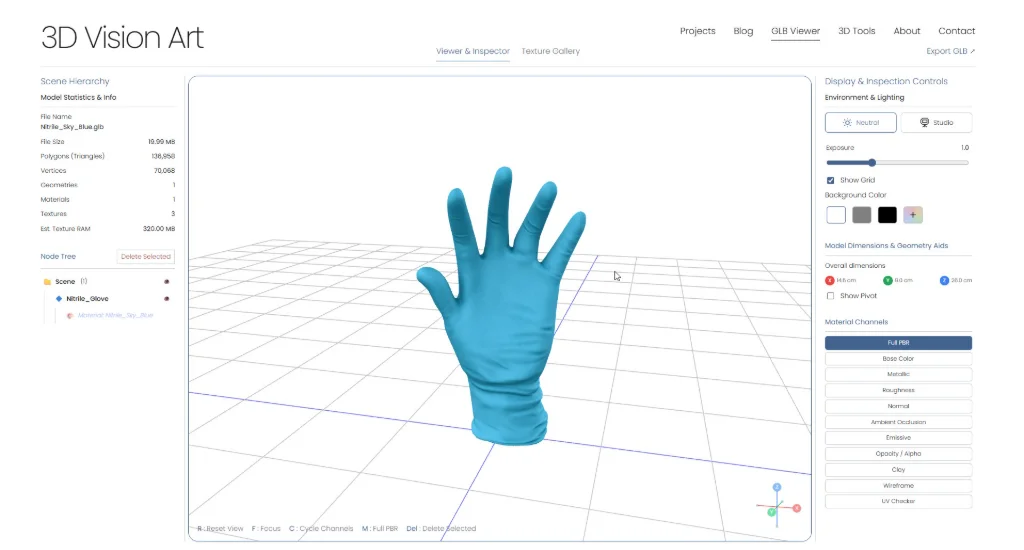
Review the model from a product angle
Orbit around the asset and inspect the details that customers will notice:
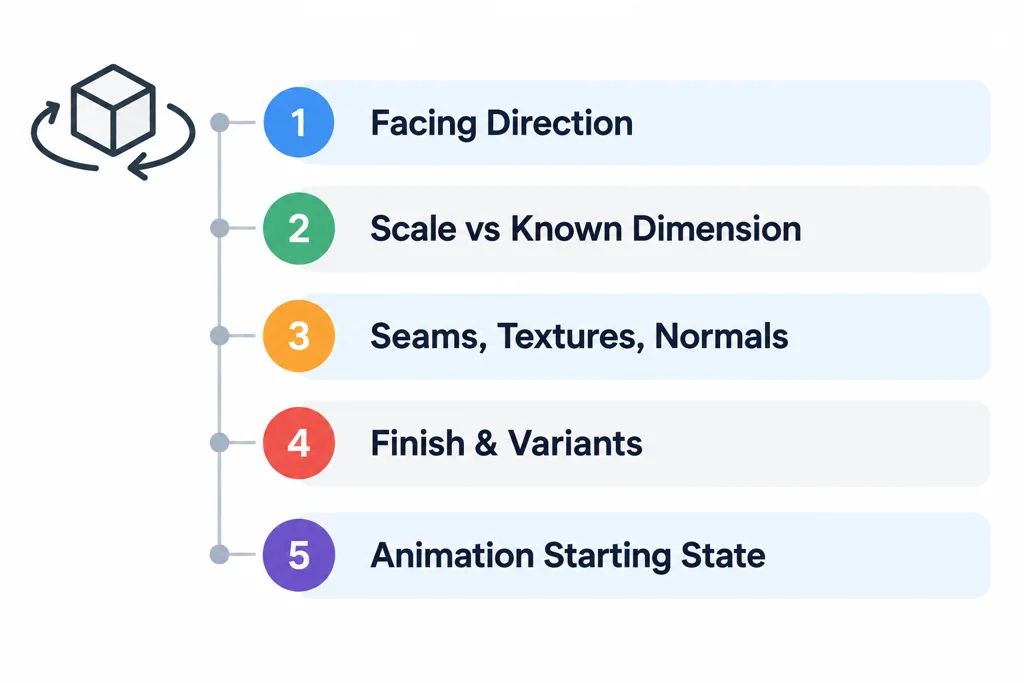
Confirm that the product faces the expected direction.
Check scale against a known dimension or placement rule.
Inspect visible seams, missing textures, dark normals, and unexpected transparency.
Check the default finish, accessories, and material variants if the viewer supports them.
Play every required animation clip and confirm its starting state.
Use both a neutral background and a contrasty background. Transparent parts and light-colored finishes can hide problems on a single studio backdrop.
Inspect the file structure when something looks wrong
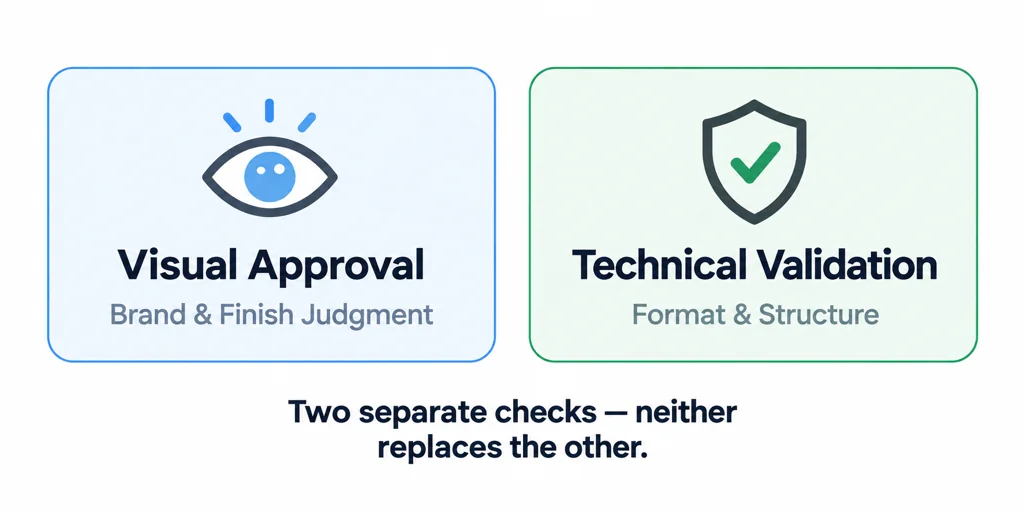
If the viewer result differs from the DCC result, inspect the exported glTF data and validate the asset. The Khronos Validator can identify format issues and explain warnings. It cannot decide whether a product finish looks correct for a brand, so keep visual approval and technical validation as separate checks.
When a model uses extensions, confirm viewer support before treating the feature as required. The glTF specification allows extensions to add capabilities, but a target runtime may not implement every extension.
Check the tool's handling before using a sensitive file
Use a non-sensitive test asset first. Determine whether the viewer processes the selected file locally or uploads it, and whether the organization permits that workflow for the intended asset. A browser file picker alone does not answer the data-handling question.
Then open the exact release candidate and inspect a small set of known features: a label, a material boundary, a dimension, and a moving part if present. Keep the structural validator report alongside the visual observations. A viewer can display a file while tolerating an issue another consumer rejects.
When requesting feedback, identify the expected product state and the decision you need. "Review the walnut finish in this revision" is more useful than a link without an explanation of which asset or option it contains.
Share with context
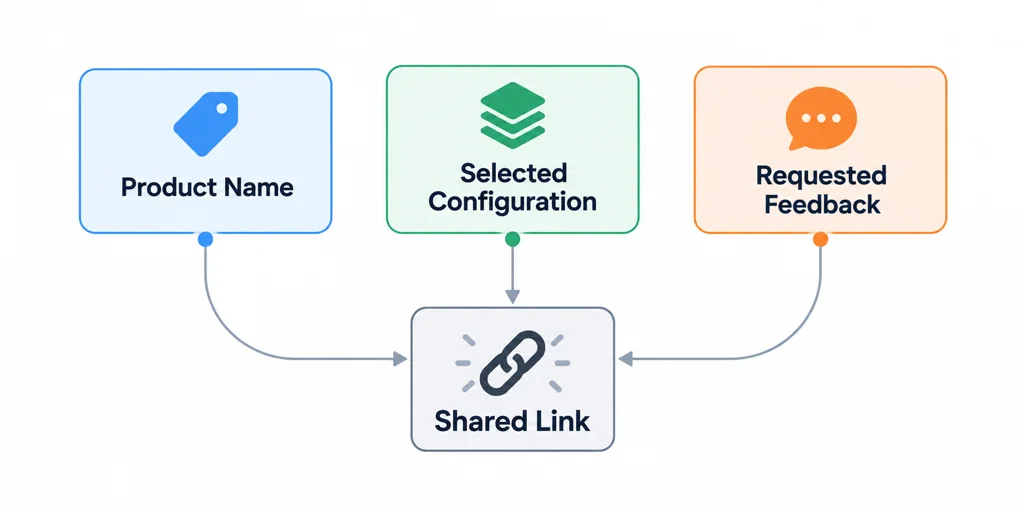
Send the viewer link or file with the product name, selected configuration, and requested feedback. A reviewer needs to know whether the model represents the default product, a color option, an accessory bundle, or an animation state.
Online viewing is most useful when it catches a decision before the file reaches a product page. Keep a short review record so the next export can be compared against the same criteria.