Start with the destination rule
A marketplace listing, a product-detail page, a comparison tool, and a campaign landing page can require different backgrounds. Identify the destination before you set a studio scene. Check platform rules, crop requirements, and any need for transparent output.
A transparent output gives a design team placement flexibility. It also transfers responsibility for contrast and contact treatment to the page. A white or neutral studio background may be more reliable when the product page does not control the surrounding layout.
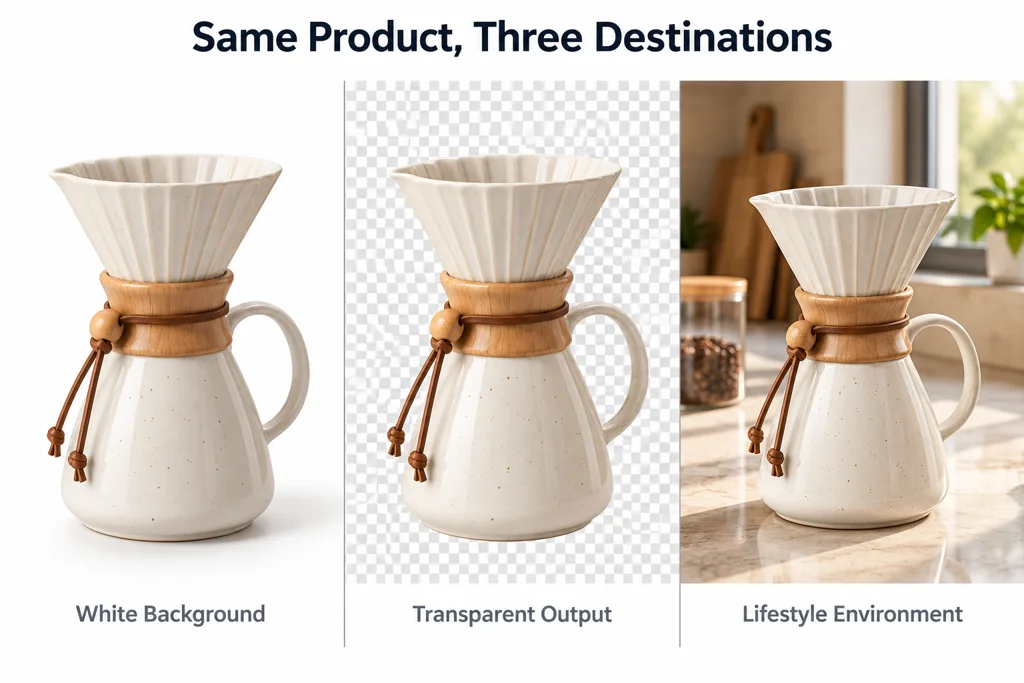
Use white for clear catalog comparison
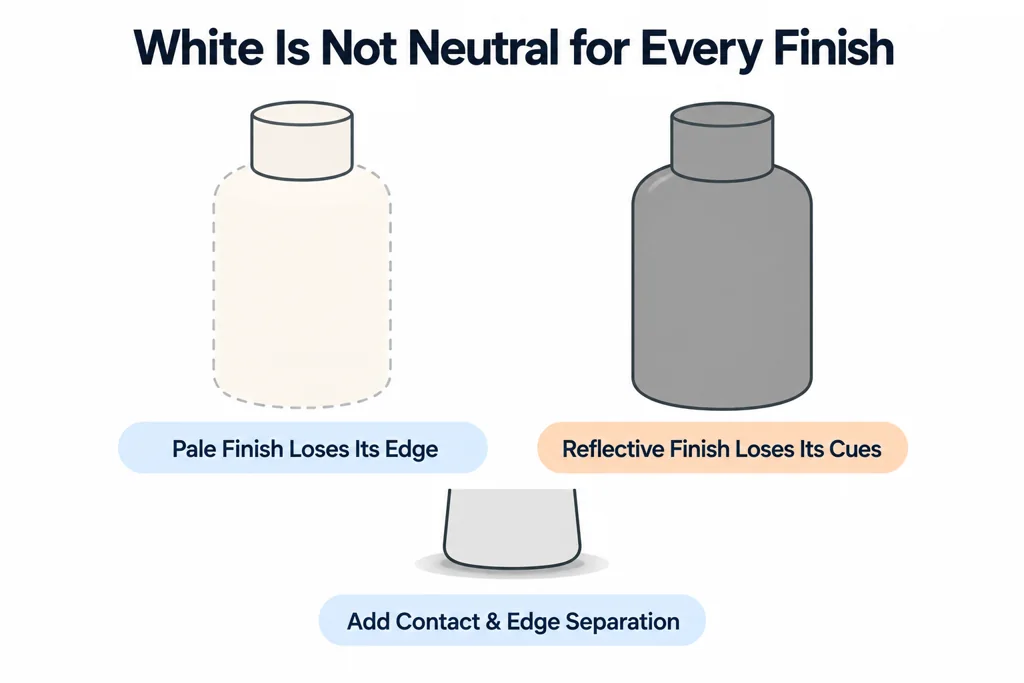
A clean white or neutral background can help customers compare shape, proportion, and finish across a range. It works well when the image needs to sit beside other products with the same camera and crop rules.
White is not neutral for every product. A pale material can lose its edge, and a highly reflective finish can lose the cues that make it legible. Add controlled contact and edge separation rather than changing the product color to force contrast.
Use transparency when the page owns the composition
Choose a transparent output when the web team needs to place a product over different backgrounds or assemble it into a design system. Set an explicit rule for crop, shadow treatment, and safe area. A transparent image with a baked environment reflection can look inconsistent when it moves onto another page background.
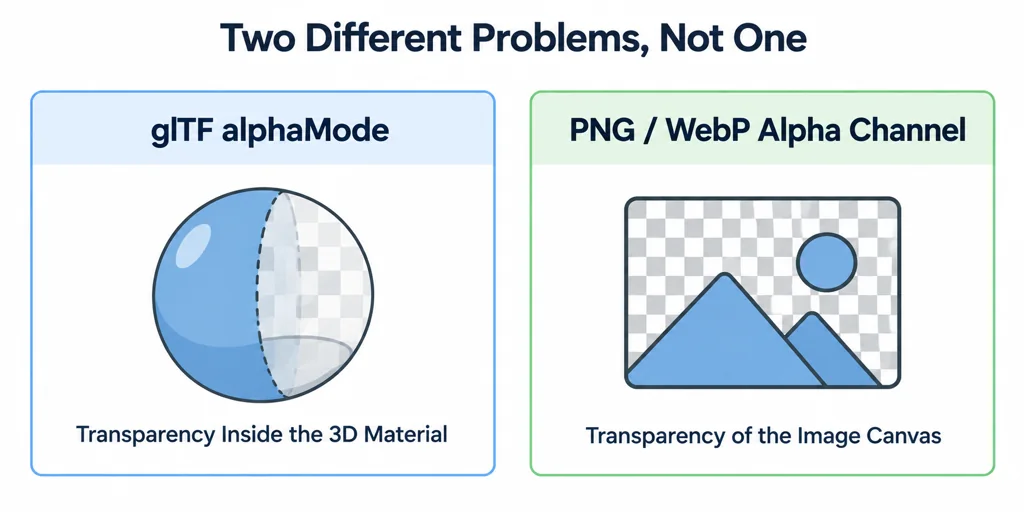
Keep the product material separate from image transparency. glTF alphaMode describes transparency in a 3D material. A transparent PNG or WebP output describes the image canvas. They solve different delivery problems.
Test transparent output on its real backgrounds
Composite the exported image over the page's actual light, dark, and colored surfaces. Inspect pale edges, transparent regions, and any shadow. A clean studio preview can hide a fringe that becomes visible on a dark interface.
Agree whether the shadow is included in the image, delivered separately, or created by the page. Also agree the crop and alignment so products in a comparison grid remain consistent.
For glass and reflective materials, the original environment still affects the rendered object even when the image canvas is transparent. A transparent background is therefore placement flexibility, not a promise that the render will match every future environment. If a destination needs a different reflection treatment, approve a separate output rather than altering the product's material identity.
Use an environment when context explains the product
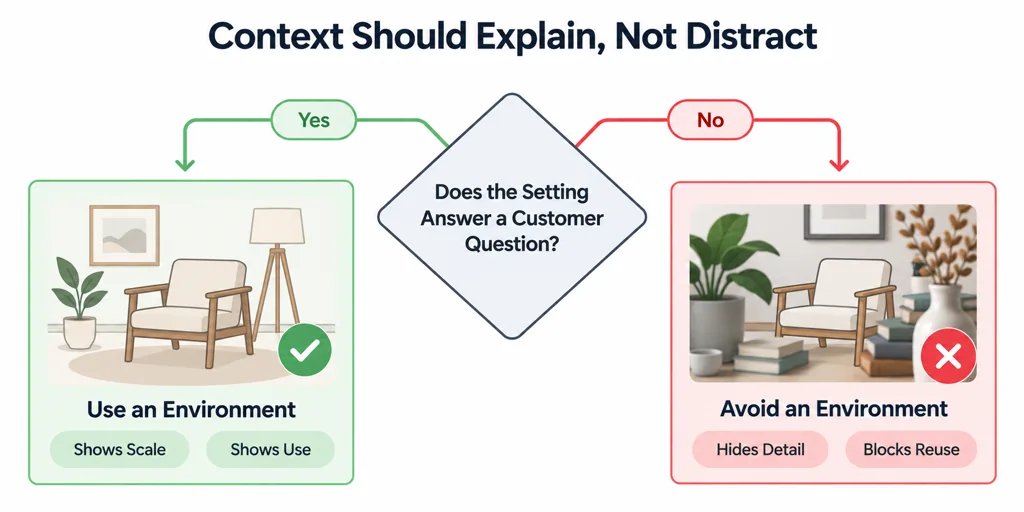
A lifestyle or contextual environment can show scale, use, and material response. Use it when the setting answers a customer question. Do not use it when the environment hides product detail or creates a composition that cannot be reused.
Approve the product on its intended page background, not only in a rendering tool. The product, crop, and surrounding interface need to read together.