Collect the full source set
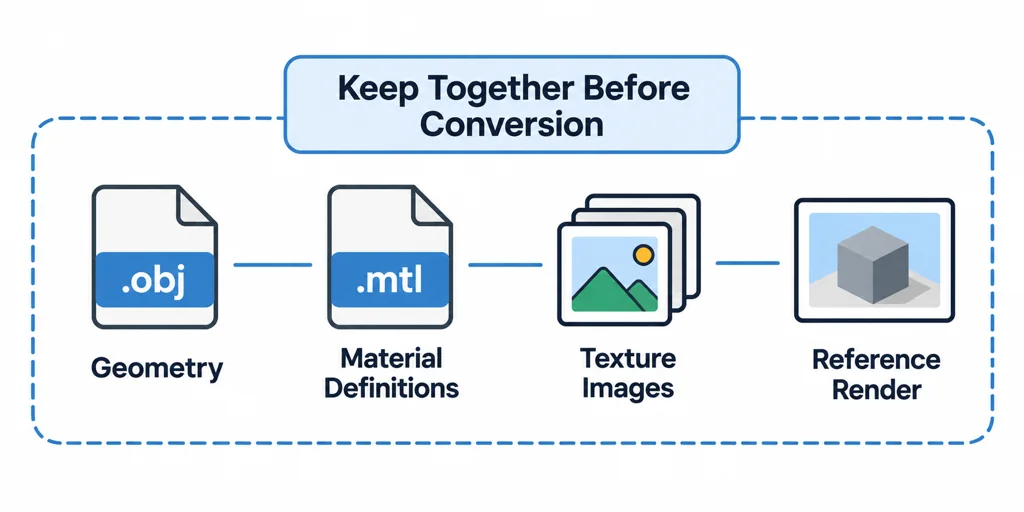
An OBJ usually depends on more than one file. Keep the OBJ, MTL file, texture images, and any reference render together before conversion. Check relative texture paths from the same folder that the converter or importer will use. If a texture is missing at import, do not guess the material from its filename.
Three.js provides separate OBJLoader and MTLLoader components. That separation is a useful reminder that mesh geometry and material information need independent review.
Check geometry and UVs first
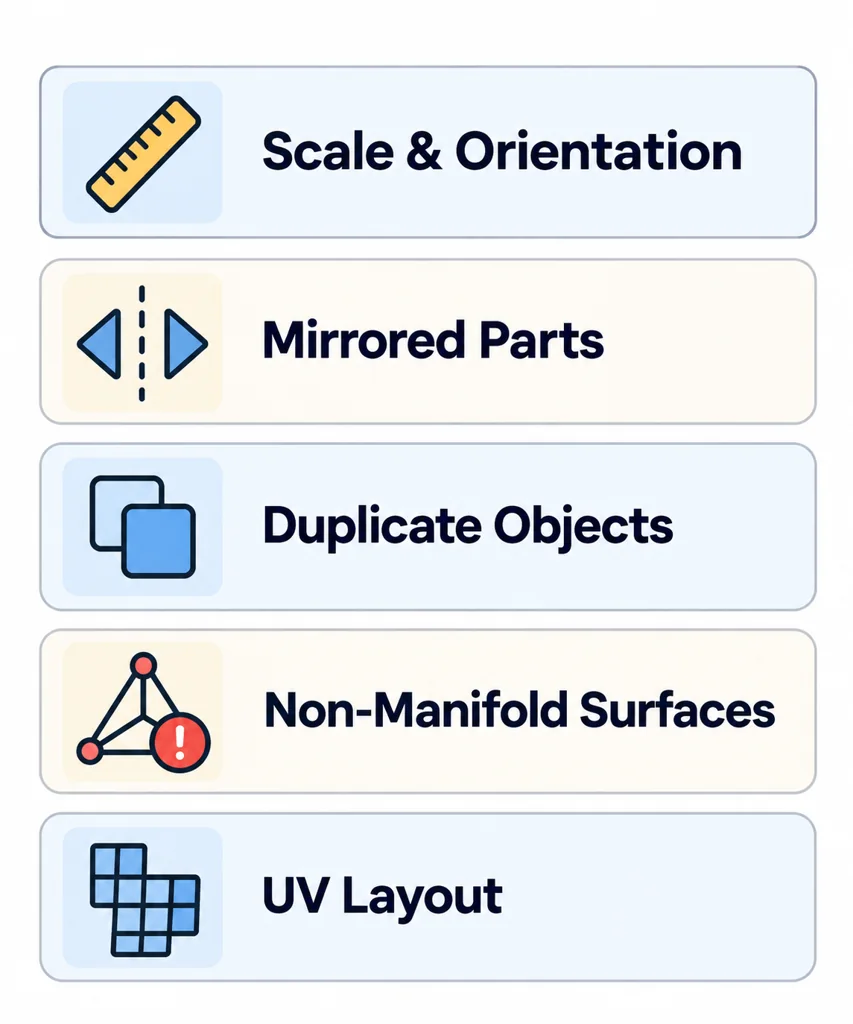
Confirm that the object uses the intended scale and orientation. Identify mirrored parts, duplicate objects, non-manifold surfaces, and unusually dense source geometry. Then inspect UVs before authoring new textures. A GLB cannot make an unsuitable UV layout reliable for a product material.
Translate MTL intent to a PBR material
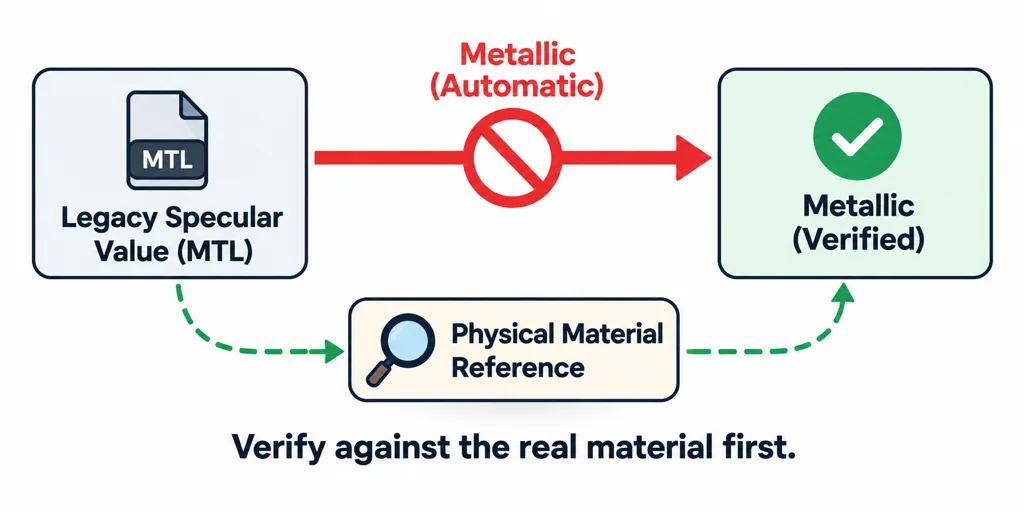
MTL describes older material conventions. glTF uses metallic-roughness PBR. Review each visible surface and decide what evidence controls its base color, metal behavior, roughness, normal detail, and transparency. Do not map a legacy specular value to metallic without checking the physical material.
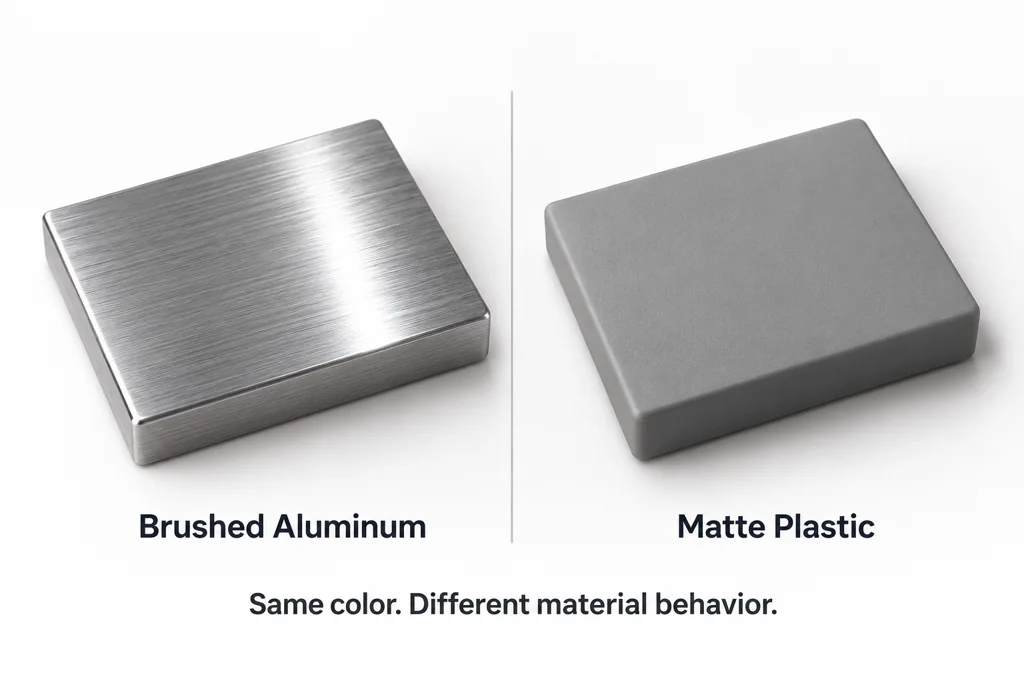
Use product references to resolve ambiguity. A brushed aluminum part and a gray plastic part can share a similar RGB value but require different roughness and metallic behavior.
Resolve legacy material values by surface evidence
| Source indication | PBR decision to review |
|---|---|
| Diffuse color or map | Base color, with captured lighting removed only where justified. |
| Specular color or shininess | Surface response to interpret, not a direct metalness value. |
| Opacity or a transparency map | Intended alpha behavior and the destination's sorting limitations. |
| Bump input | Whether it is height data or a normal image, with the appropriate conversion and connection. |
A bright specular highlight can belong to plastic, paint, or metal. Reconstruct the finish from the product reference instead of mapping MTL shininess directly into metallic.
For one test surface, import the OBJ and its MTL, confirm the image paths, build a supported PBR material, and export a new GLB. Compare the same surface under the target lighting. Once that material route is understood, repeat it for the remaining surfaces while preserving distinct material boundaries.
Package and review the GLB
Export the selected scene as GLB when a single handoff file is useful. The glTF specification describes GLB as a binary container that can store the JSON scene description and binary resources together. Verify texture inclusion, file paths, material assignments, and alpha behavior after export.
Open the result in the target viewer and compare it to the reference under representative lighting. Record any material rebuilt by hand, because that decision belongs to the product asset rather than to the OBJ importer.