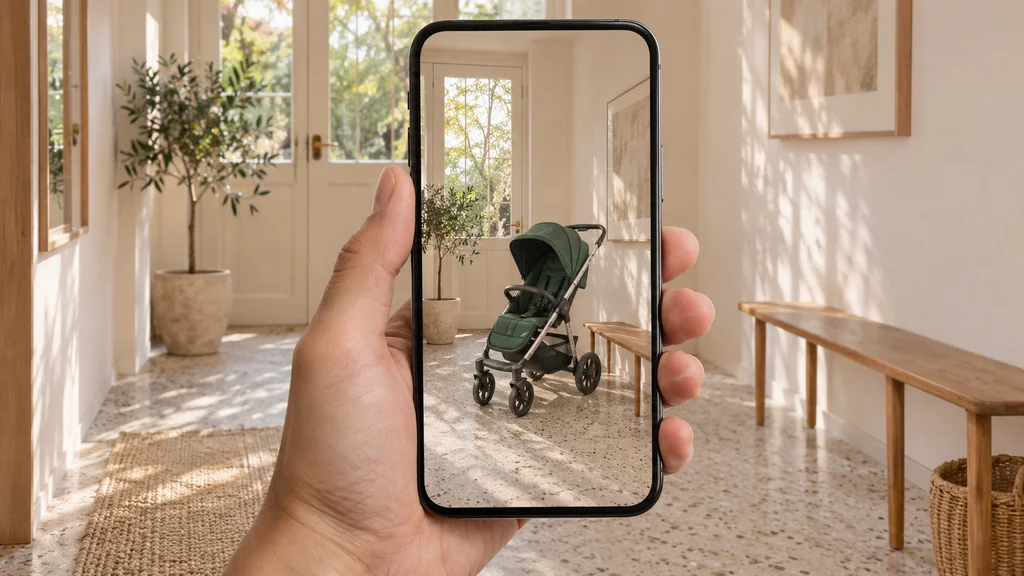
Augmented reality ecommerce lets online shoppers project a true-to-scale 3D model of a physical product into their own room or onto their body through a smartphone camera before they buy.
For store owners and brand managers, augmented reality (AR) is not an experimental marketing stunt. It is a practical way to answer the questions photos cannot: how big a product really is, how it sits in a real room, and how its finish looks next to the shopper's own furniture. This guide explains what ecommerce AR is, which products benefit most, and what your 3D files need before you add a "View in your space" button.
At 3D Vision Art, we build the production-ready 3D and AR assets that power these experiences.
What Augmented Reality on a Product Page Actually Is (and What It Is Not)
When retail executives hear "augmented reality ecommerce," they often picture expensive custom mobile apps or virtual reality headsets.
First, AR is not virtual reality (VR). AR adds a digital product to the shopper's real surroundings through the phone camera. As outlined in BigCommerce's guide to augmented reality in ecommerce, VR replaces the real world with a simulated environment and requires a headset.
Second, modern ecommerce AR is WebAR—meaning it launches directly from your product page without forcing the shopper to visit the App Store or Google Play to install a custom app for your store. That does not mean every phone can open it: the shopper's device and browser must support AR, and the phone relies on its built-in system services to run it.
- On iPhone and iPad (iOS / iPadOS): Safari uses Apple AR Quick Look to open a
.usdzfile natively, detect horizontal floors or tables (and vertical walls), cast ambient contact shadows, and open the object at its real-world size. - On Android devices: Chrome and compatible browsers invoke Google Scene Viewer (via Google Play Services for AR) or an in-browser W3C WebXR Device API session to place a
.glb(glTF 2.0) model directly into the camera feed. - On desktop computers: An on-page 3D viewer lets the shopper rotate and zoom the product with their mouse, and can offer a scannable QR code that opens the AR view on their phone.
Retail AR on a storefront usually takes one of three forms:
- In-room placement (world-tracking AR): Projecting furniture, lighting, appliances, luggage, pet crates, or home decor onto a floor, tabletop, or wall at true 1:1 scale.
- Virtual try-on (face or body tracking): Using the phone camera to preview eyewear, hats, watches, footwear, or cosmetics on the shopper. Try-on usually relies on dedicated tracking software rather than the standard "View in your space" button covered in this guide.
- Interactive 3D viewing (no camera needed): A 360° viewer on the product page that lets shoppers rotate, zoom, and inspect details. On most product pages, this viewer is also where the AR button lives.
These are different tools, not interchangeable labels. A 3D viewer helps a shopper rotate and inspect a product; in-room AR helps them judge size and fit in a real space; virtual try-on needs its own tracking and fitting work. The file preparation covered in the rest of this guide is for in-room placement and on-page 3D viewing.
Why Store Owners Invest in AR: Shopper Confidence and Return Reduction
Shoppers rarely abandon a high-intent product page because they dislike the idea of the product. More often, they hesitate because they cannot tell whether it will fit their space or match what they already own, and AR is built to answer exactly that question.
In SOTI's 2026 retail technology survey cited by Shopify, 58% of 13,000 surveyed consumers across 11 countries said they wanted technology-enhanced shopping experiences that help them evaluate products before buying. Note that this figure is about technology-enhanced shopping in general, not AR alone. Similarly, a 2022 study commissioned by Snap Inc. with Publicis Media and Alter Agents (4,028 shoppers in the U.S., U.K., France, and Saudi Arabia), as summarized in Kivicube's AR product visualization guide, found that 80% of shoppers feel more confident in their purchases when using AR, and 66% say they are less likely to return an item after trying it in AR. Because an AR platform funded the study, treat these figures as shopper sentiment rather than measured return rates.
According to the National Retail Federation (NRF) and Happy Returns 2025 Retail Returns Landscape report, U.S. shoppers were expected to return 19.3% of online sales in 2025, compared with 15.8% of total retail sales (about $849.9 billion in merchandise). Even worse, a 2023 Nfinite survey of 1,074 U.S. consumers, as reported by the Home Furnishings Association, found that 83% of consumers would return a product if it did not match its online visuals, and 72% would be less likely to buy from that store again after a mismatch.
When brands deploy accurate 3D and AR assets on products where scale or finish is hard to judge, reported results include:
- Heavy-duty enclosures and hard goods: Travel crate manufacturer Gunner Kennels added 3D and AR to its Shopify store so dog owners could place a true-size crate next to their dog at home. Compared with the previous quarter, the brand recorded a 40% increase in order conversion and a 5% reduction in returns, according to Shopify's retail transformation report. This is a quarter-over-quarter result reported by the brand, not a controlled test.
- Fashion accessories and handbags: Handbag brand Rebecca Minkoff found that visitors who interacted with a 3D model on the product page were 44% more likely to add the item to their cart and 27% more likely to place an order, while shoppers who viewed a bag in AR were 65% more likely to order compared to visitors who did not interact, as documented in Shopify's conversion rate benchmarks. These figures compare shoppers who chose to interact with those who did not, so they show an association rather than proof that AR alone caused the difference.
Results like these vary by product, audience, and how well the experience is implemented, and they do not guarantee the same outcome in another store.
A realistic note on industry conversion numbers: Software vendors frequently quote Shopify's headline figure that products with 3D/AR content showed a 94% higher conversion rate on average (Shopify Changelog). Treat this as an aggregate platform figure, not a forecast for your store: results depend on your product category, price point, traffic, and the quality of the 3D model. Test AR on a handful of SKUs and compare results before rolling it out across your catalog.
Which Product Categories Are Most Likely to Benefit from AR (and Which Do Not)
You do not need 3D and AR assets for every SKU in your catalog. The priorities below are editorial starting points, not a measured return-on-investment calculation: whether AR pays back in your store depends on your prices, return rates, and the questions your shoppers actually ask. For many products, good photos, video, or a 360° spin may be enough. Use this decision table to decide where AR is most likely to help:
| Product Category | Primary Buyer Hesitation | Does WebAR Solve It? | Recommended Priority |
|---|---|---|---|
| Furniture, Lighting & Home Decor | "Will this 2.1-meter sofa fit my wall and match my rug?" | Helps — 1:1 floor/wall placement helps shoppers judge size in place and get an approximate sense of colour and finish; exact appearance still depends on room lighting, the screen, and tracking accuracy. | High (Start Here) |
| Countertop Appliances & Electronics | "Will this espresso maker clear my upper cabinets, and where are the rear ports?" | Helps — an on-page 3D viewer helps with port and detail inspection, while AR helps check the countertop footprint and clearance. | High |
| Handbags, Luggage & Travel Gear | "How big is this carry-on or tote bag next to my desk or in my car trunk?" | Helps — shows physical volume and proportions; fine detail such as leather grain depends on model and texture quality. | High |
| Strollers, Bicycles & Fitness Gear | "How bulky is this frame in my hallway or trunk?" | Helps — helps shoppers assess footprint and bulk on high-ticket orders, though it cannot test door clearance or how the item is carried through a space. | Medium–High |
| Consumables, Supplements & Flat Prints | "What are the ingredients or print dimensions?" | Rarely — sharp 2D studio renders or photos answer the question faster. | Low (Skip AR) |

What Your Store Must Have Ready Before Adding AR
On Shopify, Shopify-built Online Store 2.0 themes and Horizon themes natively support 3D models and AR inside the standard product media gallery, without a separate 3D app; third-party Online Store 2.0 themes may need an update or custom work to show models the same way. Check two limits before you plan a large rollout: the number of 3D models you can host depends on your Shopify plan, and each product can hold up to 250 media files in total. On WooCommerce, BigCommerce, or custom storefronts, Google's open-source <model-viewer> web component embeds a 3D and WebAR player with a few lines of HTML.
Preparing the 3D assets behind that button is a major part of the work — though not the only part: theme integration, page design, and testing on real phones matter too. Before commissioning AR models, your store needs four things ready:
1. Two Validated File Formats (.glb and .usdz)
Because Apple and Android use different AR engines, your storefront serves two runtime formats:
.glb(Binary glTF 2.0): Standardized by the Khronos Group glTF 2.0 specification (ratified as ISO/IEC 12113:2022),.glbbundles 3D geometry, physically based rendering (PBR) materials, and textures into one compact file for web browsers and Android Scene Viewer..usdz(Universal Scene Description Zipped): Required by Apple AR Quick Look on iOS, iPadOS, and visionOS.
While Shopify and <model-viewer> can auto-generate a .usdz from an uploaded .glb, we validate both packages directly—a workflow we cover in our note on shipping one product model to Android Scene Viewer and Apple Quick Look.
2. Strict 1:1 Physical Scale and Ground Contact
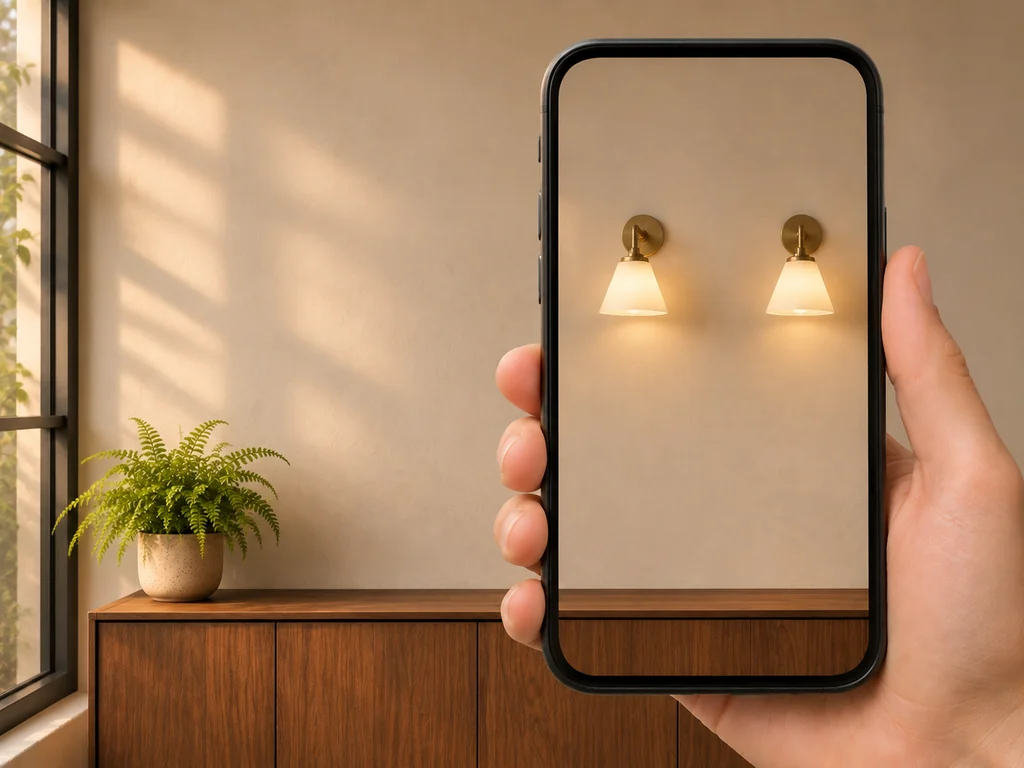
glTF stores every measurement in meters, and phone AR viewers open the model at the size it was built. A sofa modeled at the wrong scale will appear the wrong size in the shopper's room, so every model must match the product's real-world dimensions. In addition, as specified in Shopify's 3D modeling standards, the model's origin point (pivot) must sit centered at the bottom resting surface (Y = 0) so it plants solidly on the floor or desk instead of floating in mid-air. For a deeper checklist on spatial accuracy, see our guide on preparing scale-aware WebAR and 3D assets for retail.
3. Mobile File-Size Budgets That Protect Page Speed
According to Google's Core Web Vitals guidelines, your product page should hit a Largest Contentful Paint (LCP) of 2.5 seconds or less and an Interaction to Next Paint (INP) under 200 milliseconds.
- Defer 3D loading behind a 2D poster image: Display a fast WebP product image first, and only download the
.glbfile when the shopper taps "View in 3D" or "View in your space." - Keep
.glbfiles around 4 MB where possible: Shopify recommends around 4 MB, with textures capped at2048 × 2048 pxand polygon counts kept as low as the product's detail allows. Shopify automatically optimizes uploaded models larger than 15 MB, and Google Manufacturer Center limits 3D model files to 15 MB, so treat 15 MB as a hard ceiling, not a target.
4. Accurate Color Calibration Under Room Lighting
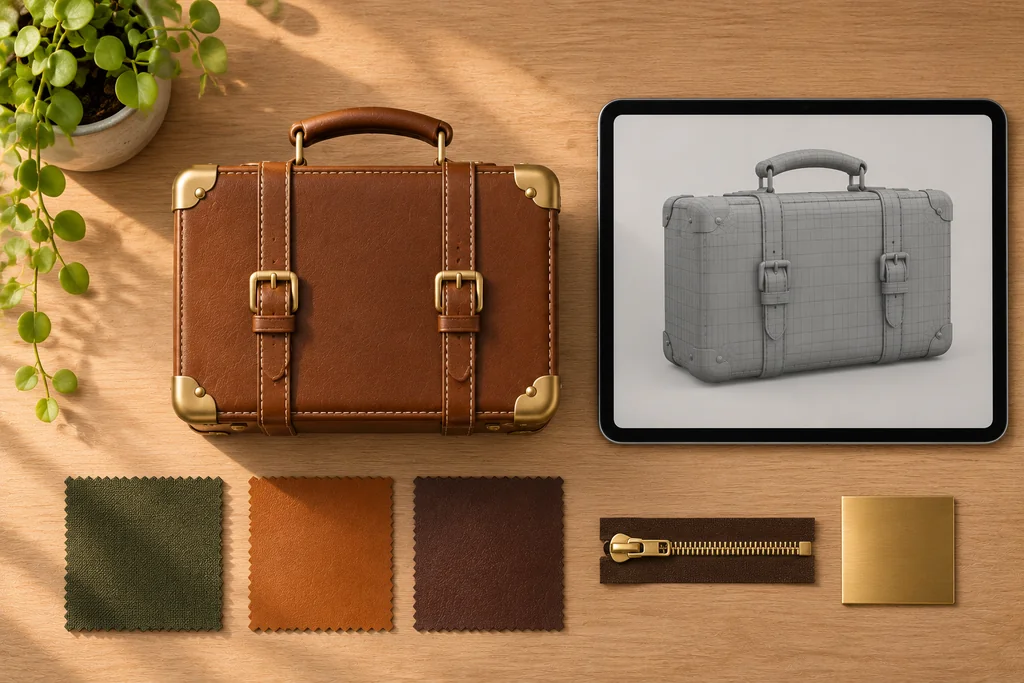
Color is the first thing shoppers check when the delivered product arrives. When a model's materials are built from physical samples or brand color references and displayed with the Khronos PBR Neutral tone mapper (the default in <model-viewer> v4.0+), base colors stay much closer to the reference than with older tone mappers. Real room lighting still shifts how colors look in AR, so check your key colorways on a real phone next to the physical product before launch.
Frequently Asked Questions About Augmented Reality in Ecommerce
Do shoppers need to download an app to view my products in AR?
No custom app for your store. Tapping "View in your space" opens the phone's built-in system AR viewer (Apple AR Quick Look or Google Scene Viewer). The shopper's device still needs to support AR and have the required system services — some older or unsupported devices cannot open the AR view.
Should we show only an "Open in AR" button without an on-page 3D viewer?
Usually not. An on-page 3D viewer lets shoppers explore the product before they are asked to open their camera, and it gives desktop visitors something to interact with. With <model-viewer>, the AR button sits inside the 3D viewer itself, so offering both takes no extra work.
What if we don't have engineering CAD files for our products?
You do not need CAD files. A 3D artist can build an accurate model from clear photos of the product from every side (front, back, sides, top, and underside), exact dimensions in millimeters, close-up photos of each material and finish, and vector files of any logos or printed patterns. If you do have CAD or manufacturing drawings, they speed up the work and improve accuracy.
Will 3D and AR files slow down our mobile product pages?
Not if they are set up correctly. Serving a lightweight 2D image on initial load and fetching a compressed .glb file (around 4 MB) only when the shopper interacts keeps the 3D model out of the initial page load, which protects your Core Web Vitals. Test the page with your real files before launch.
Ready to Add 3D and AR Assets to Your Product Pages?
If you want this done for your products—with accurate 1:1 physical scale, calibrated materials that hold up under real room lighting, and lightweight .glb and .usdz packages tested for web and mobile AR—explore our 3D & AR Assets for Ecommerce service. Every asset goes through scale, material, and file-size checks before handoff, using the same inspection workflow behind our free GLB Studio Pro tools.
Tell us what you sell and how many SKUs you want to start with.
Get a Free Quote ↗