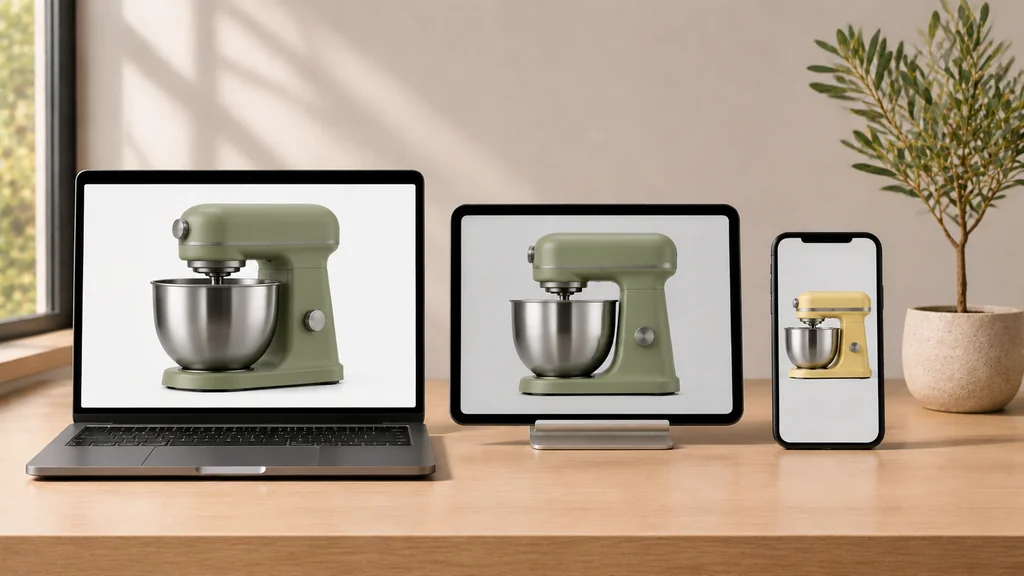
3d ecommerce solutions are the connected set of digital product assets and storefront tools—starting with a master 3D product model and branching into photorealistic 2D studio renders, interactive 3D web viewers, mobile Augmented Reality (WebAR) room previews, and real-time 3D product configurators—that help online stores show physical products clearly, sell complex variants without endless photoshoots, and can help reduce expectation-mismatch returns when the models are accurate. The viewer and AR versions are not automatic copies of the master model: they are optimized derivatives of it, and preparing them is a separate step.
If you are an online store owner, brand manager, or ecommerce lead researching the market, the phrase "3D ecommerce solutions" can feel overwhelming because software companies, photography studios, and agencies all use it to mean different things.
At 3D Vision Art, we believe a buyer should be able to see the entire map on one page.
The Core Economics: Why "Build Once, Deploy Everywhere" Beats Repeated Photoshoots
Before looking at individual tools on a product page, understand the economic shift that makes 3D worth doing.
In a traditional photography pipeline, one shoot can produce many angles and marketing images at once—but a new color, finish, or product version usually means organizing another physical shoot: shipping samples, renting lights, shooting fixed angles, and paying for retouching. Photography can still be the simpler choice for a single product in one finish that you already have on hand; the 3D advantage grows with every extra colorway, angle, and launch.
In a 3D ecommerce pipeline, the foundation is a Master 3D Product Asset—an accurate digital model of your physical product built in 3D software from your CAD files or reference photos. Once that master model exists:
- Need 4K white-background packshots for your product page and Amazon? Render them from the master model.
- Need 8 new colorways or brushed metal finishes next quarter? Update the material settings and render without shipping a single physical prototype.
- Need an interactive 3D viewer and mobile AR preview? Your studio prepares a lightweight, optimized
.glband.usdzderivative from that same master model. That optimization—simplifying geometry and preparing web-ready materials—is real extra work, not a free by-product, and it is what makes the model run smoothly in a browser.
Vendor-backed benchmarks point the same way: a Pfeiffer Consulting report cited by Adobe found that companies can see up to a 90% reduction in hours and resources when 3D workflows replace physical photoshoots, and a Coresight Research report featuring Nfinite (a CGI provider) put CGI at 63% quicker than traditional photography for producing product visuals. Your own savings depend on how many products, variants, and angles you need—we compare both routes in our guide to 3D product visualization vs. commercial photography for ecommerce.
Mapping the 5 Building Blocks of 3D Ecommerce Solutions
Every 3D solution on the market is made of one or more of these five layers. Here is what each layer does for your store, what file format it uses, and when you need it:
| Solution Layer | What It Does on Your Store | What File / Tech You Receive | Who Needs It Most |
|---|---|---|---|
| 1. Master 3D Product Model | The foundational digital model of your product's geometry, proportions, and PBR materials (materials that react to light like the real surface). | Editable master scene (.blend, .ma, .max) + 4K PBR textures—confirm source-file delivery in your agreement before work starts. |
Brands starting 3D — this is the source asset that feeds all other layers. |
| 2. 3D Product Renders & Animation | Replaces or supplements studio photography with 4K packshots, lifestyle rooms, and explainer videos. | .PNG, .WebP, .TIFF stills (2000px–4000px+) and .MP4/.WebM animations. |
Brands launching pre-production products, multiple colorways, or complex mechanisms. |
| 3. Interactive 3D Product Viewer | Lets shoppers spin the product 360° on the page, zoom in on details, and click feature hotspots. | Optimized .glb file (target around 4 MB, following Shopify's guidance) running in Shopify Native 3D or Google <model-viewer>. |
Stores selling hardware, electronics, bags, footwear, or furniture where angles and details matter. |
| 4. Mobile WebAR ("View in Space") | Projects the product into the shopper's real room at approximately 1:1 physical scale on compatible devices through their phone camera. | Paired .glb (for Android Scene Viewer) + .usdz (for Apple AR Quick Look). |
Any product where size, countertop clearance, or room harmony drives hesitation or returns. |
| 5. 3D Product Configurator | Lets shoppers mix and match modular parts, fabrics, colors, and sizes live on screen with dynamic pricing. | Modular multi-node .glb with material variants (KHR_materials_variants) + WebGL UI (Three.js or SaaS). |
Made-to-order, modular, or customizable catalogs where the number of option combinations is too large to photograph. |
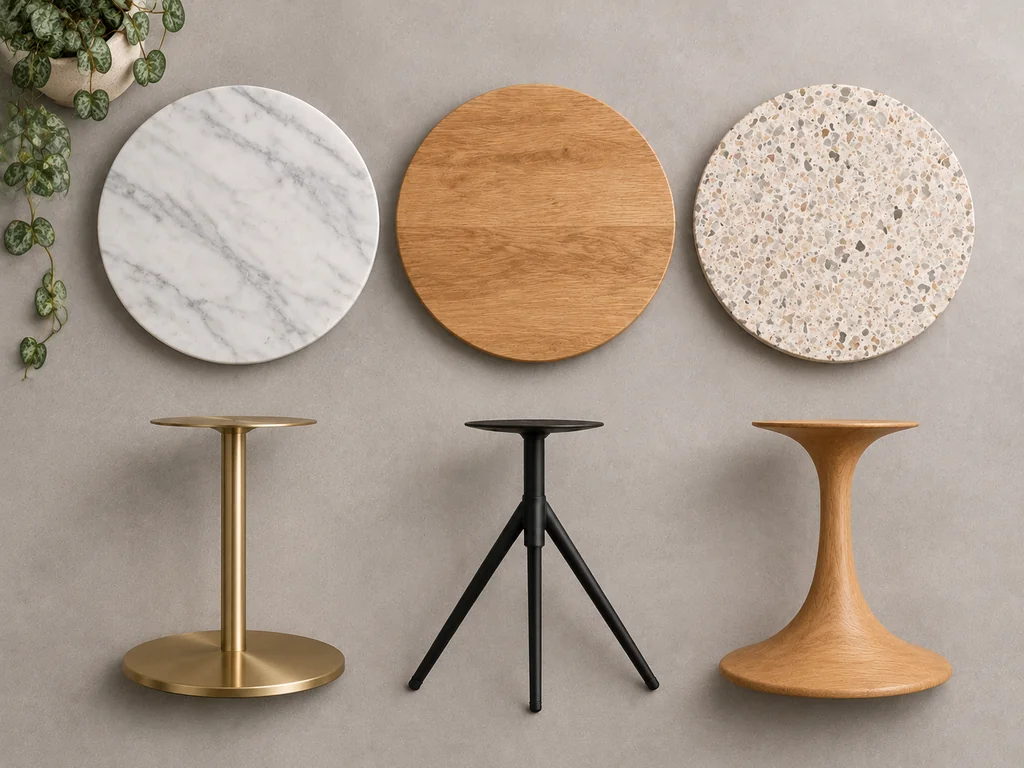
How the Pieces Connect in Practice (Without Vendor Lock-In)
The biggest mistake store owners make when buying "3D ecommerce solutions" is letting a software vendor lock up their 3D assets inside a closed platform. The risk is real, but check the actual terms on either route: some SaaS platforms do support exporting your assets, and with any studio, source-file delivery depends on what your agreement says. What matters is agreeing ownership and export rights before work starts.
The 3D web runs on two open formats: glTF 2.0 (.glb), maintained by the Khronos Group, and USDZ, a packaged form of Pixar's Universal Scene Description (OpenUSD) that Apple adopted for AR Quick Look. OpenUSD is now developed under the Alliance for OpenUSD, founded in 2023 by Pixar, Adobe, Apple, Autodesk, and NVIDIA.
When you commission your 3D assets built to those open standards, you stay in much better control of your store's roadmap:
- Phase 1 (Start): You can start by commissioning master 3D models and 4K studio renders for your top products to upgrade your product galleries immediately. A pilot batch of 5 to 10 products is a practical starting point—specifically high-margin bestsellers, items with multiple finishes, or products where size and fit uncertainty currently cause customer returns.
- Phase 2 (Next): From those same master models, your studio exports optimized
.glband.usdzpackages and drops them into Shopify's built-in 3D media gallery or Google's free<model-viewer>—giving your mobile visitors interactive 3D inspection and app-free WebAR room placement. The viewer itself carries $0 in monthly software licence fees, but that is not the same as $0 total cost: theme integration, compatibility testing, and occasional maintenance can still apply. On Shopify, uploading a.glbalone is often enough—Shopify can generate the.usdzversion automatically.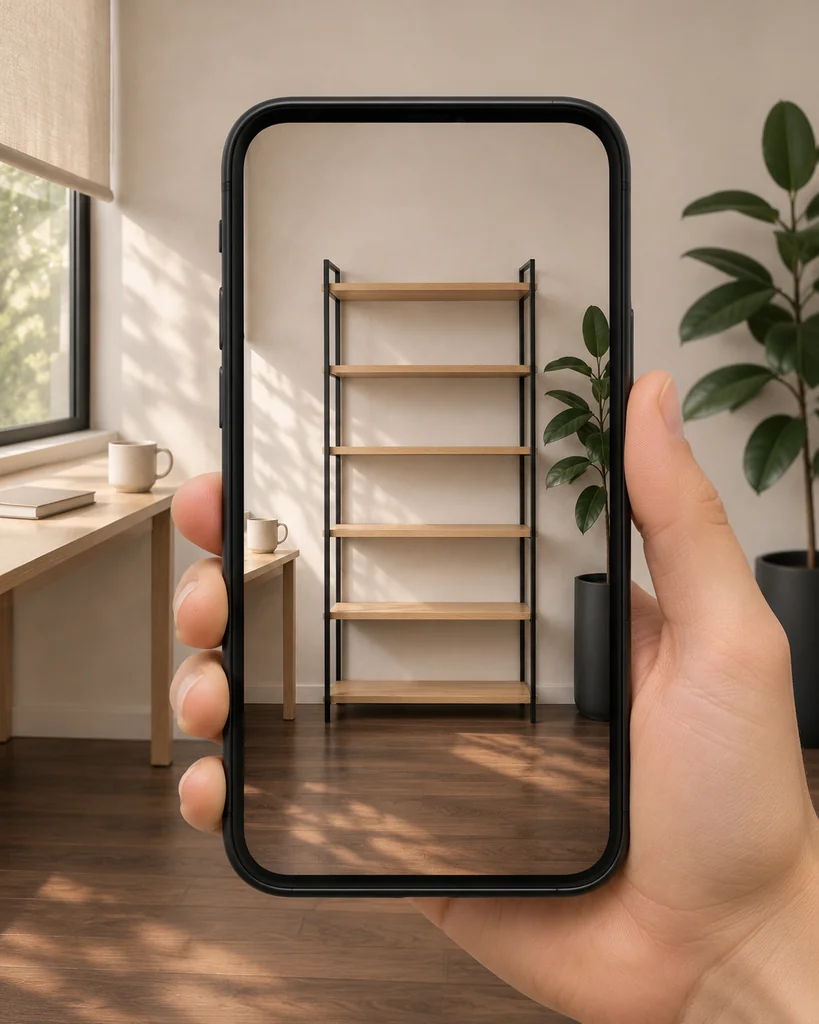
- Phase 3 (When Needed): If a product line expands into modular customization (where buyers mix and match bases, fabrics, and accessories), those same glTF assets can be built into a custom Three.js configurator or an enterprise CPQ tool (a configure-price-quote system). This step needs real development work—option rules, live pricing logic, and cart integration—plus hosting and maintenance; it is not just wiring existing files into an interface.
To make sure your developers or theme team receive everything they need when a .glb file is delivered, agree the handoff contents before work starts, with us or with any studio — a complete handoff typically covers six parts (.glb, .usdz, studio .hdr lighting, 2D .webp fallback poster, lighting reference sheet, and technical notes file)—explained step by step in our guide to web 3D asset release handoff: what to send with a GLB file.
Protecting Mobile Page Speed Across Every 3D Solution
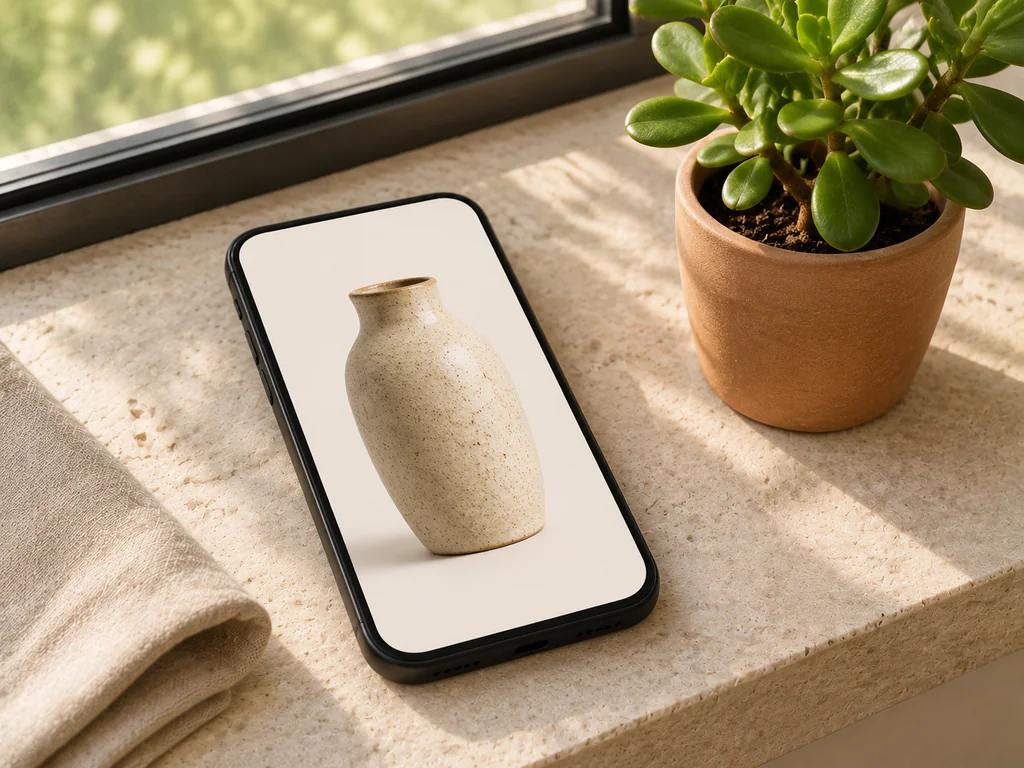
Whether you deploy a simple 3D viewer or a full configurator, mobile performance is non-negotiable. Mobile devices accounted for roughly 59% of global ecommerce sales in 2025 (Statista), and Google's mobile research found that 53% of mobile site visits are abandoned when a page takes longer than 3 seconds to load (cited in 3D Cloud's ecommerce report).
When evaluating any 3D ecommerce provider or software tool, insist on three technical guardrails:
- Poster-first loading: Your product page should load a fast 2D WebP poster image first to help keep your Google Core Web Vitals (LCP
<= 2.5s, INP<= 200ms) within targets, and load the 3D model only when the shopper taps or swipes to it. A poster alone does not guarantee green scores—the whole page still needs testing. - Strict file-size and VRAM budgets: Production
.glbfiles should target 2 MB to 4 MB, in line with Shopify's guidance of about 4 MB, a polycount as low as possible while keeping the product's details, and textures no larger than2048 × 2048 pxfor mobile web. Staying under 15 MB also keeps Shopify from re-compressing your model automatically—15 MB is the point above which Shopify optimizes a model, not a ceiling; Shopify accepts models up to 500 MB. Use GPU texture compression (KTX2) where your viewer supports it. - Browser-launched AR (Zero App Installs): Apple AR Quick Look and Android Scene Viewer open straight from the product page in Safari or Chrome, so shoppers can place the product in their room without downloading a separate app—removing one of the biggest drop-off points in app-based AR.
Frequently Asked Questions About 3D Ecommerce Solutions
Do we have to buy a monthly software subscription to use 3D and AR on our store?
No separate 3D subscription is required. If you use Shopify, 3D and AR viewing is built into product media and supported by Shopify's Online Store 2.0 and Horizon themes (Shopify Product Media); just note that each Shopify plan caps how many hosted 3D models and videos your store can have, and each product can hold up to 250 media files. If you use WooCommerce, BigCommerce, or a custom site, Google's open-source <model-viewer> is free to use, though it needs a plugin or a small embed snippet from your developer. For most stores, the main investment is having the 3D assets (.glb and .usdz) professionally modeled and optimized once.
How many products should we start with when testing 3D ecommerce solutions?
Do not try to convert your entire catalog on day one. Start with a pilot batch of 5 to 10 products—specifically choosing high-margin bestsellers, items with multiple finishes, or products where size and fit uncertainty currently cause customer returns.
What is the difference between a 3D Digital Asset Management (3D DAM) platform and a 3D studio?
A 3D studio (like 3D Vision Art) actually builds, textures, lights, renders, and optimizes your 3D models and .glb/.usdz files from your product references. A 3D DAM is a cloud platform for organizations managing large numbers of existing 3D files—storing and hosting them, and also organizing versions, controlling who can access and edit them, searching the library, and distributing files to stores and partners. A studio creates assets; a DAM manages assets you already have.
How can we check the quality of a .glb file before putting it on our store?
You can open any .glb file directly in our free browser-based GLB Viewer (part of our GLB Studio Pro toolkit) to inspect its geometry, triangle count, material channels, and file size locally in your browser without uploading proprietary designs to third-party cloud servers.
Who owns the 3D models once they are built?
When you commission assets from an independent studio like 3D Vision Art, you can specify full ownership of the deliverables in your agreement before work starts—so your brand keeps the renders, the open-standard .glb and .usdz runtime files, and the master assets to reuse across your website, social campaigns, and retail partners without ongoing royalties.
Need a Practical 3D & AR Plan Tailored to Your Store?
If you want this done for your products—starting with one clean master 3D model per SKU that gives you studio renders, a fast .glb web viewer asset, and a .usdz mobile AR package without locking you into recurring software fees—explore our 3D & AR Assets for Ecommerce services. Every project starts by scoping the exact deliverables your product pages actually need.
Tell us about your store and which products you want to start with.
Get a Free Quote ↗