Send the release asset and its identity
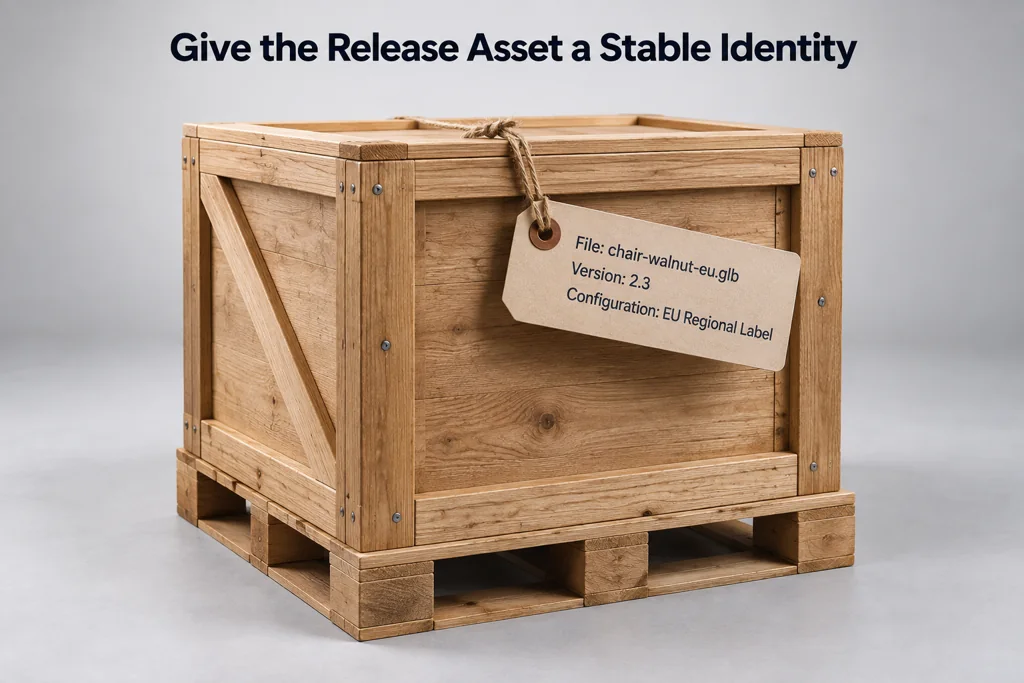
Provide the exact GLB filename, version, export date, and source-scene reference. State the product configuration it represents. A web team should not have to infer whether an asset shows the default finish, a regional label, or an accessory set.
Give the asset a stable release identifier. Avoid vague names such as final-final-2.glb. A name that includes product, configuration, and version makes later debugging possible.
State the viewer contract
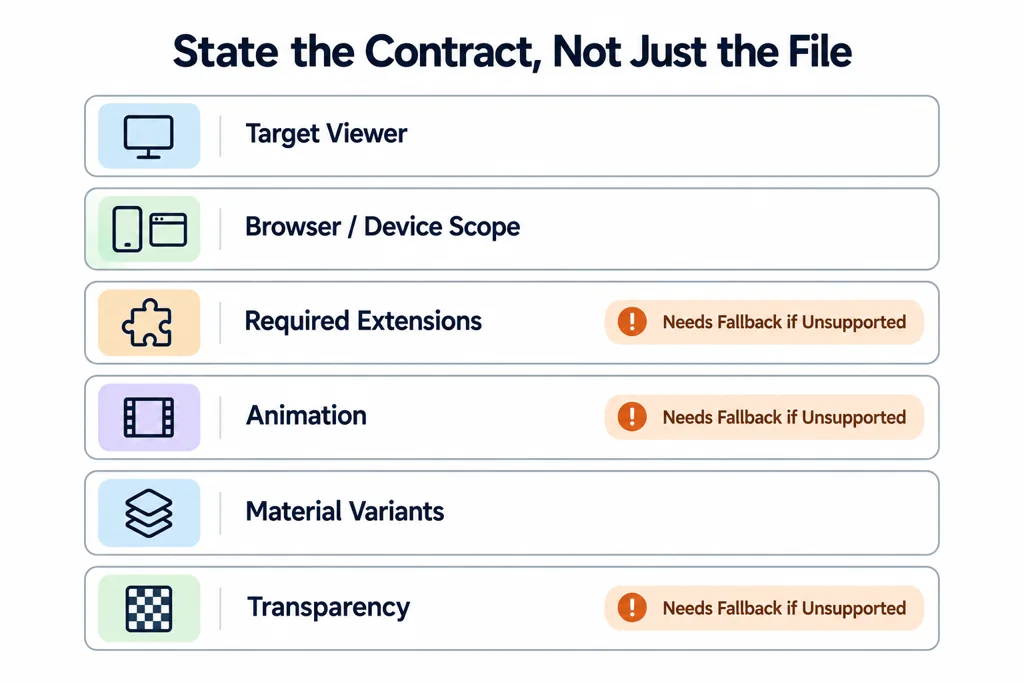
List the intended viewer, supported browser or device scope, and any required glTF extensions. State whether the asset has animation, material variants, transparency, or external resources. These features can change how the application loads and displays the model.
Do not describe every feature as mandatory without a fallback. If the target viewer does not support an extension, record the expected default behavior or provide a compatible asset.
Include the files the receiving application actually needs
A release bundle depends on its destination. Supply a USDZ companion when the agreed workflow uses Apple Quick Look. Include the approved environment map only when licensing permits redistribution, or identify an approved reproducible alternative. A still-image fallback should show the same product configuration as the initial interactive view.
Record the viewer version, environment, exposure, tone mapper, and initial camera together. These settings help explain a visual difference without editing the material to compensate for a different renderer. The model-viewer lighting examples distinguish environmental lighting from the visible background.
Here is a project-specific manifest example, not a Khronos schema or a file that viewers load automatically:
{
  "release": "sample-chair-v2",
  "asset": "sample-chair-v2.glb",
  "poster": "sample-chair-v2.webp",
  "dimensionsMeters": { "width": 0.56, "height": 0.78, "depth": 0.59 },
  "initialVariant": "Oak",
  "requiredExtensions": [],
  "viewerProfile": "approved-review-scene-v3",
  "validationReport": "validation.json",
  "knownLimitations": [],
  "previousRelease": "sample-chair-v1"
}
Replace every illustrative value with information from the actual release. Copy extension declarations from the exported asset; do not infer them from the filename. Record exact variant identifiers and node paths or application IDs. Node names alone may be duplicated, so a name lookup needs an explicit uniqueness rule.
A useful handoff also identifies who approves the release and which warnings were accepted, with reasons. A zero-warning report is not a substitute for checking product appearance, dimensions, and behavior.
Attach two kinds of evidence
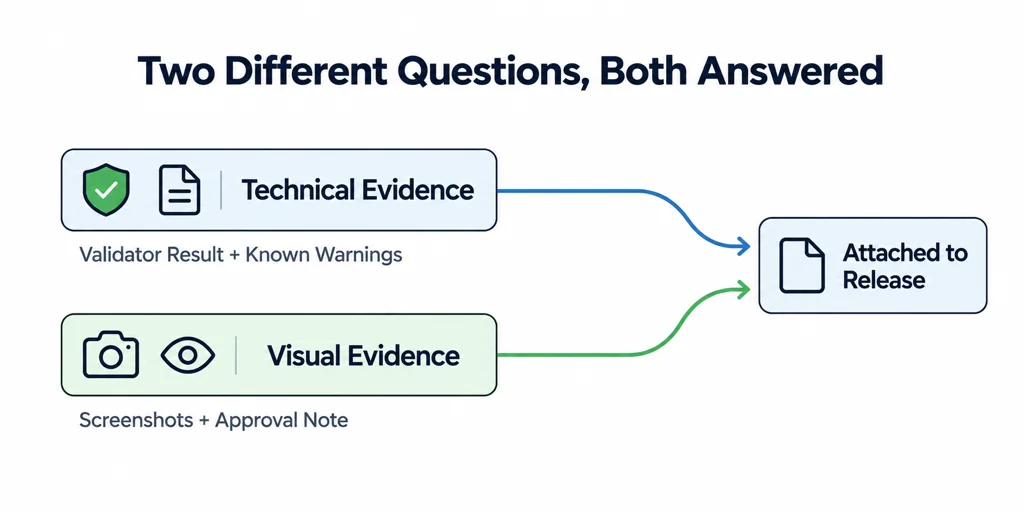
Technical evidence includes a Validator result and a list of known warnings. Visual evidence includes screenshots or an approval note for the target viewer, camera, environment, and product state. The two checks answer different questions.
A validator can identify data issues. It cannot approve brand color, product fit, or whether a viewer UI presents the asset well.
Define the rollback path
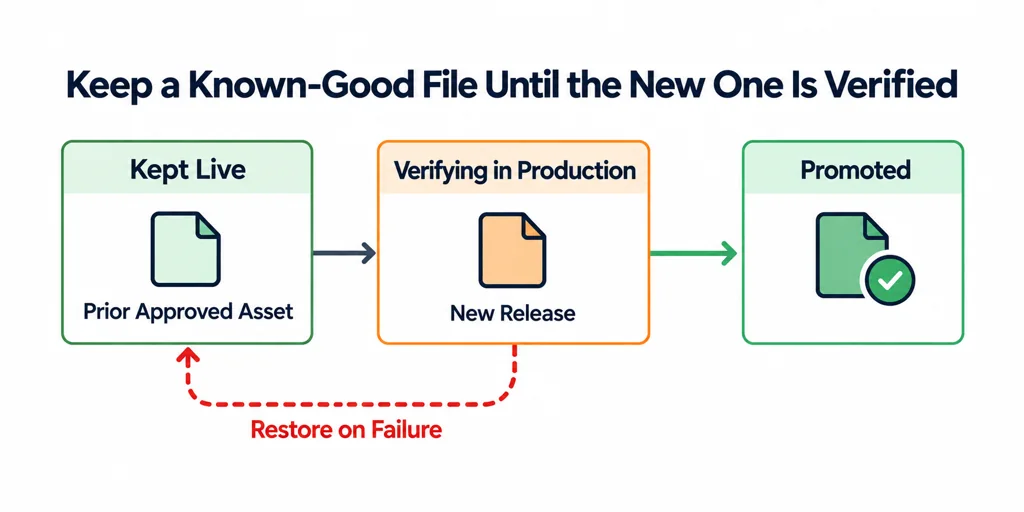
Keep the prior approved asset available until the new one is verified in production. If the release fails, the web team needs a known file to restore. Record who can approve an asset replacement and where the asset URL is managed.
A release handoff is small documentation around a file. It prevents the asset from becoming an unexplained binary dependency.