A GLB file is a delivery package
A GLB file is the binary container form of glTF. It can carry a glTF JSON description and binary resources such as mesh data, animation data, and images in one file. That makes it convenient to move a single asset between a 3D team, a web team, and a viewer.
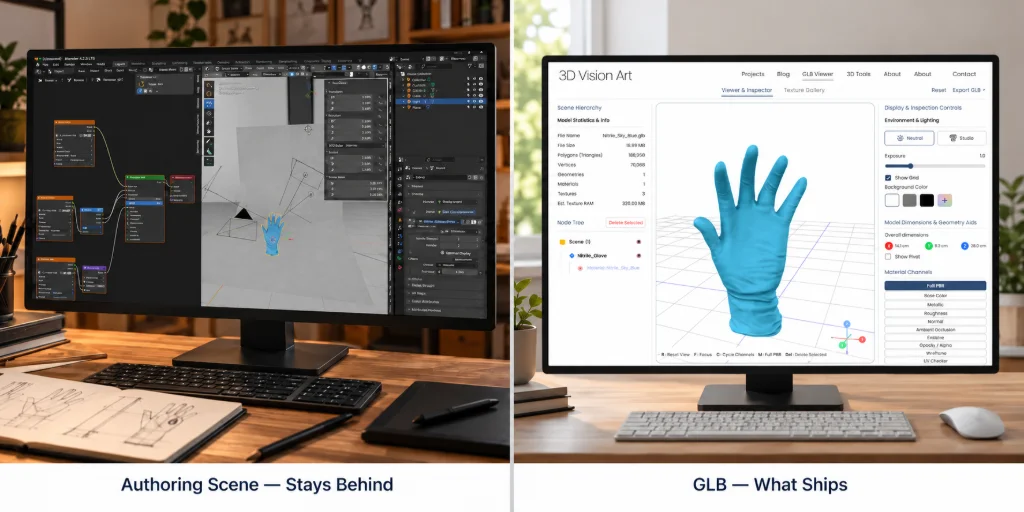
GLB is not the same thing as the original authoring scene. The glTF specification defines glTF as a runtime delivery format. It carries the scene data that a renderer needs, but it is not designed to preserve every decision from Blender, CAD software, or a studio lighting setup.
This distinction prevents a common handoff problem. If the team needs to edit geometry, rebuild a material graph, or change a production render camera, keep the authoring source. Use GLB as the deliverable that customers or applications load.
What can be inside the file
A GLB can include a scene hierarchy, meshes, materials, texture images, cameras, and animations. It may also reference external resources. A single-file extension does not guarantee that every dependency was packed correctly.
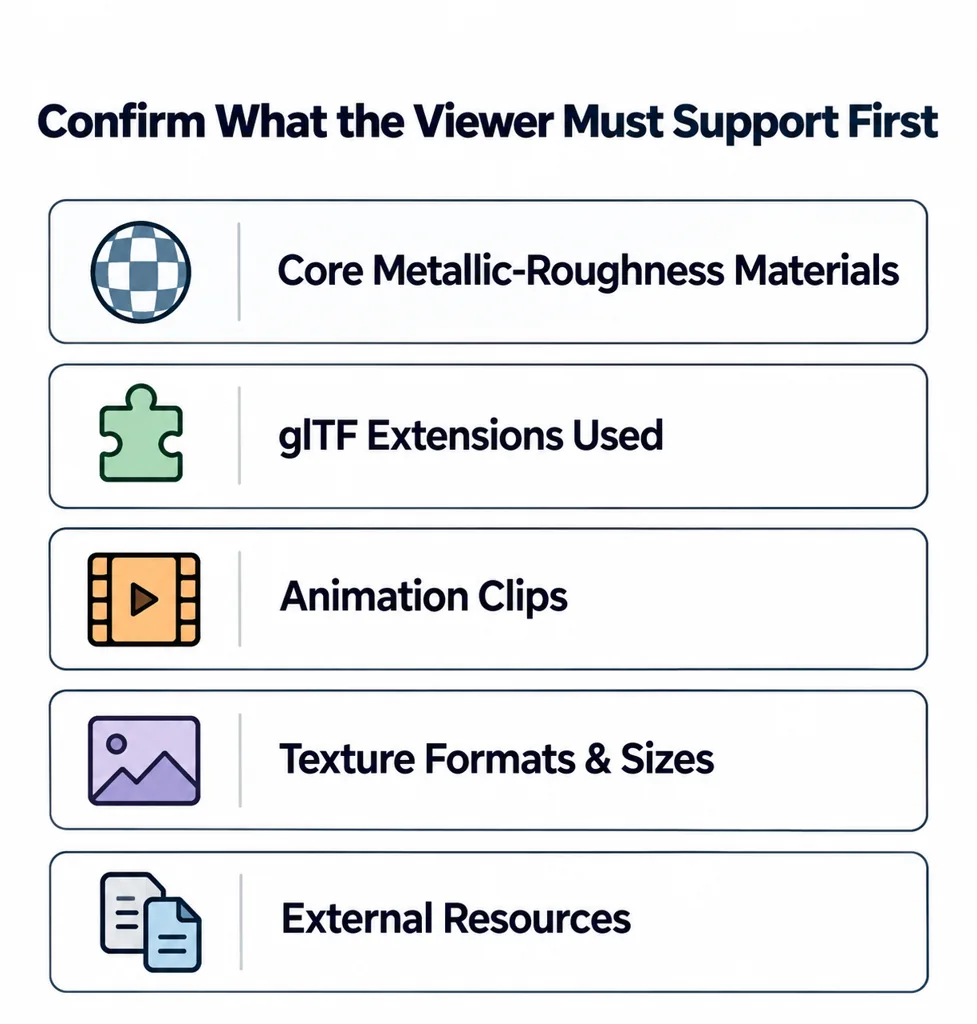
Before you send a GLB to a viewer team, identify what the viewer must support:
Core metallic-roughness materials.
Any glTF extensions used by the asset.
Animation clips, if the product requires motion.
Texture formats and image sizes.
External files, if the package is not fully self-contained.
The renderer decides what it can display. A valid file can still lose a material feature when the viewer does not support an extension.
Read the container without confusing it with compression
A GLB 2.0 begins with a 12-byte header containing its identifier, container version, and total byte length. A JSON chunk describes the scene. An optional BIN chunk stores binary resources. Each chunk has its own length and type, and chunk data is aligned to four-byte boundaries. These details are defined in the GLB specification.
Packaging is not compression. A large texture remains expensive to decode and upload even when embedded in one file. Compression extensions introduce their own decoder and compatibility requirements. A self-contained GLB can reduce asset requests, but the page may still fetch application code, codecs, and lighting resources.
| Format | Useful role | Handoff question |
|---|---|---|
| GLB | A binary glTF delivery package. | Are its resources embedded and its extensions supported? |
| glTF JSON | A scene description with embedded or separately referenced resources. | Are all URIs resolvable from the deployed location? |
| USDZ | A packaged USD asset, including delivery to supported Apple AR workflows. | Does the receiving renderer support its materials and scene conventions? |
| FBX or OBJ | Interchange in authoring pipelines and tools that support them. | What geometry, material, hierarchy, or animation information survives the chosen conversion? |
This comparison describes roles rather than a quality ranking. Converting a source to GLB does not make an unsupported shader portable or guarantee a particular frame rate.
Why one file helps and where it does not
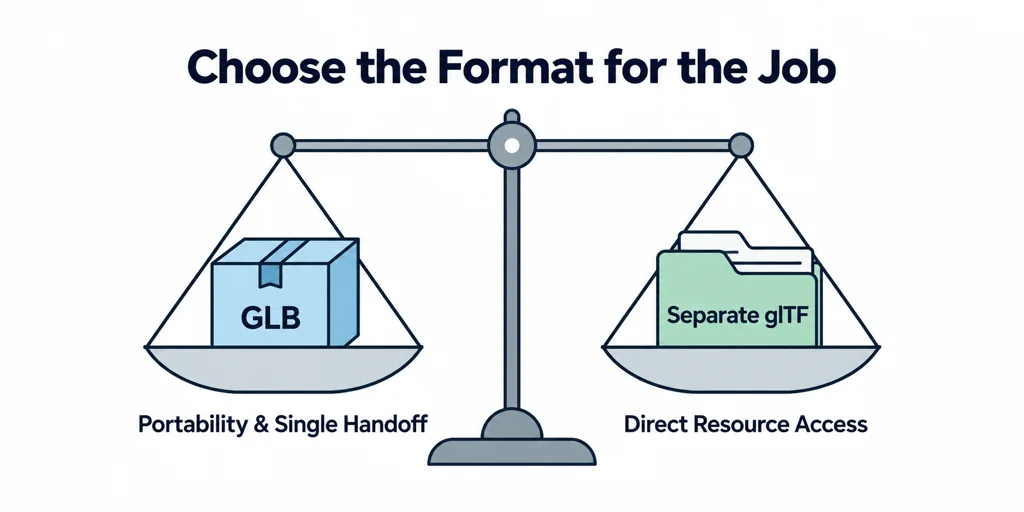
A single GLB reduces the risk that a ZIP folder loses an image or .bin file. It is useful for product previews, review links, and simple web delivery. The cost is less direct access to individual resources. A separate .gltf file with images and buffers can be easier to inspect and revise during production.
Choose the format for the job. Use GLB when portability and a single handoff file matter. Use a separate glTF package when your pipeline needs direct work on the JSON or image resources. Keep the source scene either way.
Check a GLB before it reaches a product page
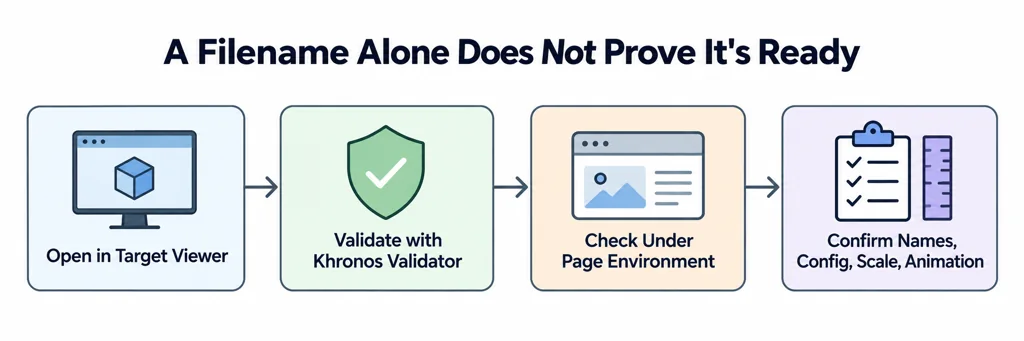
Open the file in the target viewer. Then validate it with the Khronos glTF Validator. Check its visual result under the page environment, not only in a DCC viewport. Confirm material names, default product configuration, orientation, scale, and the presence of any required animation.
A GLB is ready when the target viewer can load the intended product state. The filename alone does not prove that result.