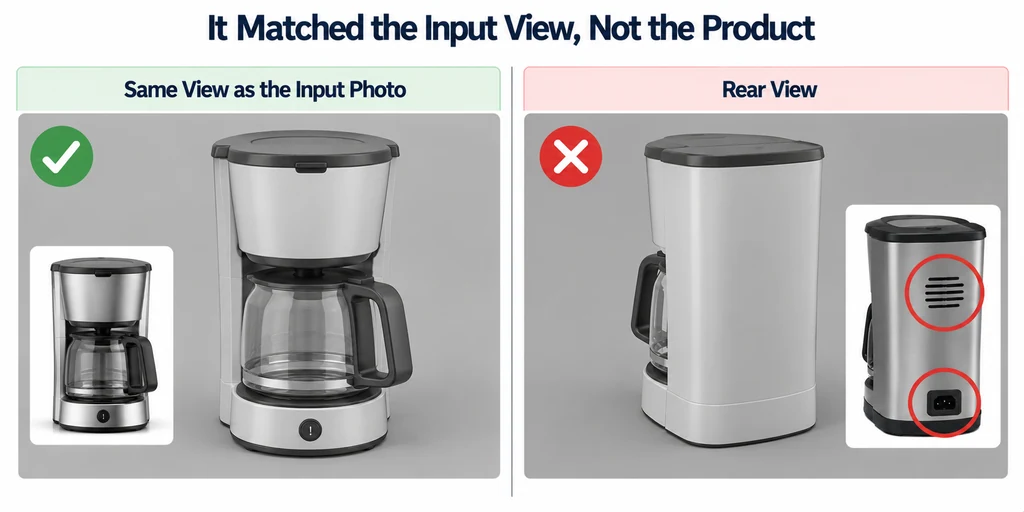
Use generation as a proposed starting point. The acceptance decision belongs to the product evidence and intended use, not to the confidence of the preview.
Record what the generator received
Keep the input images, tool or model version, generation settings, and usage terms relevant to the output. The original TripoSR implementation is one example of single-image reconstruction, not evidence that any particular generated asset is dimensionally correct.
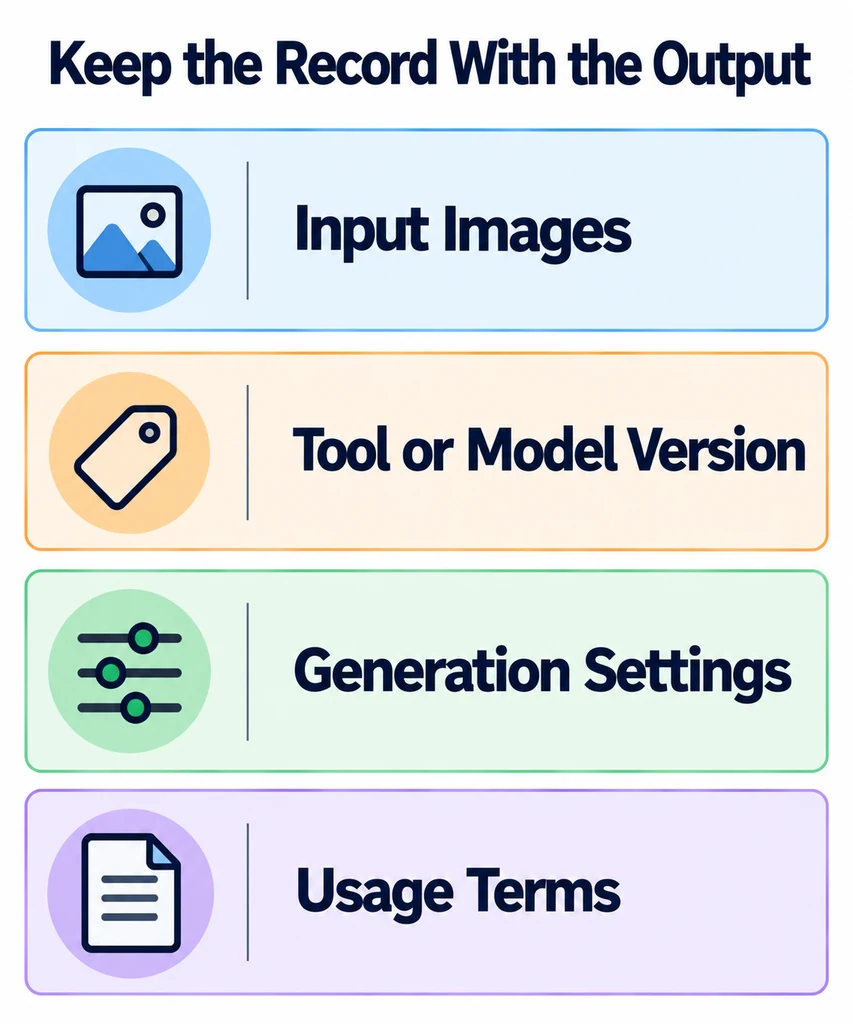
Record which regions were visible in the input. A rear panel absent from every photograph has no photographic confirmation in that input set. Mark the resulting geometry as unverified until another source supports it.
Avoid uploading confidential product material to an external service without the appropriate authorization. A local workflow and a hosted workflow have different data-handling implications.
Check identity before surface polish
Compare the silhouette, major dimensions, part count, openings, controls, and labels. Use more than the original generating view. A model can match that view while failing from the side or rear.
For an illustrative appliance, inspect handle attachment, vent placement, button count, and the clearance around moving parts. Do not treat a mirrored or fused component as a cosmetic issue if it changes the product.
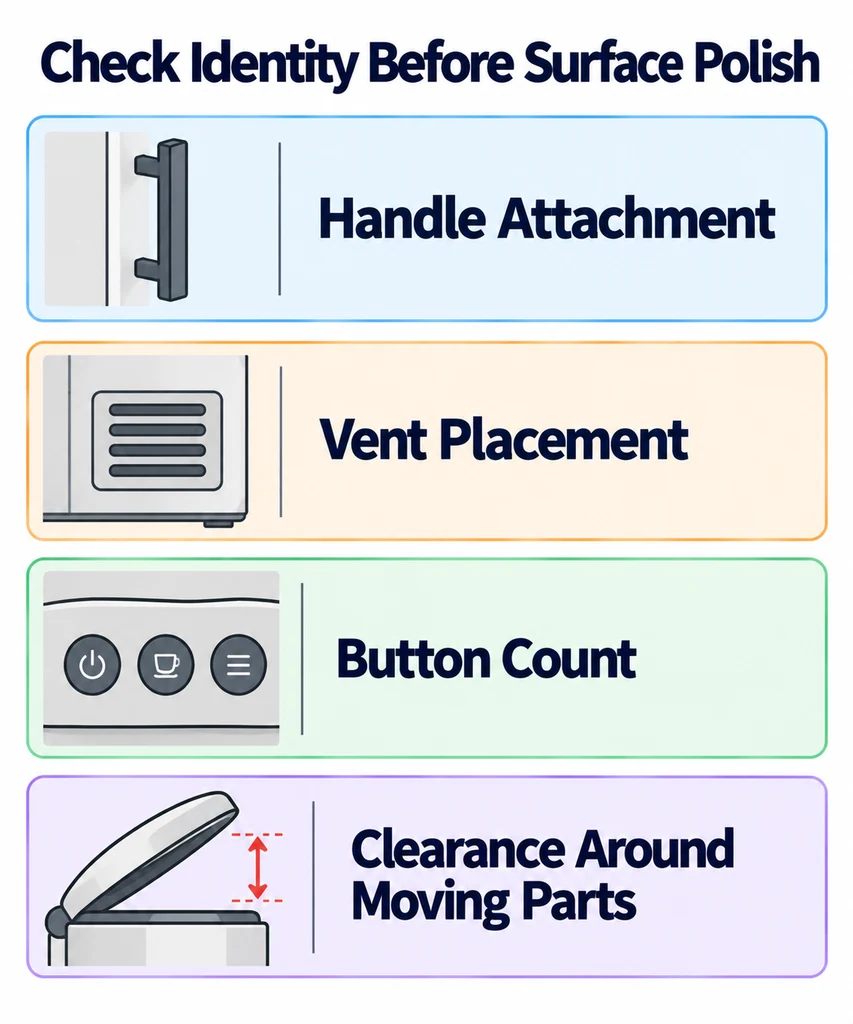
Keep measured discrepancies separate from subjective appearance comments. "The rear socket is absent from the approved reference" is more actionable than "the back looks strange."
Decide whether repair is bounded
List the corrections required to reach the intended use. Estimate the work from the actual mesh, including cleanup, topology, UVs, and material reconstruction. Do not assume generation saves time without comparing completed work under equivalent requirements.
Accept limited use only when the scope is explicit. A distant concept illustration has different evidence needs from an interactive catalog model that exposes every side.
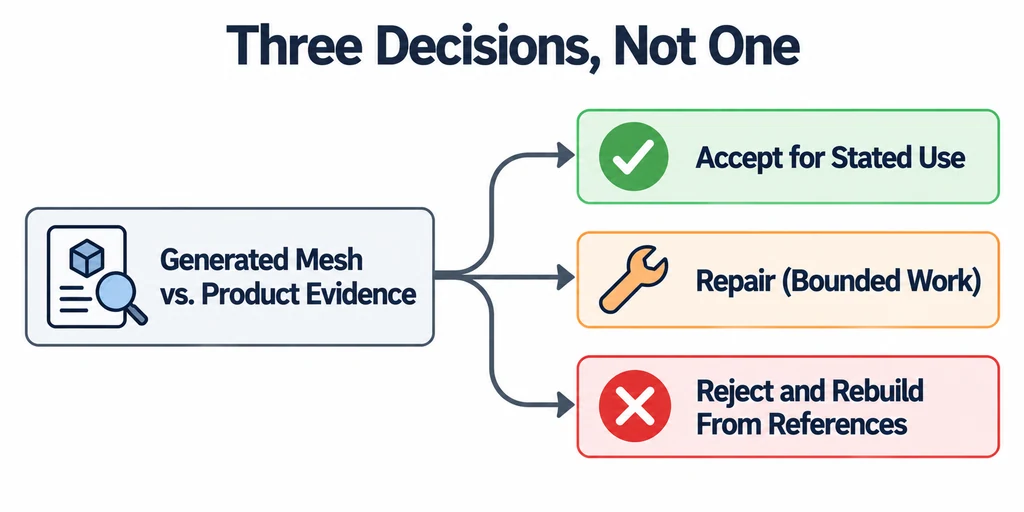
Reject the asset when the unknowns are too extensive or when repair would preserve an unreliable shape. Starting again from measured references can be more controllable than correcting a dense but inaccurate surface.
Compare two complete production routes
Estimate repair from the actual output. List shape corrections, missing rear details, UV work, retopology, texture cleanup, and the final review. Compare that list with rebuilding the product from approved photographs, drawings, or CAD under the same acceptance criteria.
For an appliance generated from a front photograph, a convincing rear panel may be invented. Ask for a rear reference before preserving vents, sockets, or seams that the input never showed. Label unverified geometry clearly during review; polish does not make it authoritative.
Use three decisions: accept for a stated limited use, repair a bounded list of defects, or rebuild. A concept illustration may permit approximations that a rotating catalog model cannot. Keep that scope with the approved asset rather than presenting every generated surface as a verified product feature.
Separate structural validity from product acceptance
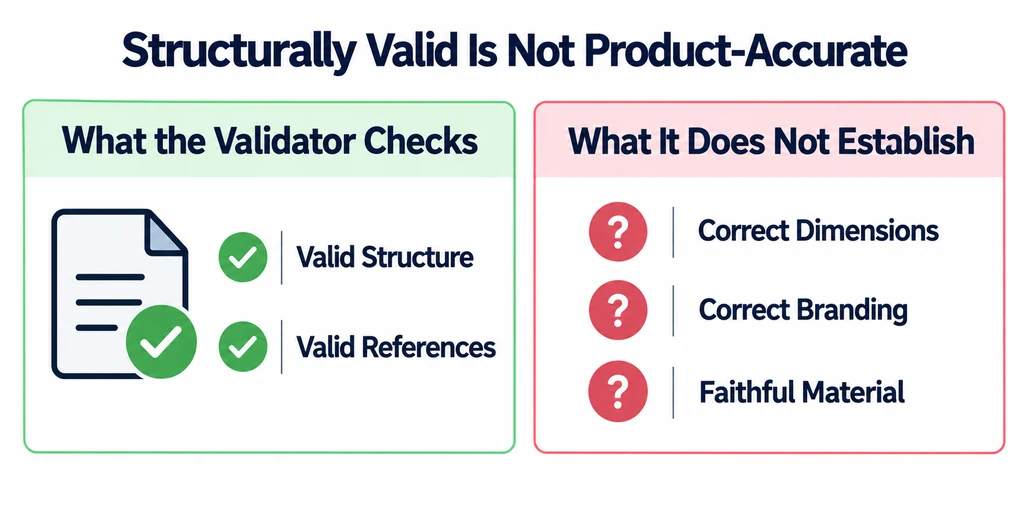
If the delivery format is glTF, run a structural validator after export. Passing that check does not establish correct dimensions, correct branding, or a faithful material.
Review the asset in its destination and document every approved approximation. Do not describe the outcome as a measured scan if it was generated from incomplete visual evidence.
Release only the version approved for the stated use. Keep the original output, correction record, and product references together so another reviewer can see which features were generated, verified, rebuilt, or excluded.