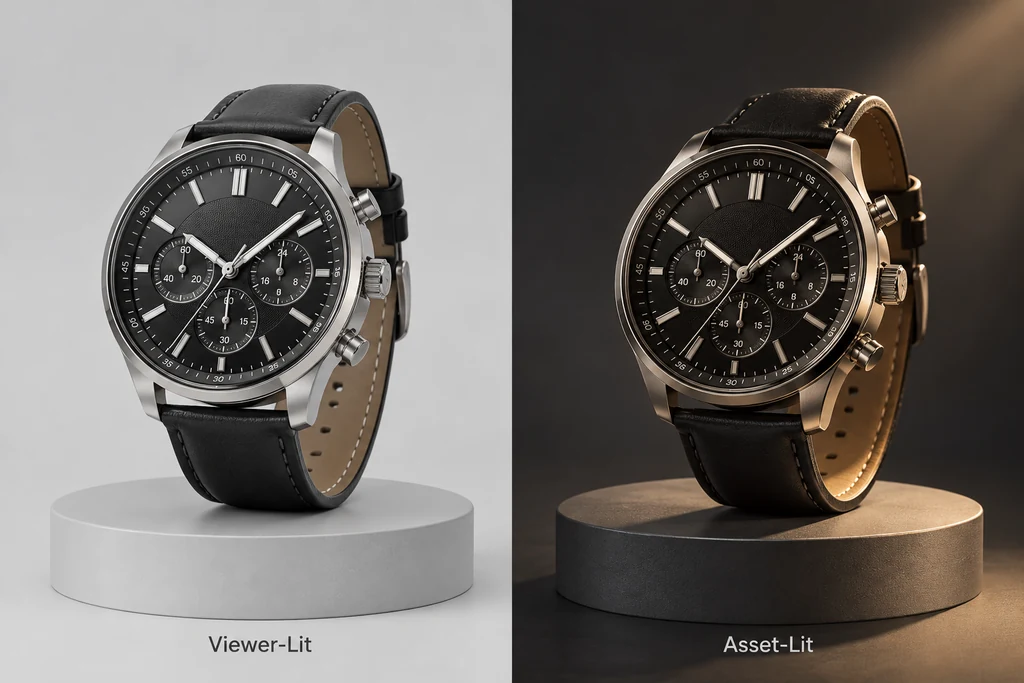
Choose who owns the lighting decision before asset delivery.
Start with the question the asset must answer
Decide whether the product should arrive as a neutral object that the viewer lights, or as an asset carrying a controlled lighting contribution. The answer changes how the team authors and validates it.
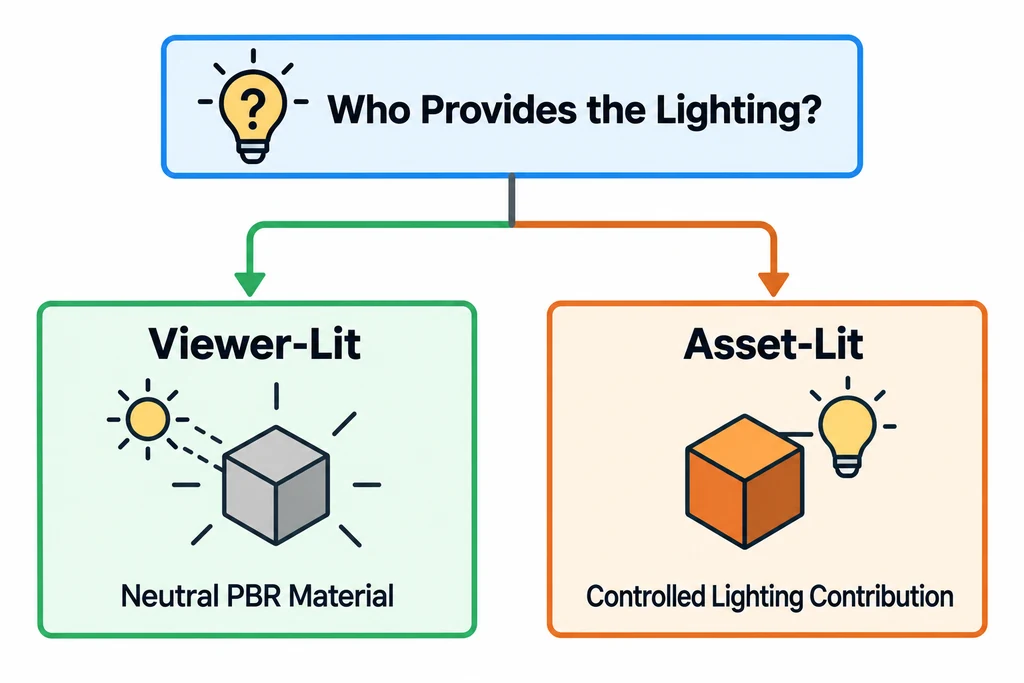
Separate lighting supplied by the viewer from lighting carried by the asset.
A furniture asset that appears in several configurators may need neutral PBR materials and an environment supplied by each viewer. A fixed technical illustration may benefit from a baked contribution. The target renderer and the required art direction decide the contract.
What punctual lights carry
KHR_lights_punctual defines directional, point, and spot lights for glTF. It describes properties including color, intensity, type, and range for point and spot lights.
Target viewers can differ in image-based lighting, shadow treatment, tone mapping, and material support. Test the extension in every named target before treating a light as required for the product experience.
What baked lighting carries
Baked textures can carry shadowing, indirect-light cues, or stylized visual detail. They can be predictable in a defined scene. They can also conflict with a changed environment, product color, or AR placement surface.
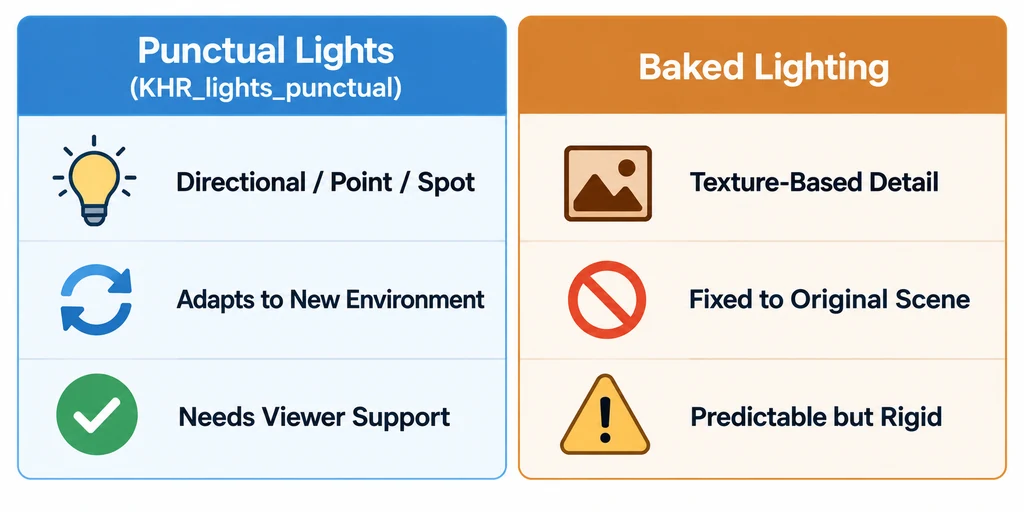
Compare the portability and control of both lighting approaches.
Do not bake a studio floor shadow into a movable AR asset. Google Scene Viewer renders placement shadows and advises against baking shadows into the model.
Choose a portable contract
| Delivery need | Prefer | Verify |
|---|---|---|
| Several viewer environments | Neutral PBR material with viewer lighting | Finish under every target environment |
| Fixed showcase scene | Punctual lights with confirmed support | Intensity, placement, and fallback |
| Small static visual detail | Carefully baked contribution | No conflict with environment or scale |
| Mobile AR placement | Environment-responsive materials | Ground contact and platform result |
Name each lighting contribution in the handoff
An embedded point light, an environment supplied by the viewer, and a shadow painted into base color can all affect the same surface for different reasons. Record who owns each contribution before comparing renders.
KHR_lights_punctual does not by itself carry a complete renderer setup, an environment map, or a universal shadow policy. Baked illumination can remain fixed when the product rotates or moves to another room. Keep ambient-occlusion data separate from a studio floor shadow and avoid calling either a replacement for runtime lighting.
For a movable AR product, inspect its contact with the placement surface without a fixed studio floor card. For a controlled showcase, record the intended light and environment configuration and inspect a fallback. Accept the package only when the receiving application supplies the missing parts of the lighting contract deliberately.
Review with fallback in mind
For each light-dependent asset, capture a supported target result and a fallback result without the extension or baked contribution.
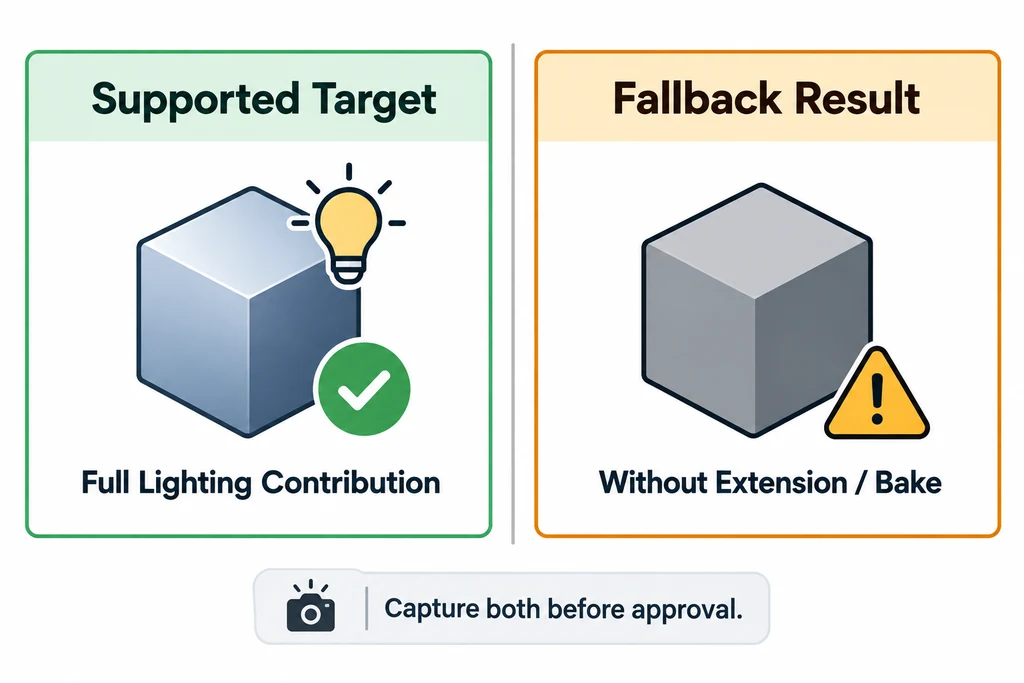
Validate the product appearance when a target cannot use the expected lighting path.
If the fallback misrepresents the product, choose a separate delivery strategy. Record what the file provides, what the viewer provides, and what the release test confirms.