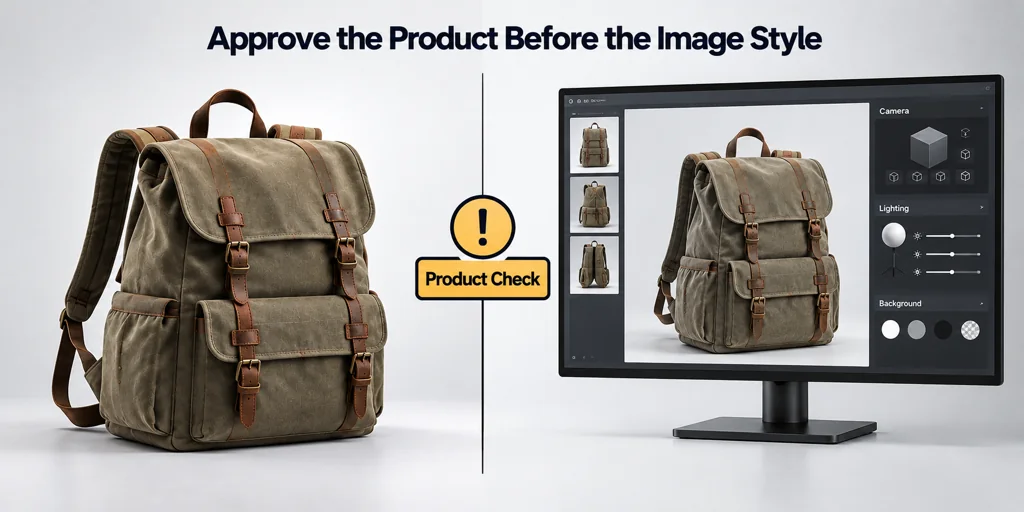
Approve the product before the image style
Check the product state first. Confirm the SKU, dimensions, visible parts, labels, finish, and accessories. If the product itself is wrong, a camera or lighting adjustment cannot make the output acceptable.
Use the source authority that fits each question. Engineering data controls dimensions. Brand artwork controls marks. A controlled physical reference controls material appearance when one is available.
Review materials under useful light
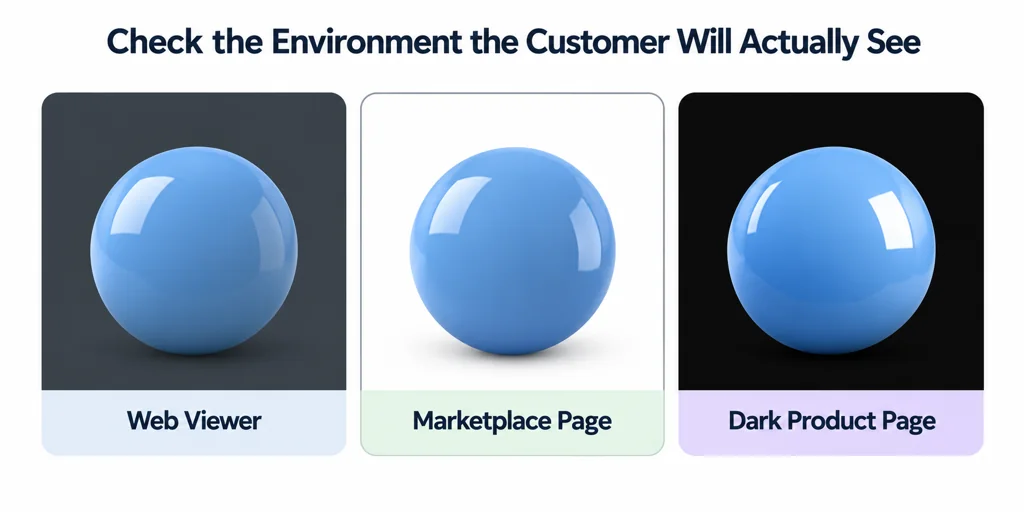
Ask whether the material communicates its intended type. Glossy surfaces need readable reflections. Matte surfaces need stable tone. Fabric, wood, brushed metal, and translucent parts need close views that reveal their distinct cues.
Do not approve a material only against one background. Review at least the environment that the customer will see. A web viewer, a white marketplace page, and a dark product page can reveal different problems.
Review composition against its destination
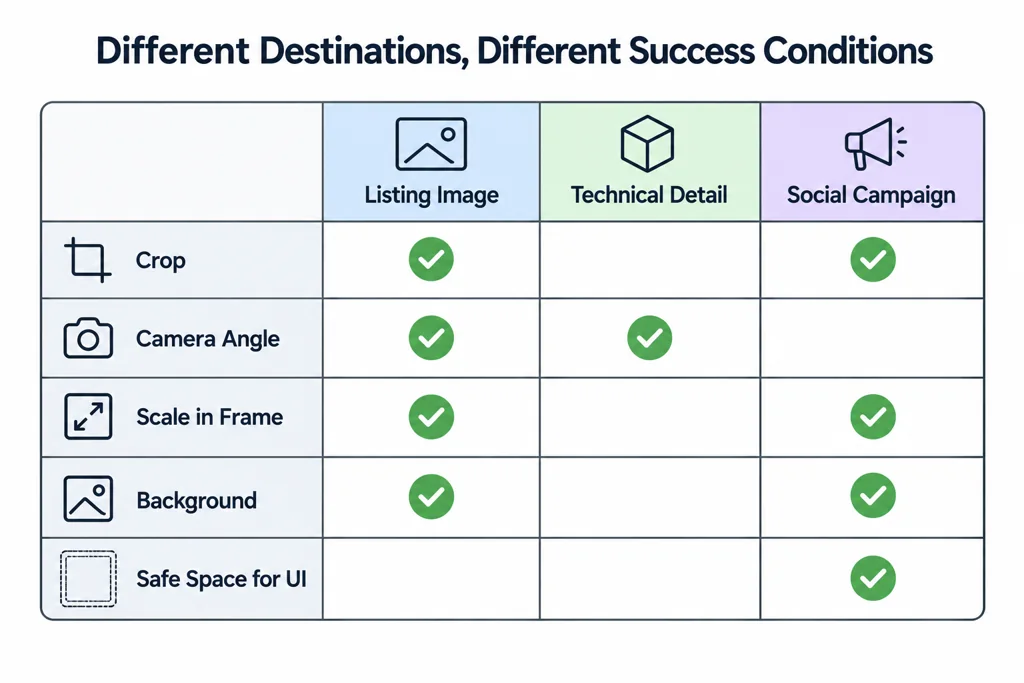
Check crop, camera angle, scale in frame, background, and safe space for page UI. A still for a product listing has a different success condition from a technical detail image or a social campaign visual.
For interactive delivery, add a second QA gate. Validate the GLB structure and then inspect the actual target viewer. A conformant asset can still show an unwanted material result in a specific runtime.
Turn a comment into an acceptance condition
| Review question | Controlling evidence | Decision record |
|---|---|---|
| Is this the intended product? | SKU, dimensions, artwork, and approved configuration. | Pass or a named factual correction. |
| Does the finish read correctly? | Physical sample or controlled reference under agreed lighting. | Approved view and any limitation. |
| Does the image fit its destination? | Actual layout, crop, and required information. | Output dimensions and accepted composition. |
| Does the interactive file behave correctly? | Format report and target-viewer checks. | Asset revision, runtime, and observed result. |
These are suggested review fields, not universal tolerances. Set any dimensional or visual tolerance with the responsible product owner before the review.
For a handle that appears too glossy, retain the reference, lighting setup, and affected image region. The next candidate should answer that same question. If the controlling reference is missing, mark the item unresolved rather than approving a plausible finish by default.
Record the decision
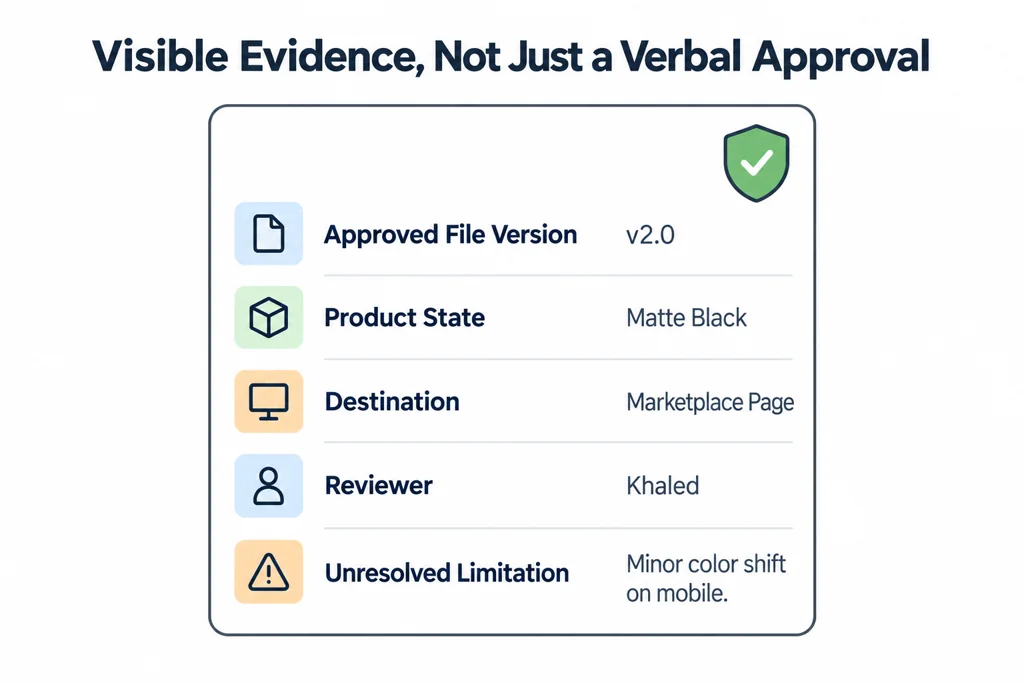
Capture the approved file version, product state, destination, reviewer, and unresolved limitation. This makes a later update traceable. It also stops a new reviewer from reopening a decision that a previous review already approved.
Acceptance criteria turn a visual review into a product decision with visible evidence.