Define the variant record
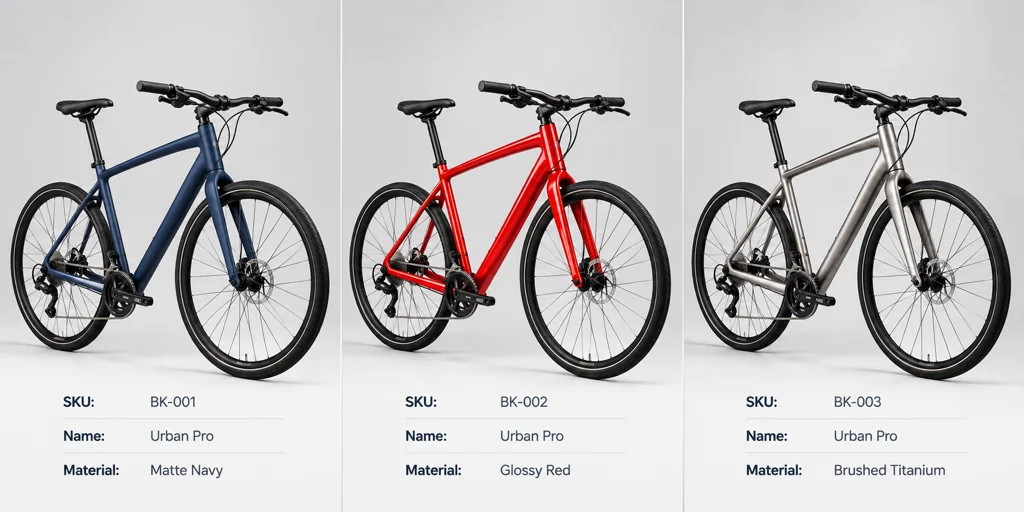
Create one record for every sellable product state. Include the SKU, customer-facing name, internal material name, visible parts, reference source, and target outputs. A color name by itself is not enough when the same product also changes trim, label, or accessory.
Choose an intentional default. A viewer or a render fallback needs a product state that remains valid when a specialized selection feature is unavailable.
Map the variant to visible parts
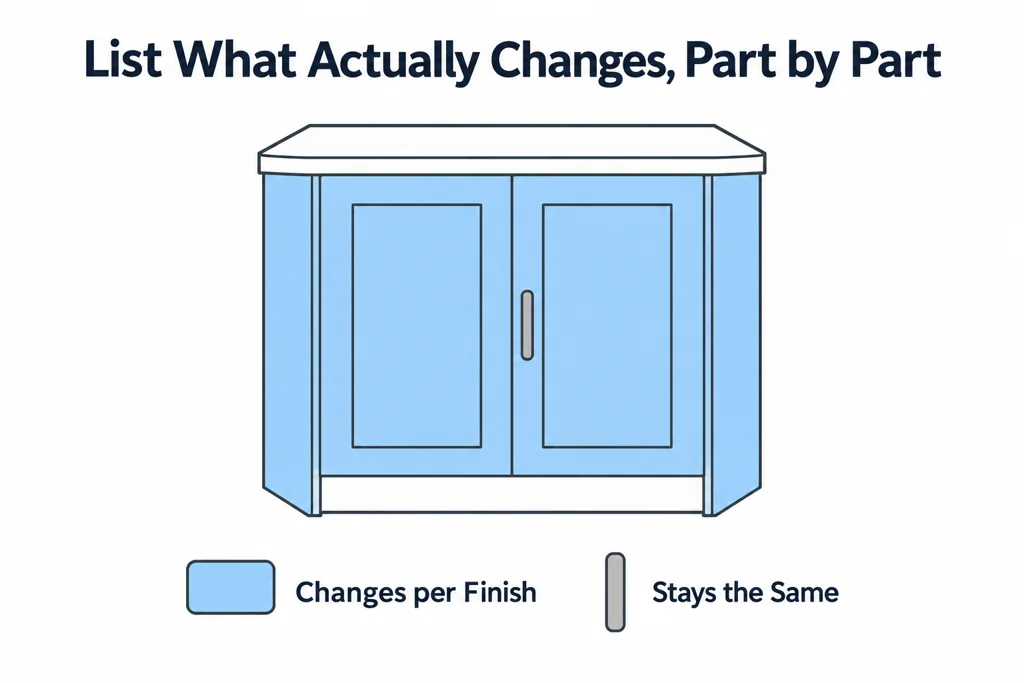
List which parts change for each option. A cabinet finish may affect the doors and visible side panels but not the handle. A configuration rule may exclude certain combinations. Keep this business rule outside the 3D file when it belongs to product data.
glTF material variants can map alternative material assignments to primitives, but they do not replace a full product-rule system. Use the asset for visible finish changes and keep SKU validity in the commerce system.
Approve across every destination
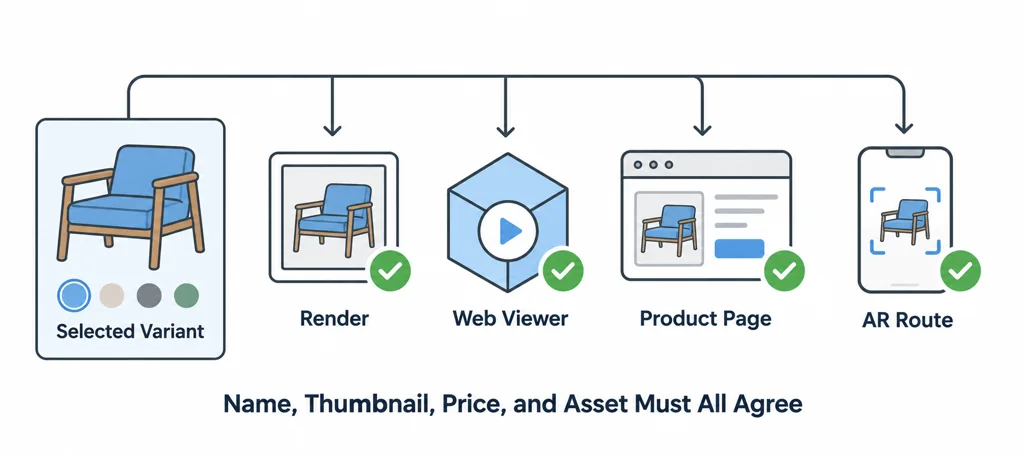
Test the selected variant in its render, web viewer, product page, and AR route when those outputs exist. Confirm the name, thumbnail, price, and asset agree. A correct material in the viewer is not enough if the page labels it as another SKU.
Record the device and viewer used for visual approval. Material appearance can change with lighting and renderer support.
Test a variant as a complete product state
For an illustrative bicycle finish, change the selected SKU and compare the frame, trim, decal, thumbnail, and AR output. A correct frame color does not compensate for an old decal or a product-page name that still describes the previous finish.
Keep the product-data identifier separate from the material display name. Record which visible parts change and which must stay fixed. Material variants can provide alternative assignments, but they do not calculate pricing, stock, or valid accessory combinations.
Approve the default and at least one non-default state through the actual destinations. Retain the mapping and asset revision with the approval record so a later texture replacement cannot silently change what an already approved SKU represents.
Lock the approved evidence
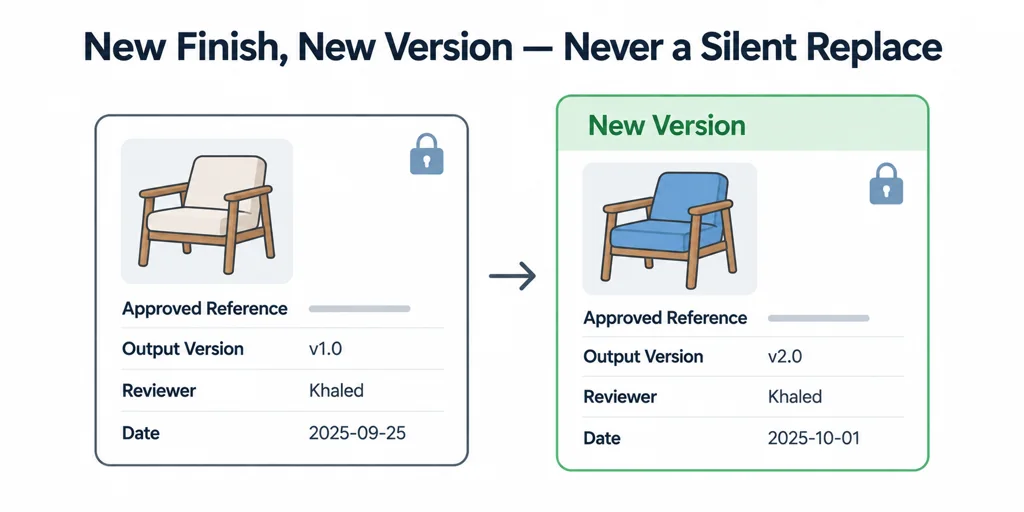
Store the approved reference, output version, reviewer, and date with the variant record. When a supplier changes a finish, create a new version rather than silently replacing the old reference.
This workflow keeps the customer choice and the 3D result tied to the same product state.