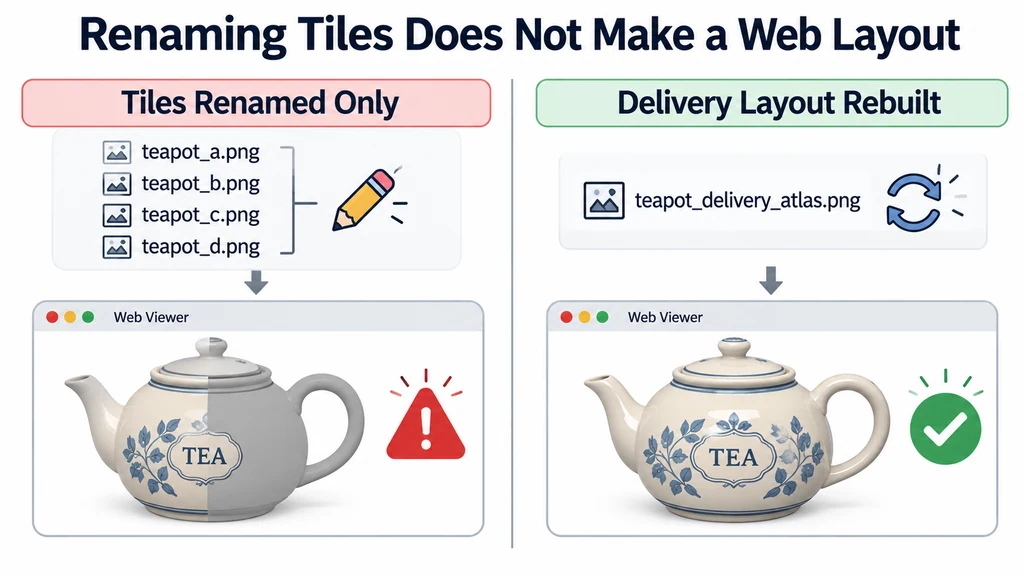
A product prepared for offline close-ups may spread detail across many tiles. A web experience may need a smaller set of conventional textures, but reducing the layout should not erase the regions that explain the product.
Define the destination layout first
Confirm the renderer and exporter requirements. Core glTF does not define a UDIM filename-expansion workflow. Review the glTF texture model and the recognized material setup in the Blender exporter documentation.
Choose between an atlas and separate material regions according to the product. An atlas can consolidate resources, while separate regions can preserve independent replacement or different detail budgets. Neither choice automatically minimizes every runtime cost.
Write down which regions must remain independently configurable before joining their texture data.
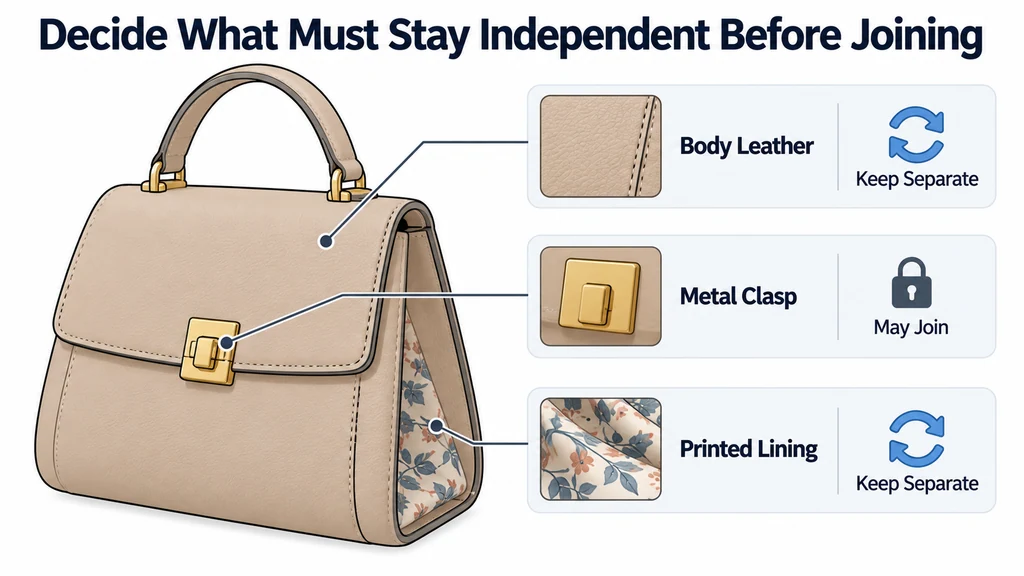
Choose between an atlas and separate regions
| Delivery layout | Useful when | Cost to review |
|---|---|---|
| One atlas | Most parts share a delivery material and change together. | Small labels can lose detail; unrelated regions need padding between UV islands. |
| Separate material regions | Parts need independent finishes or different resolutions. | Additional primitives and materials can increase draw submissions. |
| A mixed layout | A detailed label or replaceable panel needs its own texture. | The extra resource must justify its memory and loading cost. |
Core glTF does not expand a UDIM filename token into a tile set. This does not mean all glTF UV coordinates must lie within 0–1; sampler wrapping supports other coordinates. The requirement is to author explicit textures and coordinates that the target understands.
Bake into the new coordinates rather than merely renaming 1001 and 1002 files. Compare a label's screen coverage with its share of the atlas. Give that region enough texels for the closest approved view. Add dilation around islands and inspect reduced mip levels, because padding that works at full resolution can still bleed after filtering. There is no universal padding value independent of resolution, layout, and viewing conditions.
Make a delivery mesh and UV copy
Keep the source mesh, UVs, and tiled images unchanged. Create the target UV layout on a delivery copy. Preserve the shape and component identities needed by the experience.
Allocate space according to intended views. Do not divide an atlas evenly simply because the original tiles had equal dimensions. A small information-rich region may deserve more space than a large plain panel.
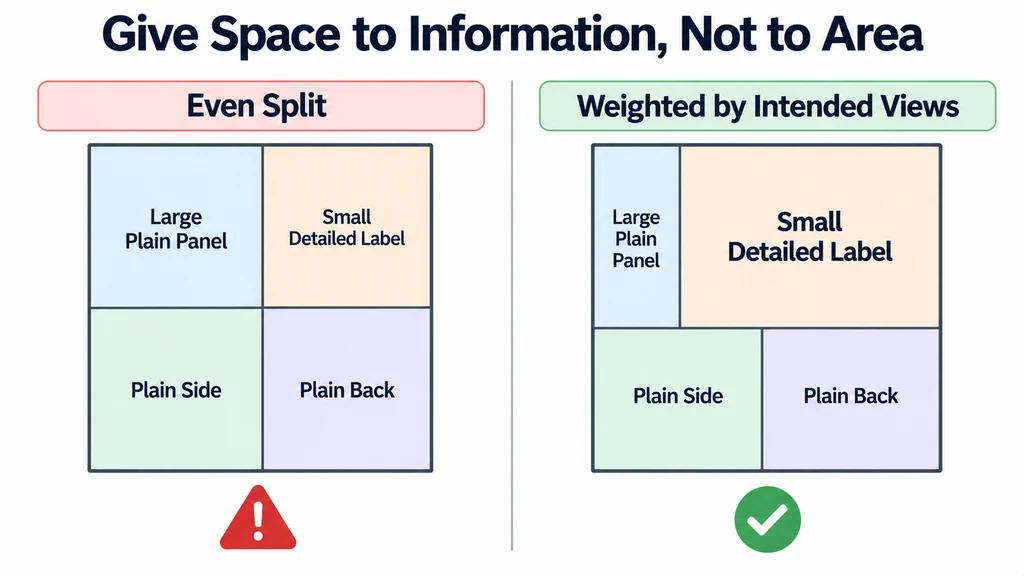
Check island spacing for the intended reduction and filtering. Inspect boundaries that will become adjacent in the atlas even though they were far apart in the source.
Transfer each map according to its meaning
Bake or otherwise transfer the source appearance into the target layout with the correct material channel roles. Do not combine a beauty render with numeric roughness or normal data.
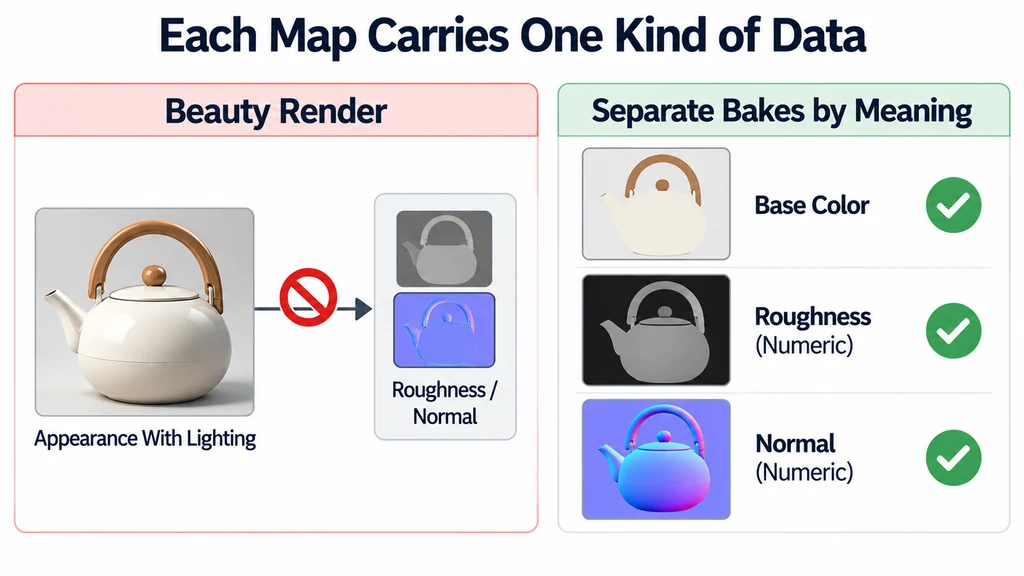
Review normal maps against the final delivery geometry. Changes to topology, UVs, or tangent handling require particular care. Compare the rebaked result under a movable light instead of inspecting only the image file.
For a housing with several original tiles, check a feature that crosses a former tile boundary. Confirm that scale and orientation remain consistent after the move.
Inspect the exported layout in isolation
Export the delivery asset and open it without access to the original tiled directory. This exposes references that still depend on the authoring workspace.
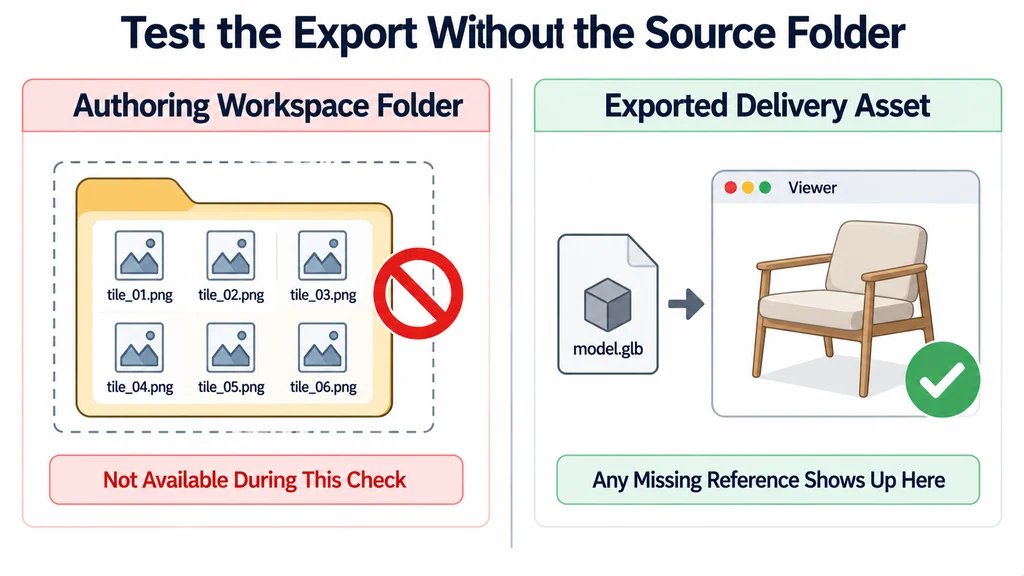
Compare fixed views of the source and delivery version. Record acceptable losses, such as detail outside the agreed camera range, separately from errors such as missing labels or visible seams.
Check the actual number and dimensions of exported images. A consolidated UV layout does not prove that unused source images disappeared from the package.
Deliver the web asset and a short record of the layout decision. Keep the high-detail source for future channels. If a later experience requires closer inspection, return to that source rather than repeatedly resampling the already reduced delivery textures.