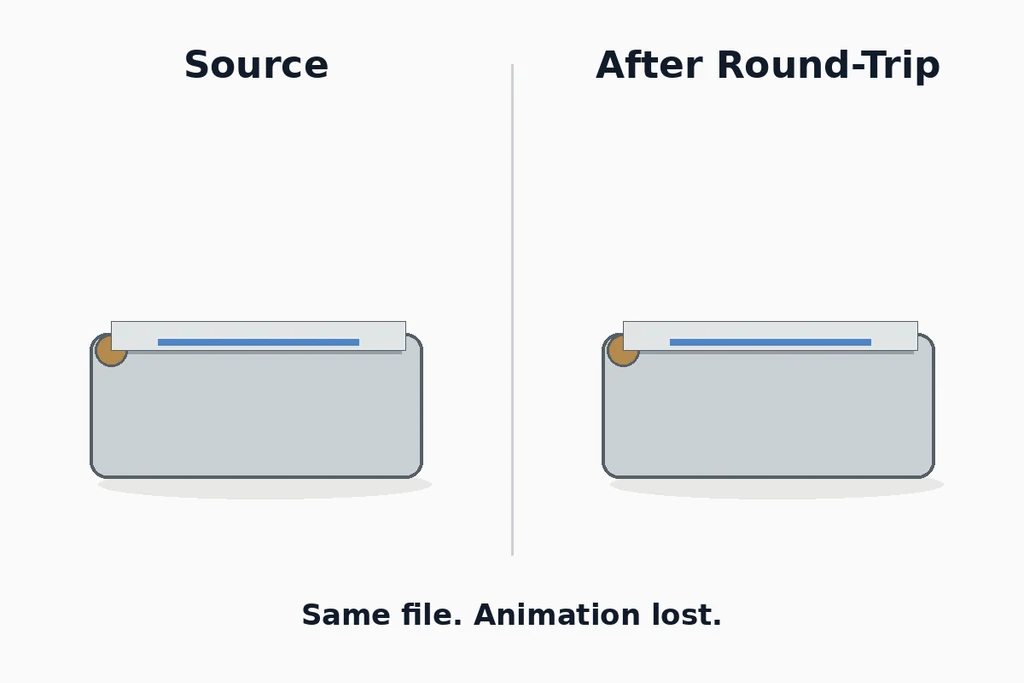
Choose a small, representative source and define the features that must survive before running the conversion. Otherwise the test becomes a search for anything that still looks acceptable.
Define the conversion route precisely
Record the source application, intermediate format, receiving application, and return format. Include versions and export options. Review the documented import and export behavior, such as the Blender glTF documentation, for the chosen path.
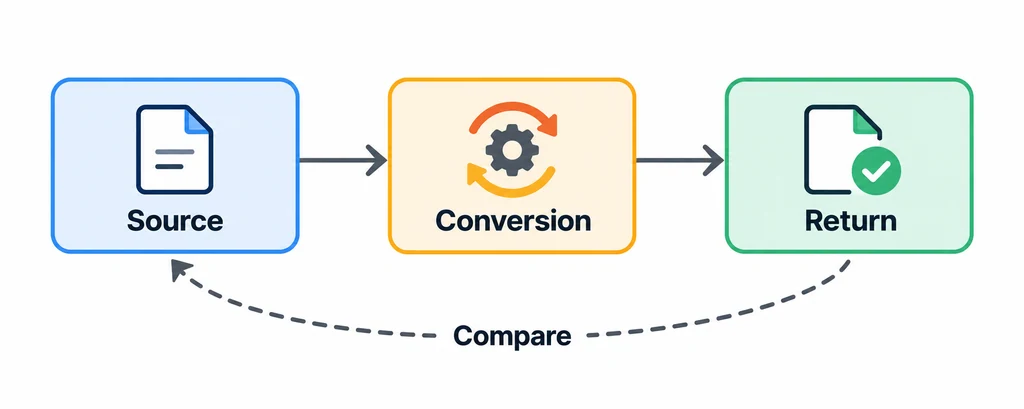
Keep the source immutable. Generate each stage from the previous stage, and give every output a unique identity. Do not compare a returned file that was manually repaired without recording those repairs.
Use a fixture that contains the features important to the project: a moving part, a shared material, a label, and a named component, for example. These are test choices, not a required universal fixture.
Define what counts as a loss
Separate representational changes from meaningful failures. A tool may rename an object or split geometry without visibly changing it. That can still matter if another system relies on the name or part boundary.
Write expected outcomes for each feature. A moving lid must retain its pivot and useful motion. A label must retain its content and placement. A material must remain recognizable within the agreed destination limitations.
Do not require raw vertex-count equality when the route legitimately changes representation. Compare the information needed by the workflow.
Separate structural and visual comparisons
Use format validation where available. glTF Validator can identify structural issues in the glTF stage, but it cannot determine whether the returned object is the correct product.
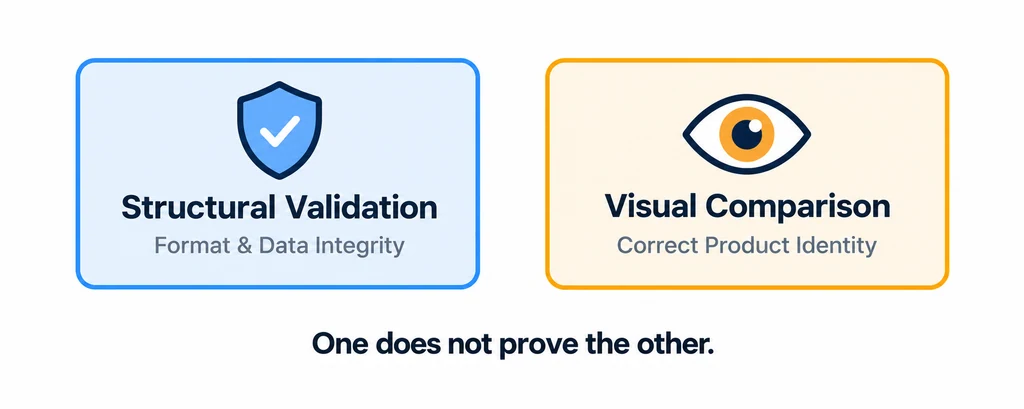
Compare fixed views under controlled lighting and camera settings. Then inspect hierarchy, dimensions, material assignments, and animation states. A static image cannot establish that an animation or component identity survived.
Record each difference with its stage of first appearance. If the material changes in the initial export, the return import is not the original cause.
Follow one feature through every stage
For an illustrative hinged product, save the assembled pose and the open pose before conversion. Export the intermediate file, import it into a clean scene, and inspect both poses before making the return export. Repeat for the label and the component identity used by the application.
| Observation | Classification question |
|---|---|
| Quads became triangles but shape and behavior remain acceptable | Is this an expected representation change? |
| Lid remains visible but no longer moves | Which stage first lost the animation or pivot relationship? |
| Object names changed | Does any downstream binding depend on those identifiers? |
| Material is recognizable but an advanced layer is missing | Is the approximation approved for this destination? |
Save the intermediate outputs. If the first export already loses the hinge, investigating the final reimport alone will misidentify the cause. Keep manual repairs out of the baseline route or record them as additional production work. A round trip is useful when it produces a traceable decision about the route, even when the answer is to avoid that route for one required feature.
Report the result as a bounded finding
Classify differences as preserved, changed acceptably, lost, or unresolved. Include the evidence and any manual repair required. Do not collapse the report into a single pass score that hides an important failure.
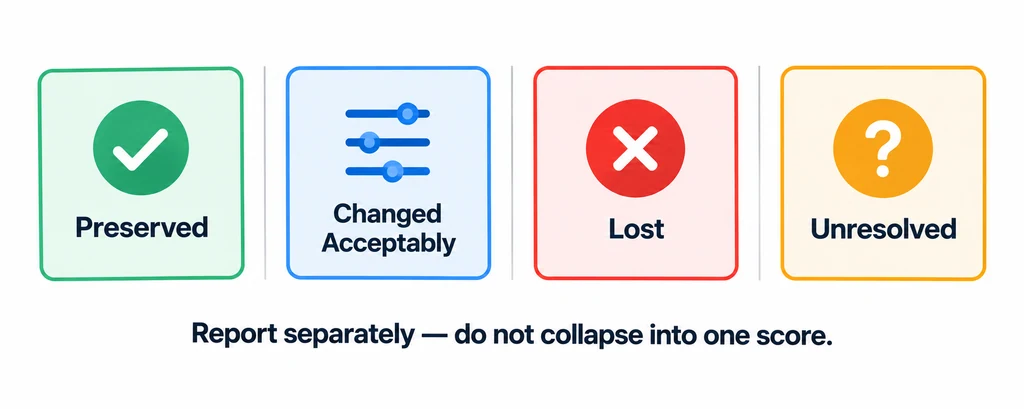
For an illustrative label-and-hinge fixture, the geometry may look similar while the hinge becomes static. Report those outcomes separately. A successful label transfer does not offset lost motion.
Keep the fixture, outputs, settings, and comparison record so another person can repeat the test. State exactly which route and features were examined. Use the result to choose or constrain a production workflow, not to claim that a format or converter is universally lossless.