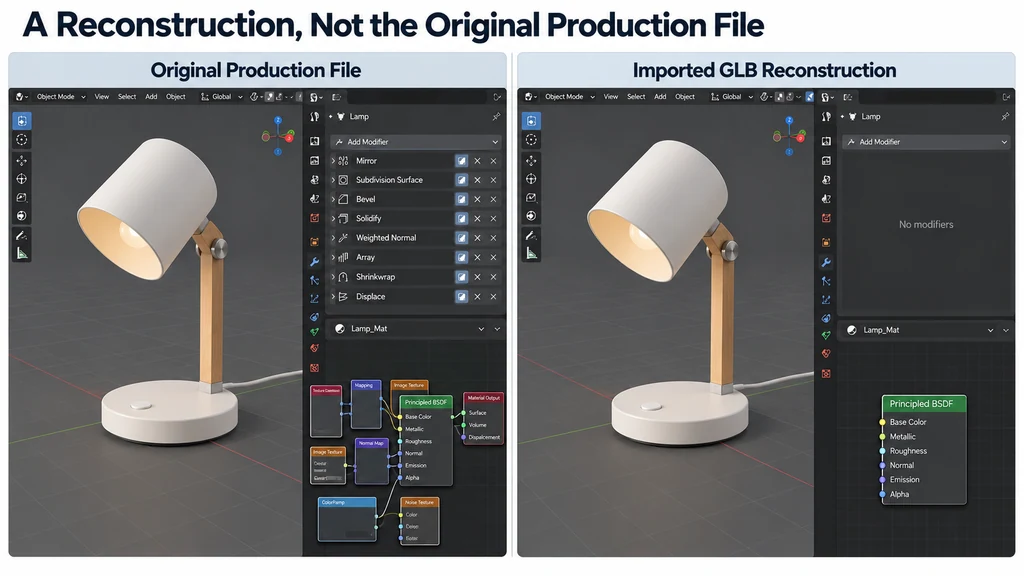
If the task requires a dimensional redesign rather than a visual correction, request the authoritative source when available. Editing a runtime mesh is not a substitute for revising engineering CAD.
Inventory the file before rebuilding it
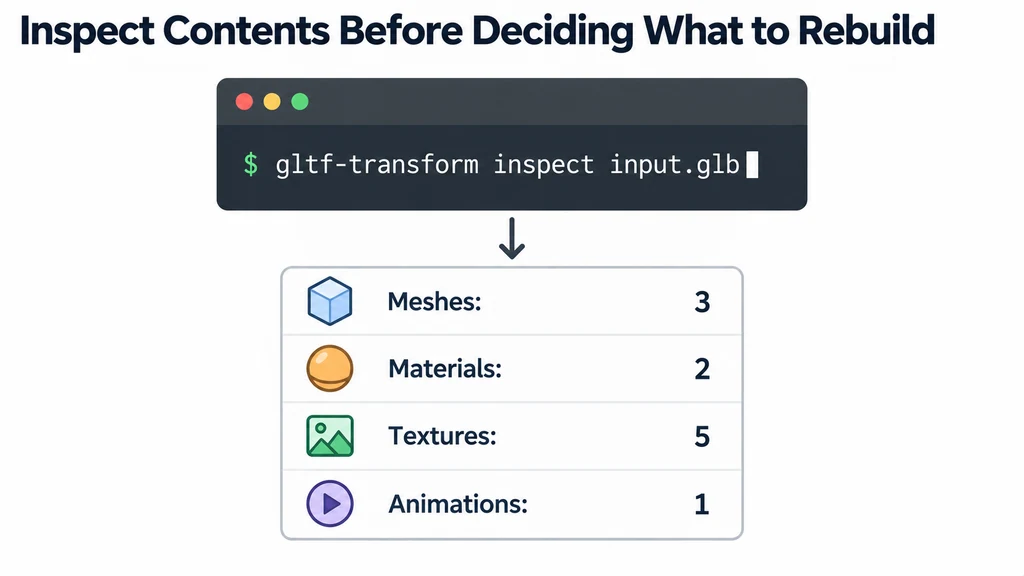
Preserve the original GLB and record its revision. Inspect its objects, materials, textures, and animation before deciding what needs repair. A resource-inspection tool such as glTF Transform can help distinguish the contents from what a viewer happens to display.
Write down the intended edit. Replacing a label, adjusting a material, and changing a component shape require different work. Do not rebuild a serviceable asset because it lacks the organization you prefer.
Keep an image or reference view of the received appearance for later comparison.
Import into a clean scene
Use the glTF import path available in the installed Blender version. Check the importer documentation for supported content and options. Record the version if the result will become part of a repeatable pipeline.
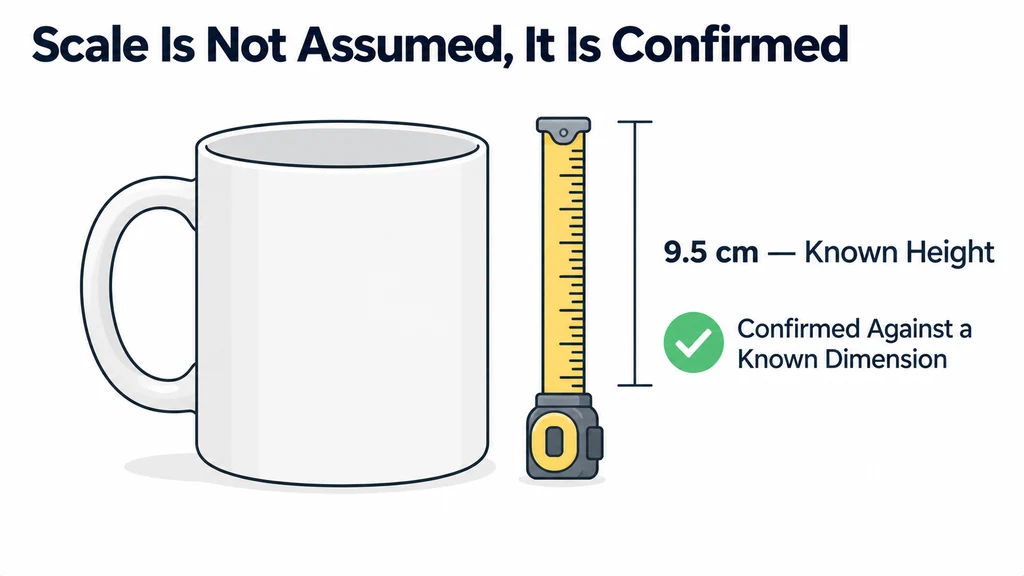
Inspect the hierarchy before joining objects or applying transforms. Identify components that move, share geometry, or use distinct materials. Confirm the scale against a known product dimension.
Save a new Blender file with a name that distinguishes it from the received GLB. Do not overwrite the only original while experimenting with cleanup.
Preserve behavior while preparing the edit
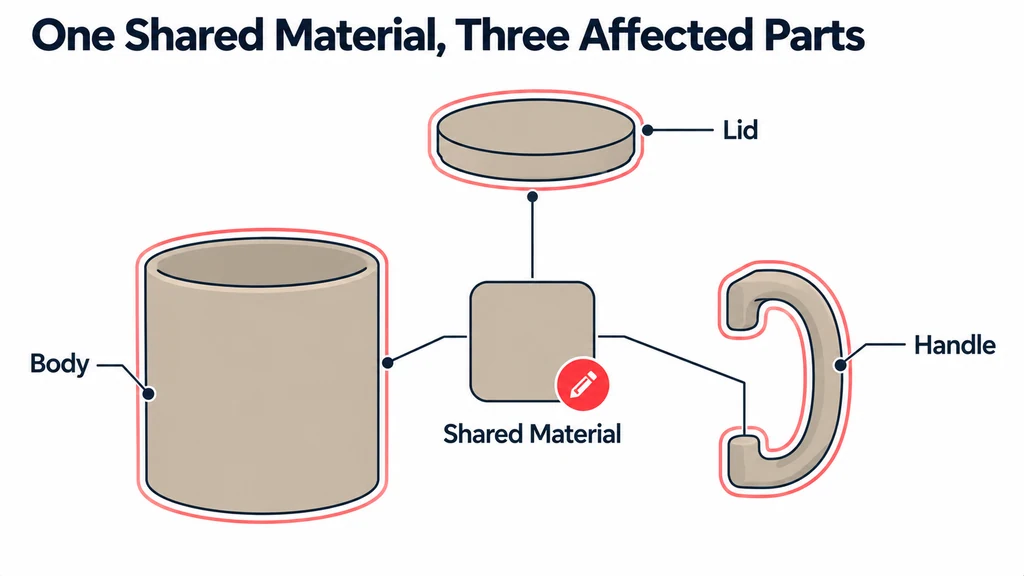
Check material assignments and texture references. Determine whether several parts share a material before changing it. A local-looking edit can affect the whole product when the material is shared.
Scrub any animation and inspect important start and end states. Keep the transforms that support those states until their role is understood. Renaming or reorganizing a hierarchy without checking animation can create extra repair work.
For a label replacement, isolate the relevant surface and mapping. For a geometry edit, inspect whether the available topology is suitable. A triangulated delivery mesh may require selective reconstruction rather than an attempt to recover a modeling history that is not present.
Make a minimal edit before reorganizing the scene
For a label correction, identify the exact mesh, UV map, image, and material assignment first. If another part uses the same material or image, decide whether the change should affect both. Make a separate material or image only when the required behavior justifies it.
For a moving lid, retain the parent relationships and inspect its animation before applying transforms. A visually unchanged default pose can conceal a broken pivot or animation binding.
Export a small comparison after the first intended edit. Check unchanged regions as well as the target area. If the route has already lost a required material feature or animation, resolve that import/export limitation before spending time on broader cleanup. Keep the original GLB, imported editing scene, and new export distinguishable throughout.
Export a comparison copy
After the edit, export a new delivery file and open it in the intended renderer. Compare the unchanged regions with the received asset as well as checking the edited region.
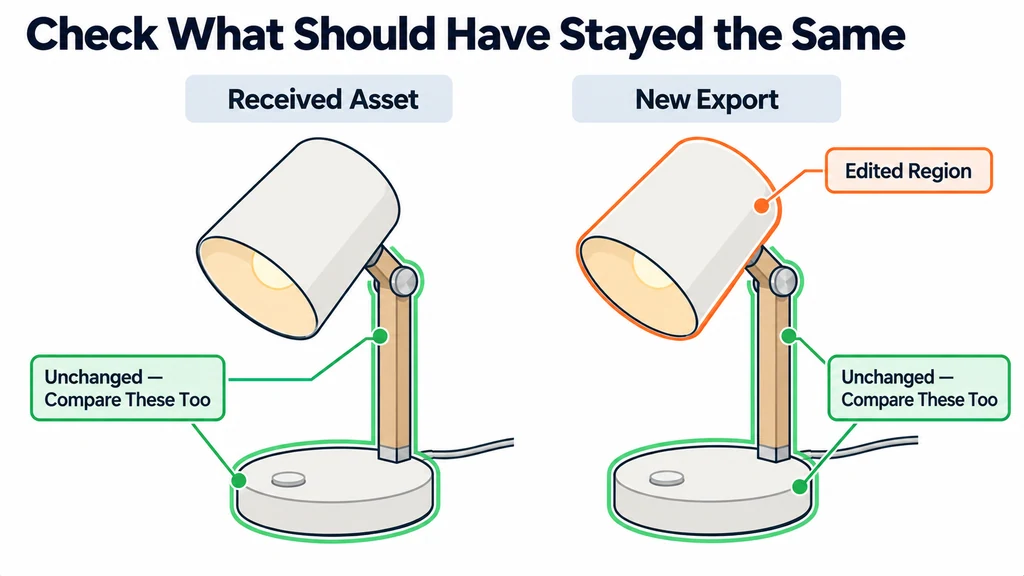
Confirm that the new file retains the required animations, components, and materials. Inspect exported resources for unintended additions or losses.
Keep the imported editing scene, the new delivery file, and the change record together. Describe the result as an edited delivery asset unless the original authoring source was actually recovered. This preserves a clear boundary between what the GLB supplied and what you rebuilt.