Keep a tested capability record for the actual application version, including configured decoders and plugins.
Compare declarations with actual capabilities
Read the asset's used and required extension declarations. The glTF specification defines their roles. Compare them with the implemented support rather than maintaining an optimistic list copied from another application.
Check the specific GLTFLoader documentation and configuration where Three.js is used. A library may support a feature only with an additional component configured.
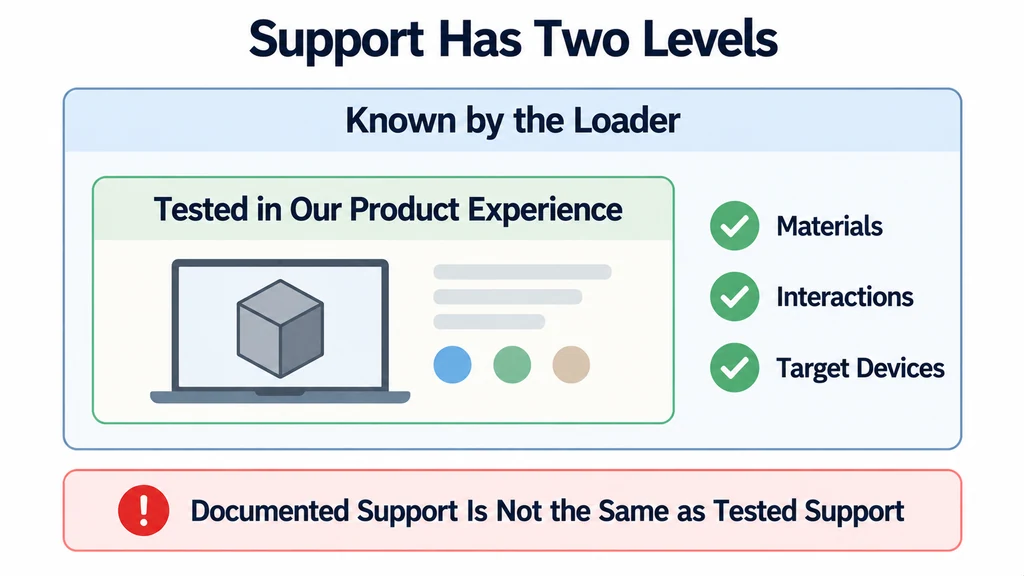
Record the distinction between "known by the loader" and "tested in our product experience." The latter also includes materials, interactions, and the target devices.
Read the declarations as sets
extensionsUsed lists every extension used by an asset, including required ones. extensionsRequired is a subset that declares what a consumer must support. They are not separate categories for material features and decoders.
Whether compression is required depends on the extension's rules and the fallback data actually included. Do not classify an extension as optional or required solely from its name.
| Asset condition | Release action |
|---|---|
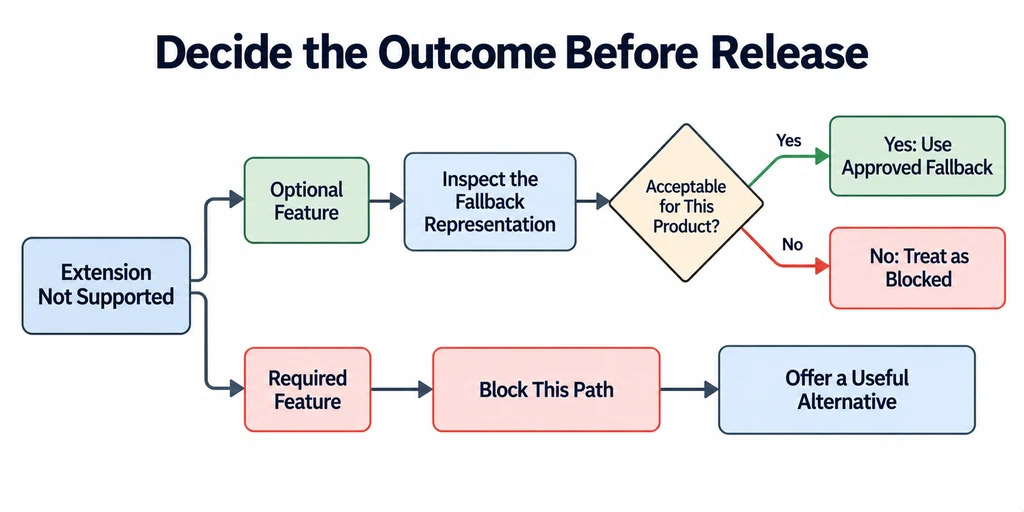
| Required extension unsupported | Stop that rendering path and offer an approved alternative. |
| Optional extension unsupported | Inspect the fallback data and decide whether the result remains acceptable. |
| Loader supports an extension but needs a decoder | Verify decoder configuration, version, and delivery in the deployed build. |
| Variant selection unsupported | Review the default material assignments and provide another way to select the intended product if needed. |
For a transmissive glass product, a separate alpha-blended compatibility material may be useful, but it is not equivalent to refraction. Do not apply universal alpha, roughness, or metalness values to every glass asset. Keep the full-quality material and review the fallback under the intended lighting, including its sorting and reflection limitations.
Decide what degradation means for the product
For an optional feature, inspect the asset's fallback representation. Do not assume that ignoring the extension leaves an acceptable commercial image.
A finish that loses an important directional characteristic may still be technically displayable but unsuitable for that product. Conversely, a minor presentation feature may have an approved fallback.
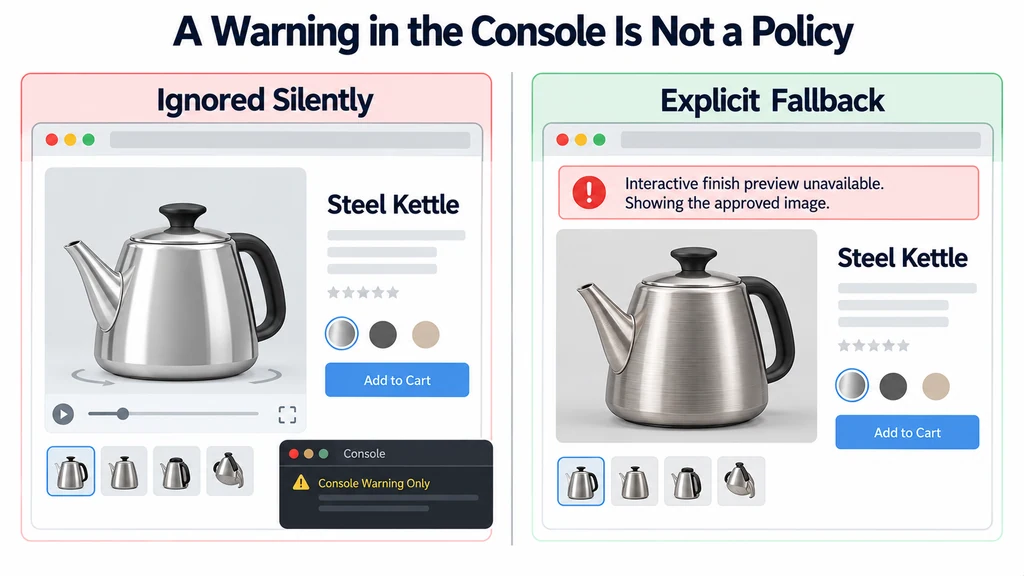
For a required feature that cannot be supported, block the unsupported path and offer a useful alternative. Do not silently show a partial model as though it passed review.
Keep compatibility separate from validation
Run a validator for structural issues, but maintain runtime tests separately. The validator and renderer answer different questions and may support different extension sets.
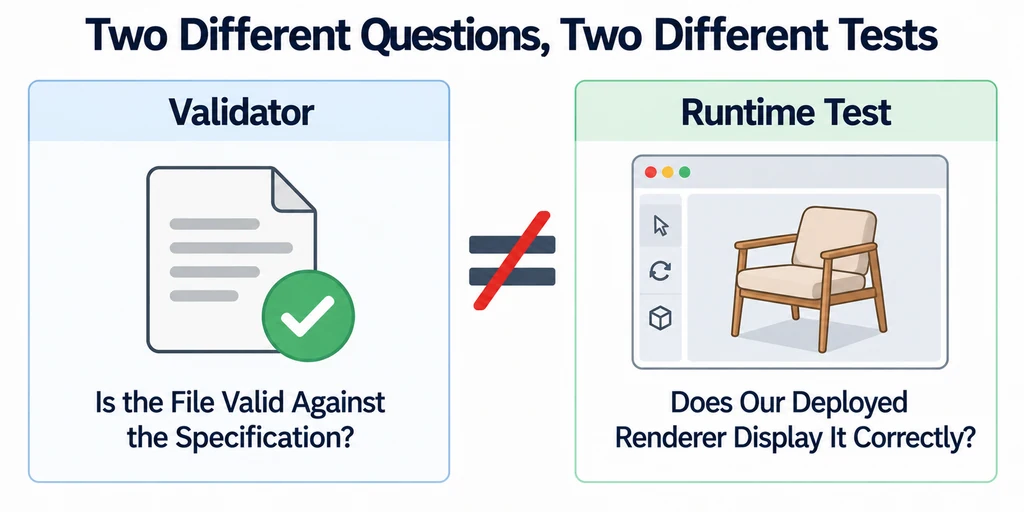
Build a small fixture for each capability on which released assets depend. Verify the expected supported result and the intended unsupported behavior.
Keep the fixture tied to the application version. A dependency update can change support or behavior even when the product asset remains unchanged.
Make the fallback observable
Provide a clear loading failure or approved alternate representation when necessary. Preserve product information and avoid an endless spinner.
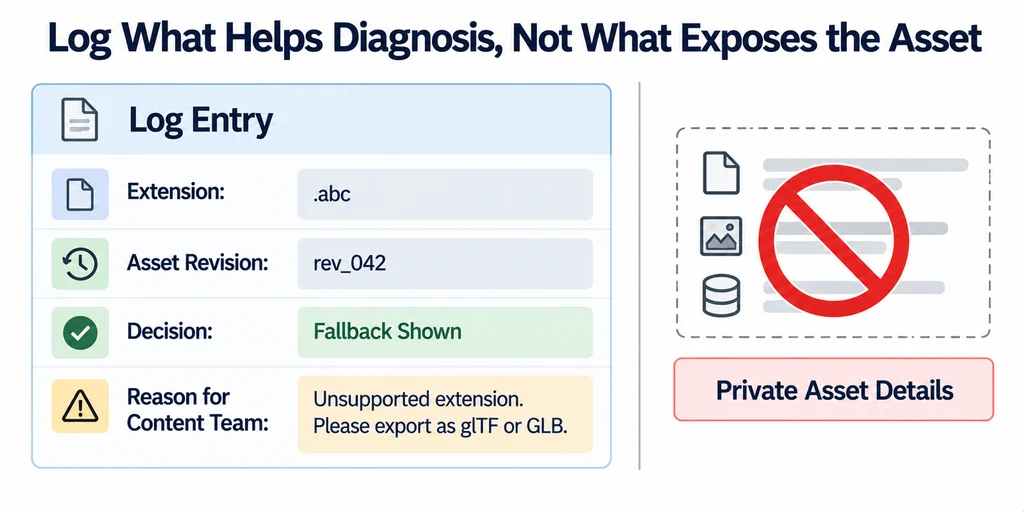
Log the relevant extension and asset revision for diagnosis without exposing private asset details unnecessarily. Give the content team an actionable reason for rejection.
Retest the capability record before accepting a new exporter setting across the catalog. A successful preview on a developer machine is insufficient if the deployed loader differs.
Document accepted fallbacks per product when appearance matters. Compatibility should be a deliberate release decision with a known result, not a side effect of whichever unsupported fields the application happens to ignore.