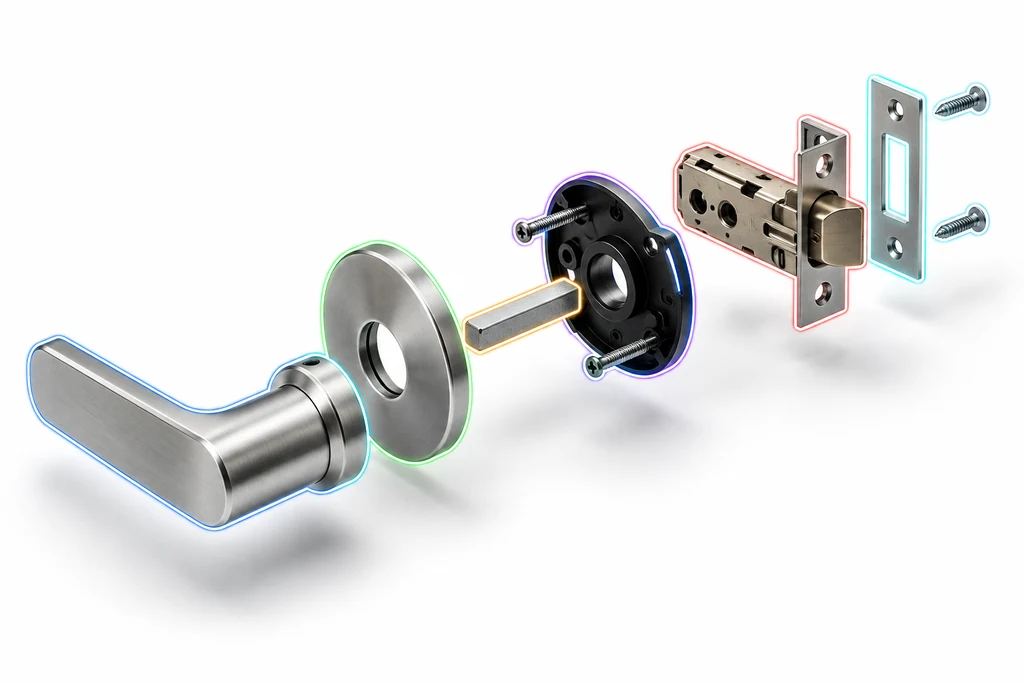
A usable assembly preserves part identity for review and interaction.
Geometry alone is not an assembly
A CAD-derived product can arrive in a web viewer as one merged mesh. That can work for a static spin. It fails when the page needs a selectable door, a material change on a handle, an exploded annotation, or a configuration rule tied to one part.
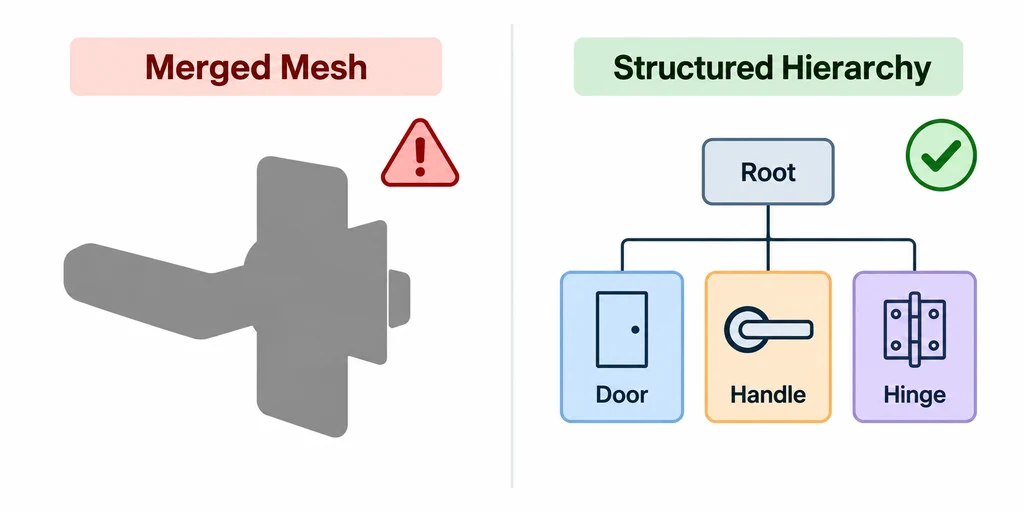
A structured hierarchy preserves the parts that the experience needs to distinguish.
glTF represents scene content with nodes, meshes, scenes, and transforms. The delivery decision is which product meaning must survive in the runtime scene graph.
Define the interaction boundaries first
Before tessellation or export, mark the groups that matter to the product experience: selectable parts, independent material options, moving parts, hidden parts, and geometry that can safely merge. These groups become export boundaries.
A useful hierarchy follows interaction and maintenance needs. It does not copy every temporary CAD construction feature.
Keep names stable and readable
Node and mesh names help people inspect and debug an asset. Use a stable identifier for product logic and a readable label for author review where the pipeline supports both.
Avoid names based only on a source application’s incremental object numbering.
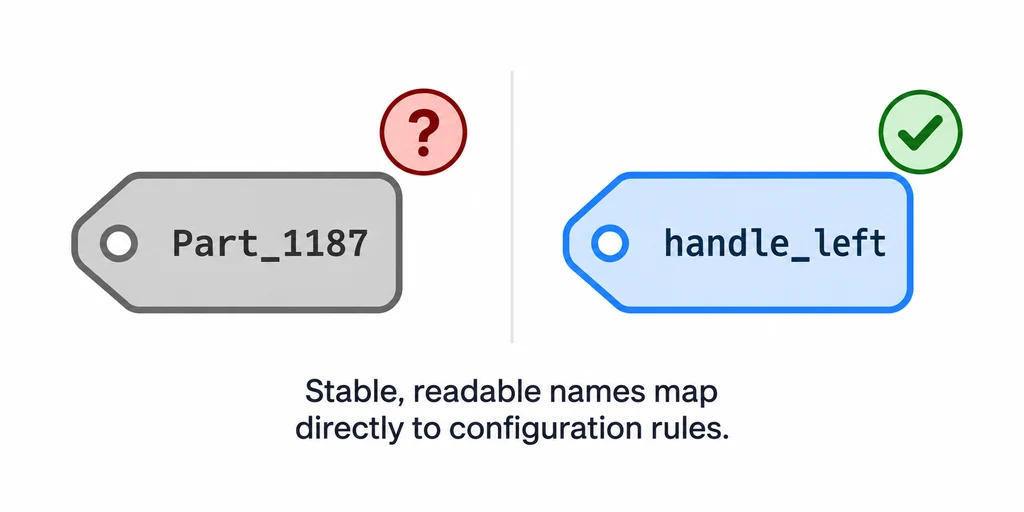
A name such as handle_left can map to product logic more clearly than an incremental part number.
If a business system owns identifiers, preserve that reference in a controlled metadata layer rather than relying on a display label that an artist may change.
Review transforms before merging
glTF nodes can define a matrix or translation, rotation, and scale. Check parent-child relationships and local transforms before collapsing geometry. A part can look correctly placed while retaining an unexpected origin or inherited scale.
Use a test scene with axes or bounding boxes for interactive parts. Verify root scale with a known measurement before baking or compression conceals the structural issue.
Check one hinge before processing the whole assembly
Choose a moving panel and identify the transform that defines its hinge axis. Inspect its local transform and every ancestor that affects it. Then rotate it through the intended range in the receiving application. A correct closed pose can conceal an origin or inherited-scale problem.
Keep display names readable, but use a controlled stable identifier for application bindings. glTF names are not required to be unique. If the application looks up handle_left, enforce uniqueness or use a more reliable mapping rather than assuming the name is an ID.
Clean away source-only construction groups on a delivery copy while retaining the interaction boundaries the page needs. A merged mesh can remain pickable if another identity mapping is preserved, so evaluate the actual selection implementation instead of treating every merge as automatic loss of interaction.
Establish a two-level QA gate
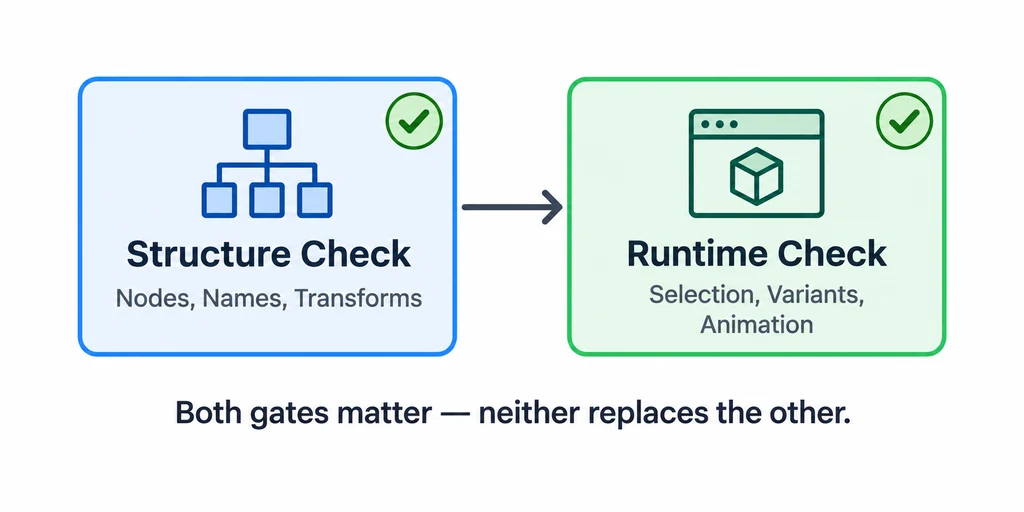
Format validation and runtime review answer different assembly questions.
First inspect scene root, node names, child relationships, mesh assignments, and transforms. Use the glTF Validator for format-level checks. Then inspect selection, variant switching, annotations, pivots, and placement scale in the target viewer.
A structurally valid file can still be a poor product assembly for a viewer. Both gates matter.