Begin with an approved product state, then connect its visual representation to valid customer choices and a measurable storefront experience. A 3D model, a configurator, and an AR handoff are related deliverables with different responsibilities.
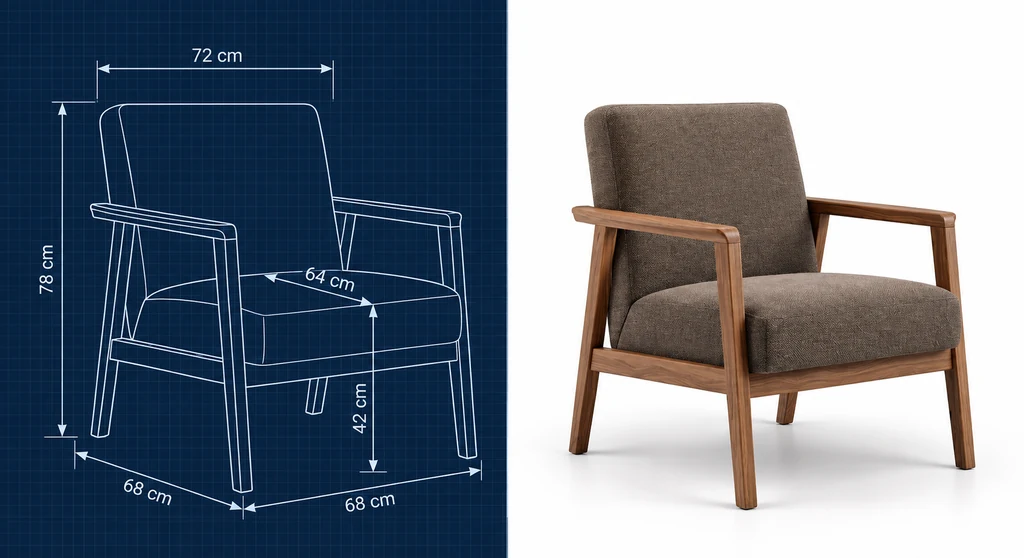
Choose a customer question before building the interface
A configurator can help a visitor inspect an angle, compare finishes, or understand an option. Identify that question first. Keep the required dimensions, feature descriptions, and photographs available when the model cannot load or the visitor chooses not to use it.
Avoid assuming that interaction causes psychological ownership or faster checkout. A plausible explanation of shopper behavior is not a measured result for the retailer. The rollout needs its own commercial evidence.
Turn product data into an explicit configuration state
Record the SKU, size, finish, accessories, and source revision. Keep the authoritative validity, price, and availability rules in the commerce system. The visual model should represent the selected valid state rather than invent a new configuration because its meshes can be combined.
For a finish-only option, shared geometry and alternative materials may be suitable. A different size or accessory can require another mesh or assembly rule. Material variants do not replace the product-rule system.
Handle loading and pricing as explicit states. A finish change should resolve to the correct visual asset and order data, while the interface handles delayed or failed responses. Do not promise synchronous updates across independent systems or allow an old response to overwrite the current choice.
Build a reviewed derivative from CAD
Preserve the source assembly and prepare a delivery copy. Check units and dimensions, tessellate the relevant curves, retain interactive part boundaries, and remove only approved source-only detail.
Then author materials from product references, prepare texture roles and UVs, and choose compatible compression. Validate the exported package and review it in the actual web viewer. The glTF specification defines delivery data; the receiving application defines the interaction.
| Stage | Output | Evidence to retain |
|---|---|---|
| Product definition | Named valid configuration. | SKU and source authority. |
| Asset preparation | Web delivery candidate. | Dimensions, material references, and export revision. |
| Viewer integration | Product controls and visual state. | Runtime version and interaction results. |
| AR preparation | Platform-specific candidate. | Asset identity and destination checks. |
| Storefront rollout | Measured experience. | Exposure, failures, performance, and commercial outcomes. |
This is a production framework, not a fixed schedule. Source quality, material complexity, option rules, and integration scope determine the work required.
Treat AR as a preview with known limits

Verify the exported dimensions against an approved reference before testing placement. glTF linear distances use meters. USDZ delivery needs the correct interpretation of its scene units and transforms. The resulting model must still be tested on the intended hardware.
A supported Apple Quick Look or Android Scene Viewer route can help visitors estimate placement. Tracking, surface detection, user scaling, and lighting conditions affect the result. An AR view does not establish that a sofa can pass through a hallway or that an appliance has safe installation clearance. Keep published dimensions and manufacturer guidance visible.
Link the selected configuration to the asset the receiver actually fetches. A red material displayed in the browser does not automatically change a separately hosted USDZ or GLB. Test the launch, the received finish, the fallback, and return to the product page.
Evaluate return and purchase outcomes carefully
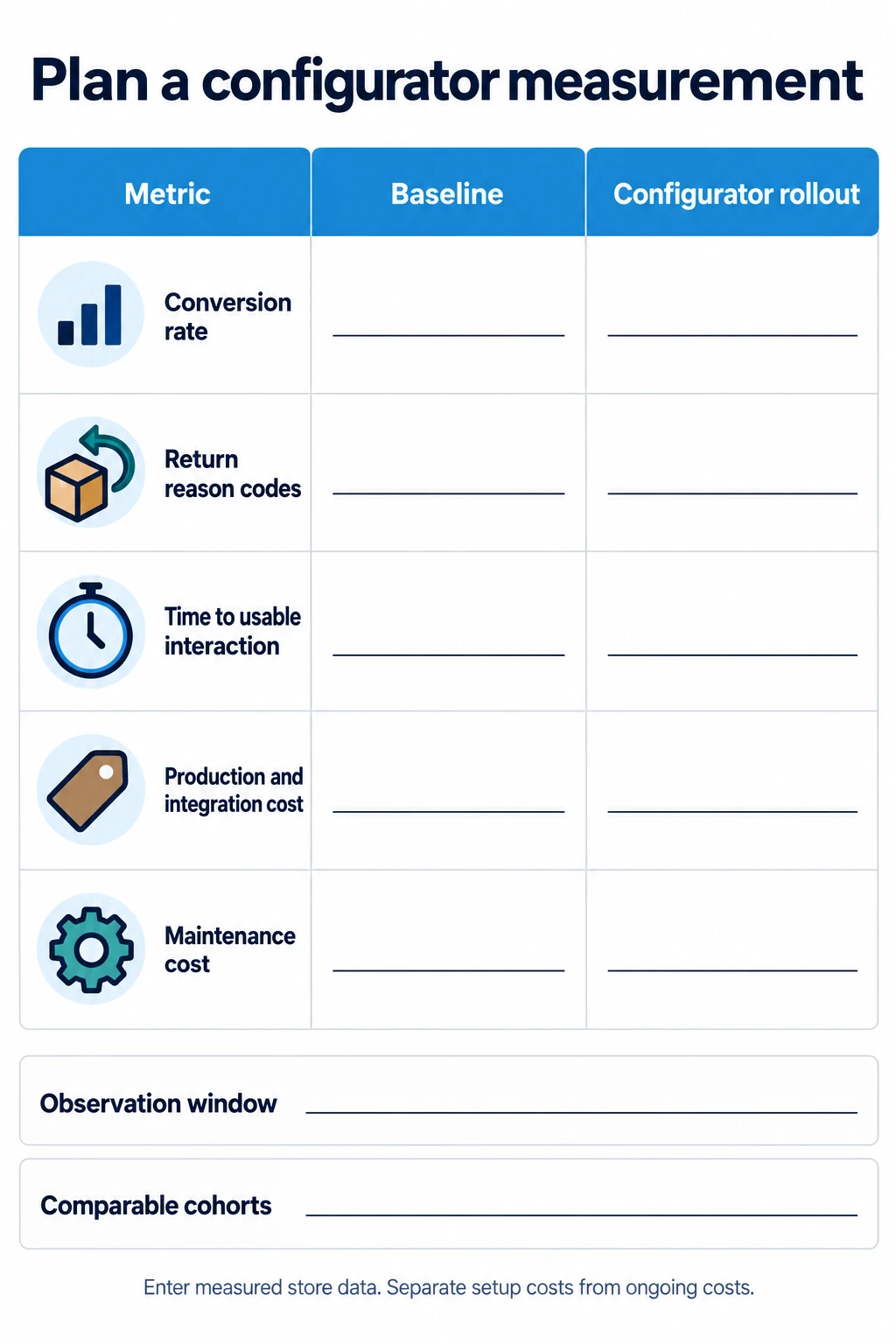
The worksheet is an illustration. Any rates or cost assumptions must be replaced with the retailer's own observations before they support a decision.
Establish the current page baseline and a defined trial population. Where practical, randomize which eligible visitors are offered the new experience. Record that exposure separately from voluntary interaction, because visitors who choose 3D may already differ from other shoppers.
Track conversion, loading failures, time to usable interaction, and relevant return reason codes. Use a consistent observation window and report the uncertainty around the result. A change in dwell time alone does not establish a profitable outcome or better product understanding.
Include the costs of asset production, integration, review, and maintenance in the business comparison. Reuse across variants can be valuable, but product and platform changes still require work.
Release one representative state before the full range
Choose a SKU with the material and interaction challenges that matter to the catalog. Agree visual acceptance, supported devices, loading behavior, and order-data correctness. Resolve those before multiplying the approach across every finish.
Keep the approved source, derivative assets, configuration mapping, and test record together. When a product changes, identify which renders, web assets, and AR packages depend on it. That makes the path from CAD to a customer choice traceable through later revisions.
Frequently asked questions
Can a configurator update pricing and inventory?
It can integrate with a commerce system through an explicit API and state mapping. The backend remains responsible for authoritative order validity and current commercial data. The 3D file does not supply those rules.
How long does the work take?
Estimate the actual source preparation, finish authoring, configuration logic, platform outputs, and review stages. A universal number of days would hide differences in product and integration scope.
Can AR replace dimensional information?
No. Use it as a supported visual preview alongside published dimensions and relevant installation instructions. Validate the asset and state the limitations of placement tracking.