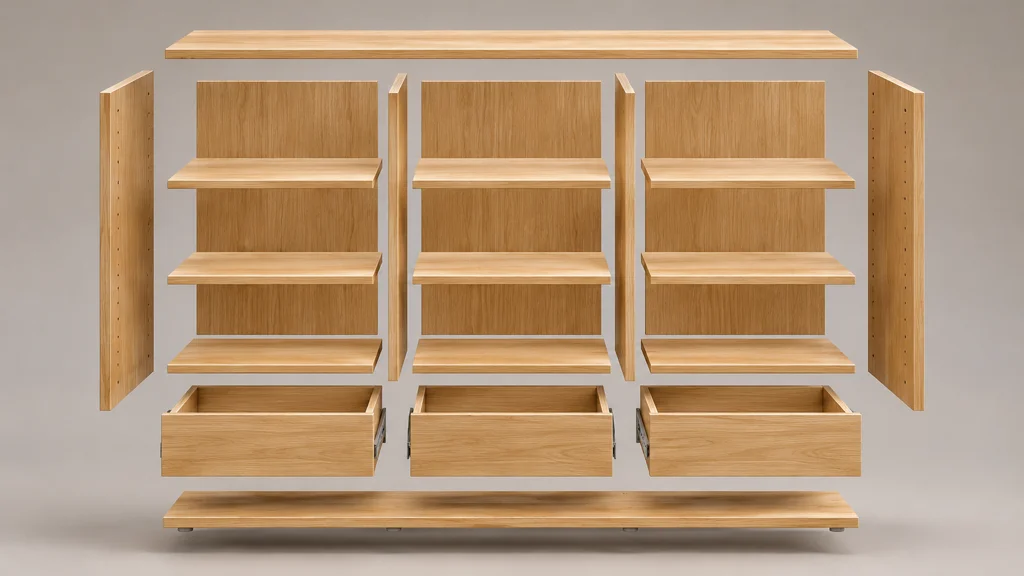
If you are thinking about adding a product configurator to your store, starting with an off-the-shelf app is a sensible first step. Commissioning a custom build only enters the conversation when your products, ordering rules, or customer experience ask for something an existing app simply cannot handle well.
That choice starts with a clear brief. Which versions of your product do shoppers need to see? Which combinations are they allowed to buy? How should the price update as they click? And what exact information does your fulfillment team need once an order comes through?
A custom product configurator should answer those questions in a way that fits how your business actually operates. Before you sign off on one, pin down exactly what the builder will deliver, how you will approve the work, and who will look after it once the store is live.
What “custom” should mean in your proposal
A custom build is shaped around your specific catalog and buying flow—covering your products, SKUs, variants, option rules, and the path shoppers take from picking options to checking out.
Here, a SKU is your internal code for a sellable item, and a variant is a specific version of it, such as a cabinet in a set size and finish. Your configurator needs to tie the exact look a shopper selects on screen to the real-world version your warehouse can ship.
Custom should mean far more than swapping a logo, button color, or font onto an off-the-shelf app template.
For instance, a tailored build might walk buyers through compatible parts step by step, swing the view to the exact area of the product they are changing, and generate an order summary formatted for your fulfillment floor.
At the same time, building custom does not mean writing every single line of software from scratch. Ask the developer which pieces are built specifically for your store, which rely on established software libraries, and which depend on an outside service—and make sure that breakdown sits right inside the proposal before you approve development.
When a custom build is worth considering
Begin by listing the specific gaps where an off-the-shelf app falls short, along with the real-world headache each gap creates for your store.
Your product rules do not fit the available app
Picture a product where choosing a wider frame changes which side panels fit and which mounting hardware is required.
Have an app vendor demo that exact rule sequence, including what happens when a shopper backtracks and changes an earlier pick. If the app leaves incompatible parts selected on screen or forces your staff to fix orders by hand afterward, you have a concrete problem worth solving.
Custom development earns its keep when enforcing those rules is essential to selling the right item and available apps cannot manage them cleanly.
The buying sequence needs to match the product
Some products work best with a guided, step-by-step flow, while others let shoppers jump freely between options.
A custom brief lets you define the order in which choices appear, add helpful notes right beside unfamiliar options, and keep a clear summary visible as the customer builds.
Write these needs in plain customer terms. Telling a developer to “show which attachments fit the selected base” is far more useful than asking them to “create an advanced interface”—and ask the builder to walk you through how their proposed layout actually helps a buyer decide.
Your order process needs a particular output
An order might need to carry far more detail than a product title and a color name.
Your team may need individual component codes, exact dimensions, personalization instructions, or a saved configuration reference tied to the purchase. Spell out those required fields and show how your warehouse or workshop uses them.
A custom store connection makes sense whenever an existing app cannot output that data without clumsy manual workarounds—just confirm that gap is real before paying to build around it.
When a ready-made app is enough
Stick with the app route if an existing tool handles your products, option rules, and checkout flow cleanly. Swapping colors and materials, adding or changing parts, placing custom text and images, and previewing items in AR are not exclusive to custom builds: Zakeke's Help Center lists all of those capabilities for its 3D Product Configurator (Zakeke Help Center). An app is often the better call when your setup is fairly standard, your team finds the dashboard easy to run, and the storefront experience holds up well—requiring far less oversight from your team than managing a custom software build. Just be sure to test it with one of your own real products, since a slick demo built around someone else's item proves very little.

What the build should include
Any proposal you consider should spell out the deliverables clearly enough that you know exactly when the job is done.
Product models covering the agreed SKUs and variants
List the exact slice of your catalog covered by the project and how each visible version will appear on screen.

If you want full interactive 3D, shoppers need a proper digital model of the product—and if all you have today are photos, creating that 3D model needs to be written into the scope.
Keep in mind that every single SKU does not necessarily need its own separate 3D file. Products that share a physical shape can reuse the same geometry—the underlying digital shape—with swapped surface materials, while products with different shapes need separate models or interchangeable parts.
Google's model-viewer examples illustrate this clearly: its "Swap Model Variants" example (Google model-viewer scene graph examples) bundles multiple materials and textures inside a single geometry file using the glTF materials variants extension. Wherever the physical shape stays the same, different finishes can live as variants of one model rather than separate files.
Ask for a clear asset schedule listing every product, part, finish, and variant included in the quote so “a model for the product range” never turns into a vague promise.
Option logic and valid combinations
Option logic is simply the set of rules governing what shoppers are allowed to combine.
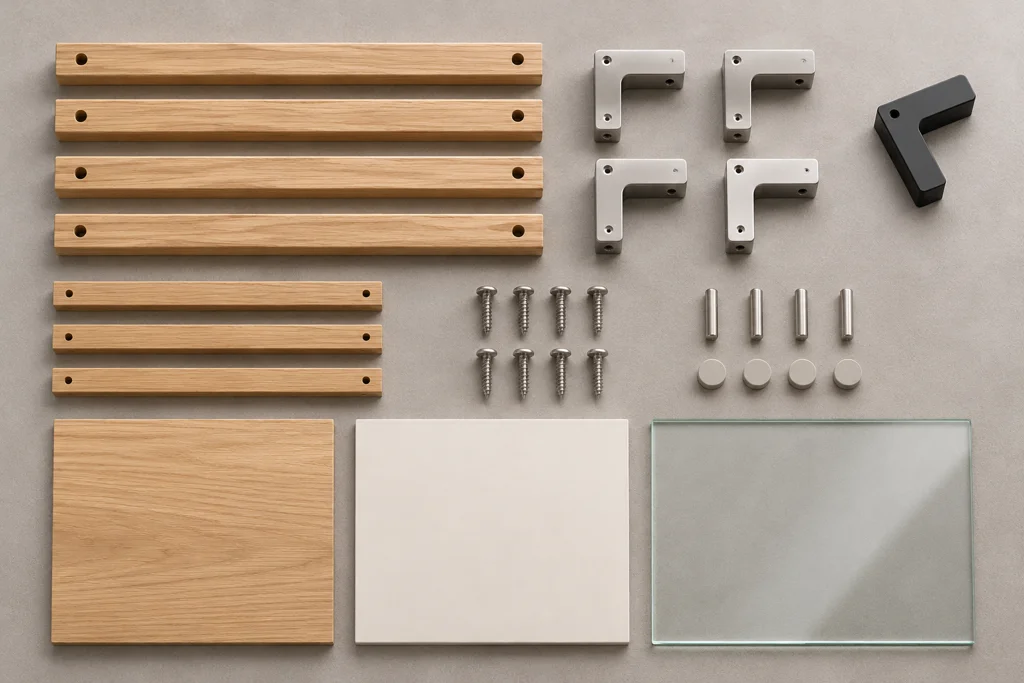
Spell out which choices are mandatory, which extras are optional, which combinations are off-limits, and how earlier selections affect later ones.
Make sure you also define what happens when a buyer changes their mind mid-way. If switching to a different frame makes a previously chosen accessory incompatible, should the configurator drop that accessory automatically, prompt the buyer to pick a replacement, or explain why the switch is blocked?
Have the builder prove those behaviors against your actual rules—because a configurator that looks sharp on screen but lets a customer check out with an impossible build is not finished.
Live price updates
Your proposal should spell out how prices recalculate as shoppers click options and where your store's master pricing lives.
Clarify whether each choice replaces the base price, adds an upcharge, or switches to a different sellable SKU, along with how the total updates when a buyer removes an add-on.
Ask to see the configurator total, cart price, and checkout total matching cleanly—and where relevant, test quantity updates, promo discounts, and your store's tax display rules.
Avoid keeping two conflicting price lists without a clear way to sync them. Decide upfront who updates prices and how those edits flow into the configurator.
The store connection and order record
Map out exactly what happens the moment a shopper finishes configuring and hits buy.
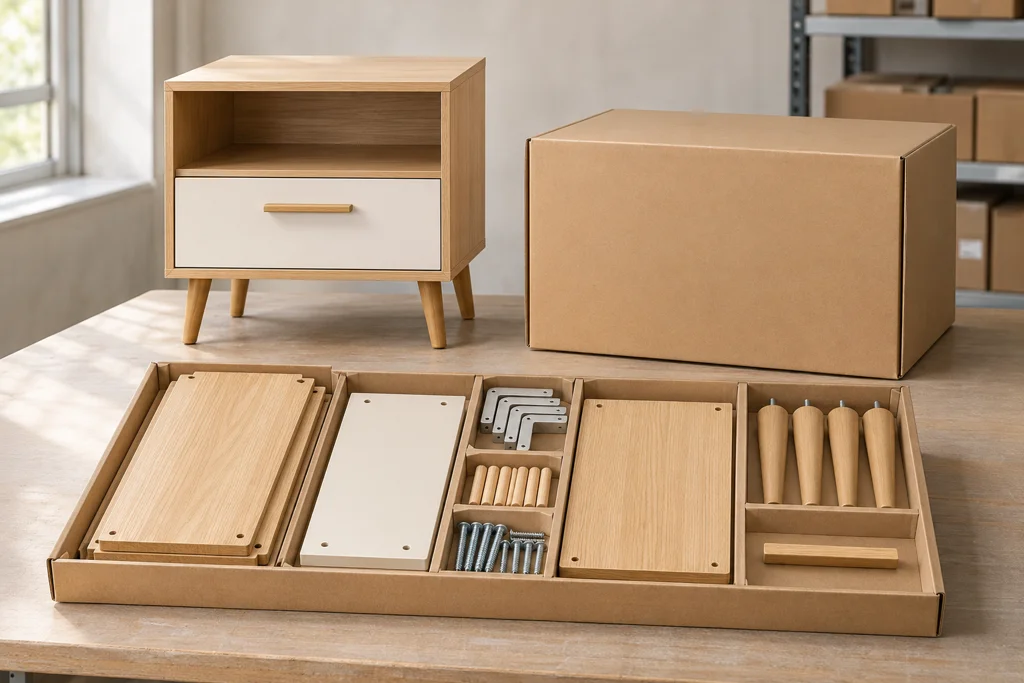
The chosen product, selected options, and custom notes need to land in your order admin in a format your team can read immediately, so ask to inspect a sample test order before signing off on the integration.
If your team also wants a visual thumbnail attached to the order, specify that separately—a picture is helpful, though it should never replace the exact SKUs and written specs your warehouse needs to ship the item.
AR where it serves the purchase
Augmented reality, or AR, lets shoppers preview a virtual product inside their own room through a compatible phone or tablet.
Include AR when seeing the item in real space answers a genuine buying question—not simply to check another box on a feature list.
Check upfront whether the shopper's chosen parts and finishes actually transfer into the AR view. For builds using Google's model-viewer, its documentation (Google model-viewer scene graph examples) spells out how the modes differ: live changes carry over in WebXR mode; Android's Scene Viewer reloads the original file from scratch, showing the unconfigured default; and iOS Quick Look only preserves changes when no separate ios-src file is supplied—and even then, colors multiplied over textures may not carry over. Seeing a model update in the browser never guarantees the exact same customized version will show up in AR.
Ask for a live test using the exact options you plan to sell, plus a clean fallback experience for devices where AR is not supported.
Administration and handover
Spell out which day-to-day updates your own staff will be able to handle once the configurator launches.
Can your team rename a finish, toggle stock availability, adjust a price, or add a compatible accessory on their own—and which changes will require a developer or fresh 3D assets?
Ask for clear documentation covering those tasks, along with all account credentials, source files, and technical notes, because a live storefront page is only part of a proper handover.
What to send the builder
The best project brief pairs clear physical product references with your business's exact rules of sale.
Pull together the following before requesting quotes:
Catalog list: product names, SKUs, variants, and which items belong in the initial scope.
Product references: photographs, dimensions, drawings, and available digital models.
Material references: approved finishes, fabric samples, patterns, and label artwork.
Option list: customer-facing names, allowed values, required choices, and unavailable combinations.
Pricing rules: how selections affect the product total and where the authoritative prices are kept.
Order requirements: an example of the information your fulfillment team needs.
Brand references: fonts, colors, existing page layouts, and examples of the desired customer experience.
Store information: the platform, relevant integrations, and who maintains the website.
Call out any open decisions upfront instead of leaving the builder to guess.
If a material finish is still awaiting approval or a part is mid-redesign, flag it clearly and ask how those open items affect what can be modeled and signed off now.
Whenever you hand over existing 3D models, double-check that you hold the right to use and modify them for this build.
What to ask before signing
What is included, and what is optional?
Get a written scope covering the included products, variants, 3D visuals, option rules, store integration, testing, and final handover.
Confirm specifically whether 3D modeling, live text previews, mobile AR, and admin tools are part of the base price—never assume a feature you saw in a sales demo is automatically included in your project.
What will we approve along the way?
Ask for structured review milestones that separate checking physical product accuracy from judging surface finishes and testing software behavior.
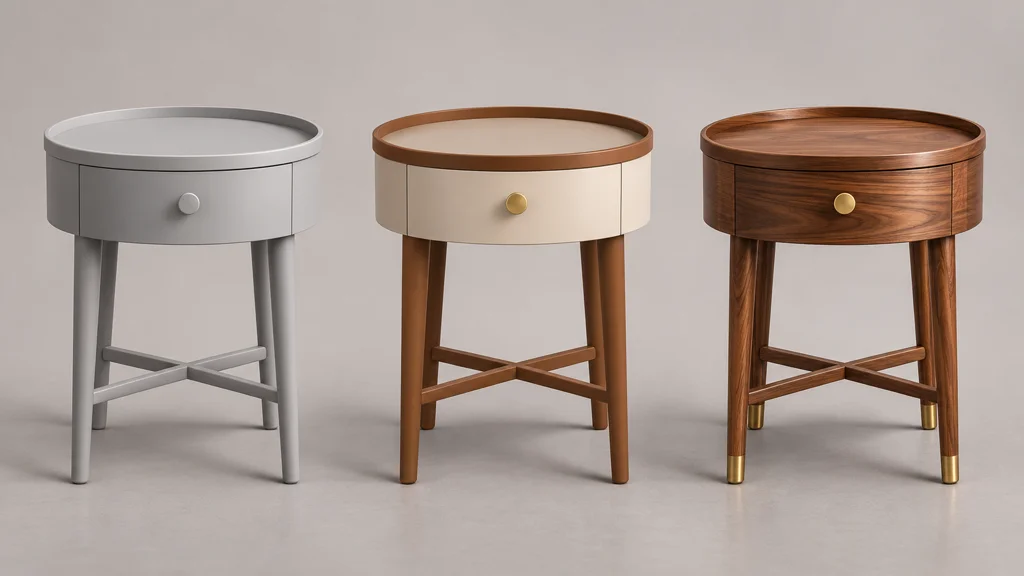
For the 3D visuals, a staged workflow works best: approve the bare model first to confirm shape and proportions; then approve the materials to verify finishes and surface look; and finally approve the finished output. That is the exact sequence 3D Vision Art follows on its own projects, keeping proportion mistakes from popping up only after texturing is finished.
On a configurator build, pair those visual checkpoints with live demos of the option rules, pricing math, and checkout flow—signing off on how the model looks should never mean accepting an untested buying process.
What do we own and receive?
Pin down ownership and file access for your 3D models, texture files, source code, option rules, and configuration data.
Ask which third-party licenses or external services the build still relies on, since paying for an owned custom build does not automatically mean every underlying code component belongs exclusively to your company.
Also verify that another qualified developer could step in and maintain the codebase later, and ask what technical documentation comes with the handover.
How will the finished work be tested?
Agree upfront on the supported browsers, devices, and buying flows that will be checked before launch.
Test mobile touch controls, keyboard navigation, loading speed, blocked selections, live price updates, and real test orders—including what happens when a shopper jumps backward and changes an earlier choice rather than following an ideal path.
Also confirm what shoppers see if the interactive 3D viewer cannot load on their connection or device.
Who supports it after launch?
Assign clear responsibility for hosting, security patches, platform compatibility updates, backups, and bug fixes once the configurator is live.
Draw a clear line between fixing defects inside the original scope and commissioning new products or features later, and agree on how future updates will be quoted and approved.
Even without a monthly configurator app subscription, a custom build still needs a practical ongoing maintenance plan.
Keep pricing tied to the project scope
Custom configurator work is quoted per project, with costs shaped by model preparation, catalog size, option logic, store integration, and extras like personalization or AR. Ask for a detailed proposal listing deliverables, exclusions, and ongoing responsibilities so the price connects directly to clearly named work.
Frequently asked questions
Can we commission a custom build using our existing models?
Potentially, yes. The studio or developer will need to check whether your existing files are dimensionally accurate, cleared for commercial reuse under their licenses, and structured properly for real-time display—since many models need material, hierarchy, or polygon updates before they can swap parts cleanly.
Does every product variant need a separate model?
Not necessarily. Products that share the exact same physical shape can often reuse one model with different material presets, whereas variants with different shapes call for separate models or swappable parts. Ask for a clear asset plan mapping every SKU and visible variation instead of guessing at full duplication or total reuse.
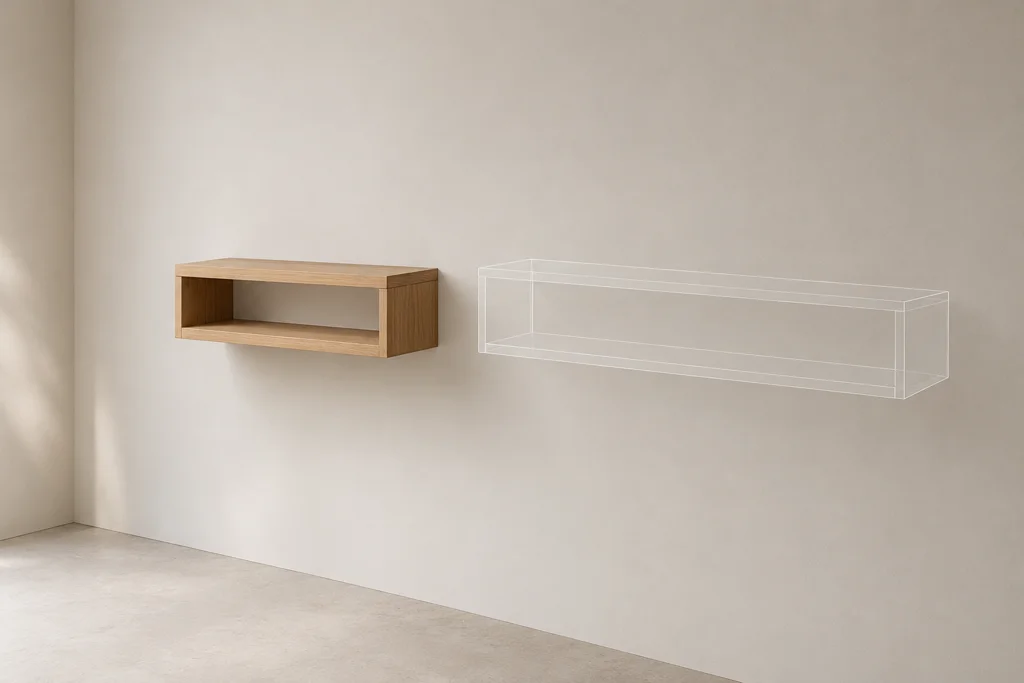
Can we start with part of the catalog?
Yes—starting with a focused slice of your catalog is a smart way to scope phase one. Pick products that represent the trickiest option rules and visual details you want to prove out, and talk through future phases early so the initial architecture does not box you in later.
Will our team be able to change options and prices?
That comes down to what admin tools are built into the project. List the exact day-to-day edits your staff needs to make and ask to see them demonstrated before sign-off, while clarifying which larger updates will still require new 3D assets or developer work.
How do we know custom development is justified?
Send the exact same representative product brief to both an app vendor and a custom builder, then compare how each handles your option rules, live pricing, order output, and long-term upkeep. Custom development is justified the moment it solves a specific business bottleneck that matters to your store—and not before.
Commission a configurator around your products
If your requirements call for a tailored build, consider the 3D Product Configurator service from 3D Vision Art.
Share your catalog, product references, available models, and option rules to request a free quote for the experience your store needs.
Get a Free Quote ↗