
For a folding product, a polished opening shot might hide an impossible hinge movement. Review the action in a plain preview first. Attractive lighting should not become the reason a mechanical error survives into the final film.
Give each shot a job
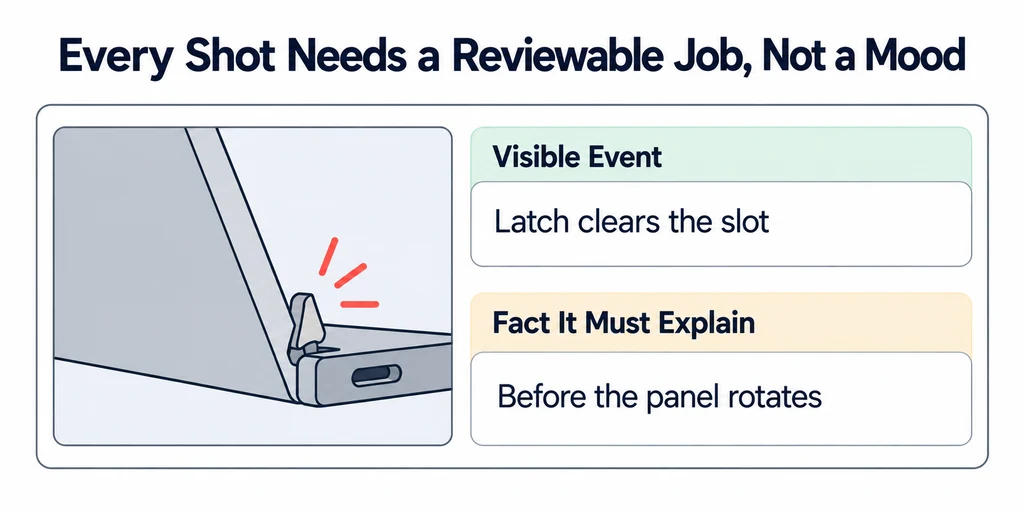
Write the visible event and the fact it must explain beside each storyboard frame. For example, "the latch clears the slot before the panel rotates" is reviewable. "Show innovative engineering" is not.
Name the product evidence for the event. Use an approved motion reference, assembly description, or product-owner explanation. Flag any simplified movement. An illustration can omit irrelevant complexity, but it must not imply that an unsupported action is physically possible.
Assign a reviewer who can approve the relevant fact. A brand reviewer can approve tone and typography without becoming the authority for internal component movement.
Approve timing with an animatic
Build a timed sequence from rough frames or simple viewport shots. Include temporary labels and a guide voice track when the explanation depends on them. Blender's Video Sequencer provides timeline tools for assembling this material.
Watch the sequence at normal speed before discussing individual frames. Can the viewer follow cause and effect? Does a label appear before the referenced component moves away? Does the final state stay visible long enough to understand?
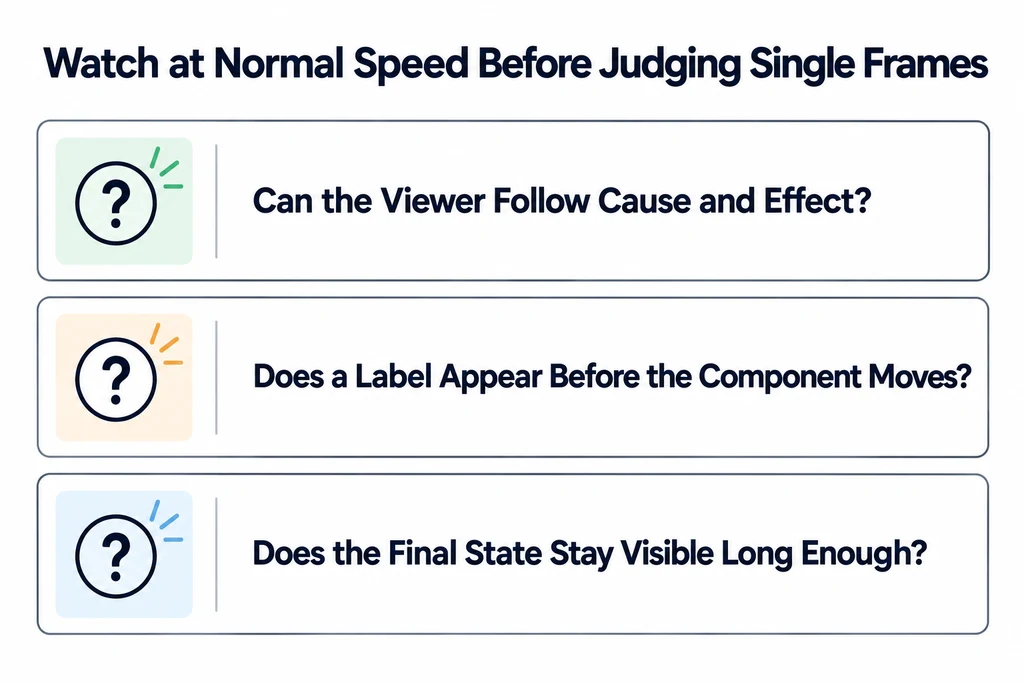
For an illustrative folding-product sequence, review the latch release, panel rotation, and final lock as distinct events. Their durations must come from the communication task and approved motion, not a universal rule about how long a product video should be.
Separate motion approval from appearance approval
Approve framing and camera movement in the rough sequence, then approve materials and lighting through selected look-development frames. Camera settings belong to the scene and need their own version record when they change.
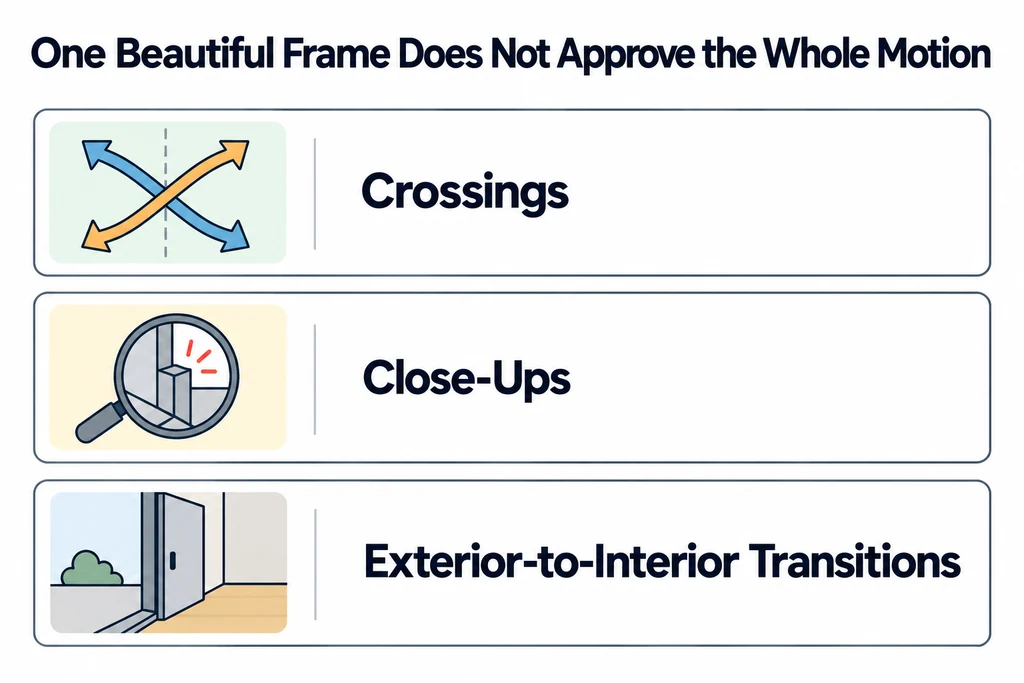
Do not let approval of one beautiful frame imply approval of the entire moving sequence. Reflections, occlusion, and legibility can change during motion. Check the difficult moments, including crossings, close-ups, and transitions between exterior and interior views.
Use staged approvals to limit rework
| Review stage | What the reviewer sees | Decision to settle |
|---|---|---|
| Storyboard | Shot sequence and the product fact in each shot. | Scope and explanation. |
| Animatic or viewport preview | Timed motion with rough materials. | Camera, movement, order, pauses, and required labels. |
| Look-development frames | Representative lighting and materials. | Finish, environment, and difficult visual moments. |
| Final export | The rendered edit in its delivery form. | Text, transitions, sound or captions, and export quality. |
A stage approval covers the named decisions and revision. It does not imply approval of unresolved details in another stage. Record who can approve mechanical behavior and who can approve brand appearance.
When a late request changes a previously approved camera, identify the affected shots and rerender work before proceeding. A factual correction still needs fixing, but documenting its scope makes the production decision clear. This process controls rework; it is not a promise of a fixed cost or turnaround for every animation.
Record changes against the approved version
For each request, identify the shot, time range, observed problem, and desired correction. Classify the request as a factual correction, a change to an approved creative decision, or a delivery adjustment. Keep these distinctions visible when discussing scope.
After a camera or timing revision, review the affected explanation again. A shorter shot can remove the pause that made a mechanism understandable even when the geometry is unchanged.
Before final rendering, confirm that the product state, sequence, timing, camera, and key appearance decisions have named approvals. Keep unresolved items out of the final-render queue. After rendering, review the completed edit in its delivery format because an approved animatic cannot prove that the final text, compression, and transitions remain readable.