Start with an approved sequence and a list of intended placements. Separate the shape of the frame from its resolution, duration, captions, and delivery encoding. A vertical frame alone does not define a complete publishing specification.
Mark the action that must remain visible
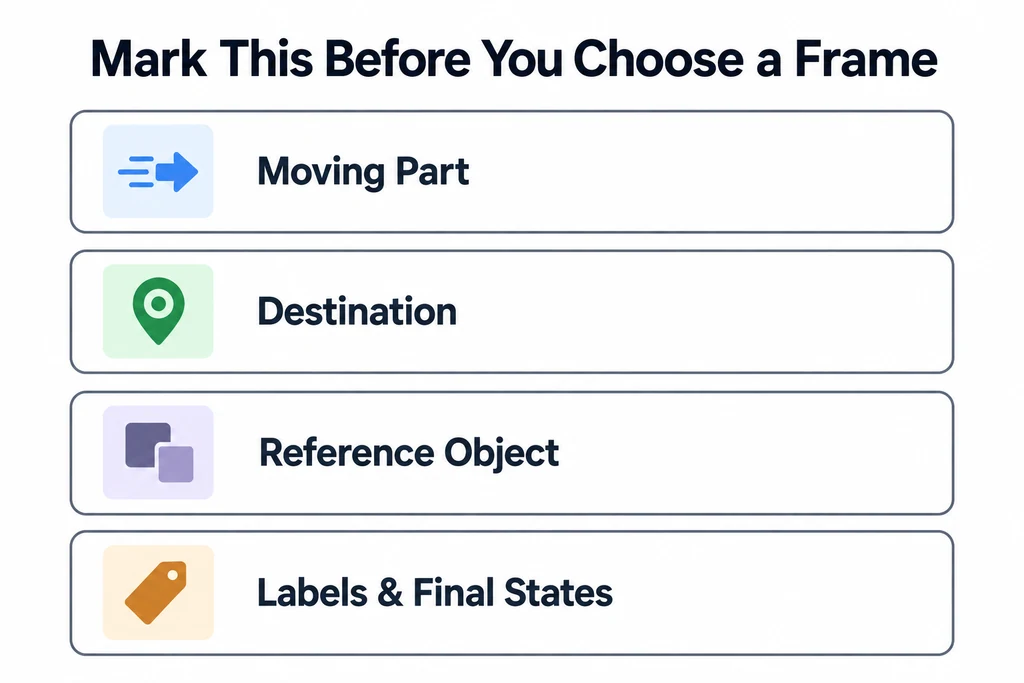
For each shot, identify the moving part, its destination, and any reference object required to understand the movement. Include labels and important final states.
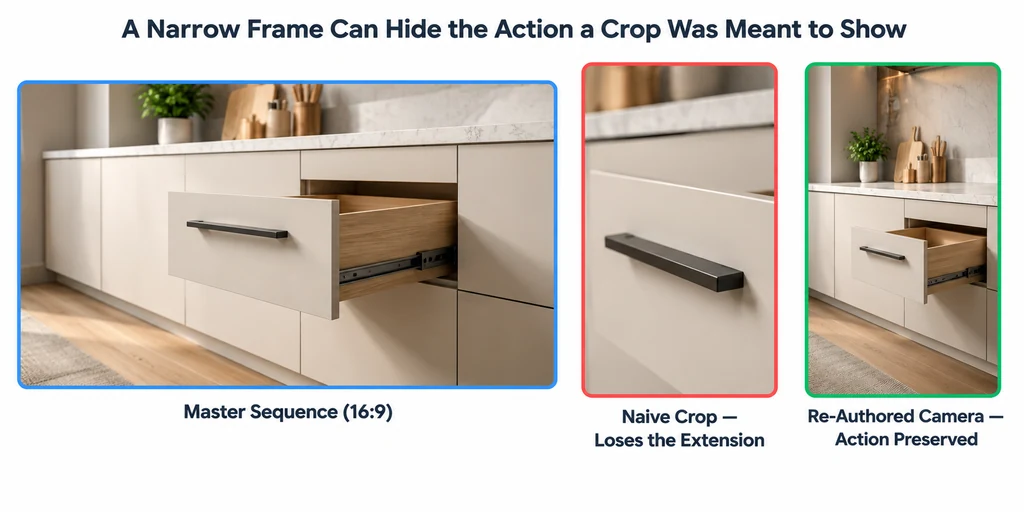
In a drawer-opening sequence, the viewer may need to see both the cabinet and the extended drawer. Centering the crop on the handle could hide the extension. A view that retains the whole action may be less close, but more useful.
Create rough versions at each required aspect ratio before finishing the master. Review the entire movement, not just the first frame.
Decide whether a crop preserves the action
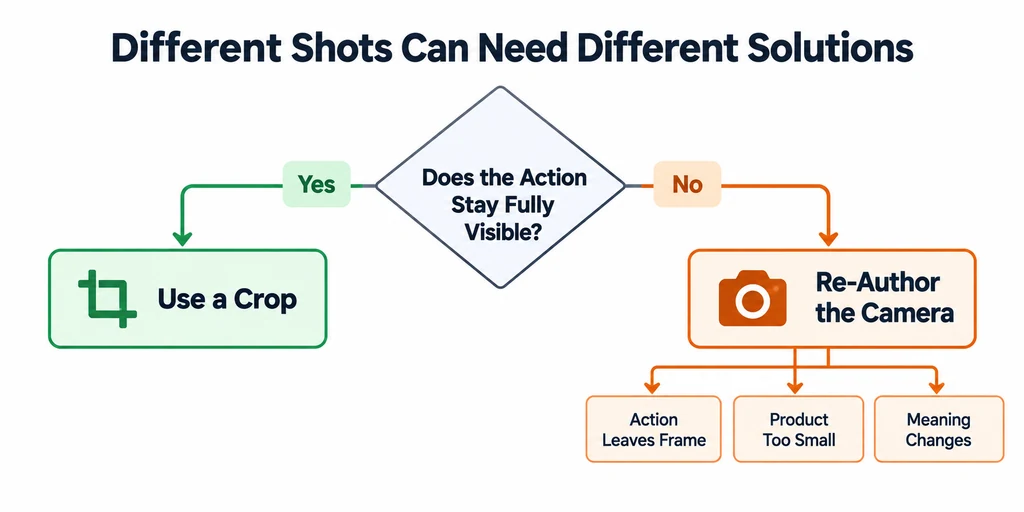
Use a crop when it keeps the necessary product evidence visible throughout the shot. Re-author the camera when the action leaves the frame, the product becomes too small, or the composition changes meaning.
Blender's camera controls provide a way to render a distinct composition rather than enlarging a finished image. Preserve the approved product state when changing the camera. Reframing is not permission to alter dimensions or move components to impossible positions.
If different shots require different solutions, document them separately. A fixed hero view may survive a crop while a wide assembly movement needs a new camera. Do not enforce one conversion method across the entire film.
Rebuild text and pacing for the destination
Place labels in the actual delivery frame. Keep each label attached to the correct event and allow room for any interface overlay specified by the destination. Check current destination guidance rather than assuming one safe-area diagram applies everywhere.
Use the editing timeline to adjust pauses and transitions where needed. If a narrow version reveals the mechanism in successive shots instead of simultaneously, review that new sequence as an explanation. It is an editorial change, not merely an export setting.
Watch the version without sound if the placement may be silent. Text should add necessary information without covering the action. Provide caption files or other accessible alternatives according to the delivery requirements.
Compare the same action in three frames
| Version | Composition question | Likely revision |
|---|---|---|
| Landscape 16:9 | Are the product and moving part readable together? | Use width to show their relationship without unnecessary empty space. |
| Square 1:1 | Does the action remain legible throughout its travel? | Rebalance camera distance and text placement. |
| Vertical 9:16 | Can the full action fit without becoming too small? | Re-author the camera or split the explanation into reviewed shots. |
These ratios are examples, not platform delivery specifications. Use the destination's actual requirements for dimensions, overlays, duration, captions, and encoding.
Keep callouts in editable layers where practical. A text position approved for landscape can cover a handle in the vertical version. Review the entire movement and the pauses at each ratio. A crop is acceptable when it preserves the explanation; a new sequence requires its own timing and product-fact approval.
Approve each delivered version
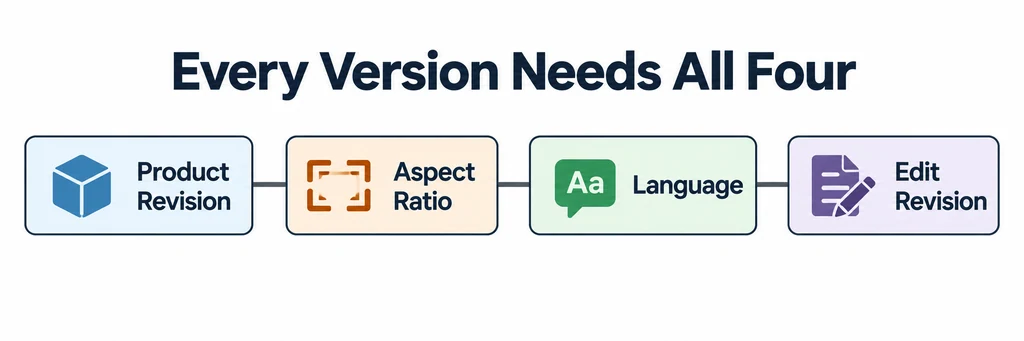
Name each version by product revision, aspect ratio, language, and edit revision. Compare the final exports at their intended display sizes.
Check the beginning, ending, and loop boundary where relevant. Verify that no crop removes a safety-relevant label or makes an optional accessory look included. Review compression separately from composition.
Keep the approved master and the decisions used to derive each version. A family of videos should preserve the same product facts even when the camera, pacing, and text layout differ.